


How to sell on Microsoft Marketplace: a step-by-step guide for software companies (2026)
Updated 10 Nov 2026 · FY27 (1 October 2026 to 30 June 2027)
The short answer. To sell on Microsoft Marketplace, a software company creates a Partner Center account, makes one offer transactable (Microsoft bills the customer and pays you), publishes it and sends its first customer a private offer. Microsoft charges no listing fee and keeps 3% of each sale. At WeTransact, we recommend starting Microsoft's company checks first, because waiting for them is the slowest part.
In plain words. Microsoft Marketplace is less a shop window than a billing service. Your customer buys on the Microsoft agreement it already has, Microsoft sends the invoice and collects the money, and pays you the rest.
Partner Center is Microsoft's admin website for partners, where you manage your company profile, offers and payouts. A transactable offer is one that Microsoft bills for. Most of the work is one-time setup.
Get the complete guide to Microsoft FY27 Marketplace Incentives
Every Microsoft incentive for software companies: what it pays, who qualifies and how to claim it.
Download the e-book →
Does this apply to you?
Probably yes, if you sell business software on a subscription or usage basis. For SaaS, Microsoft Learn says the product must be multitenant (one product shared by many customers), use Microsoft Entra, Microsoft's sign-in system, and connect to Microsoft's fulfillment APIs (step 5).
New to the store? Start with our guide to what Microsoft Marketplace is and how it works.
Not yet, if your company is not legally registered, because Microsoft verifies that. Hardware is out, since Microsoft says Marketplace does not support selling it.
Be careful, if your product is an app or add-in for Teams, Outlook or Excel. It follows a different path. The Microsoft Learn page called the "Microsoft Marketplace step-by-step submission guide" covers those apps, and its four to six weeks is for that process. Microsoft says such apps are not eligible for co-sell-ready status.
Who does what
- You supply company facts, listing text, prices and the first deals, and you support the product.
- Microsoft verifies your company, certifies the offer, invoices, collects, handles tax in many countries and pays you monthly.
- A platform can take over the technical link, offers and orders. We do this at WeTransact, or you can do it yourself.
Step 1: set up your Microsoft account and Partner Center profile
Enroll in the Microsoft AI Cloud Partner Program (Microsoft's partner program) with a work account, then in the Microsoft Marketplace program, as Microsoft Learn lays out. A Global admin starts enrollment. Have your legal name, address and registration number ready.
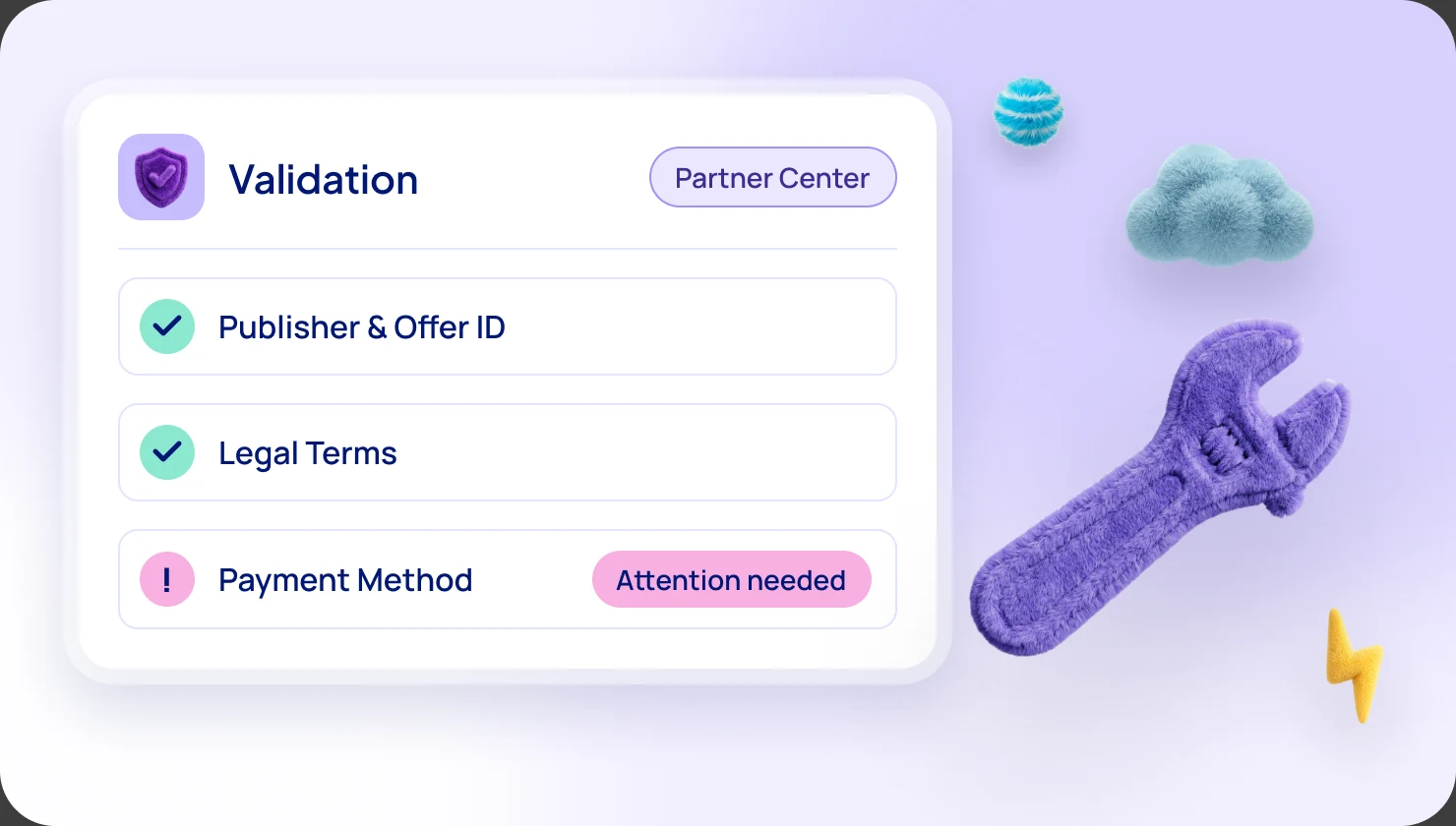
Then Microsoft verifies the company. It checks the primary contact's email, one user's identity, employment through domain documents, and your business registration. Microsoft says this takes three to five business days in most cases, and until it ends you may not be able to publish.
What we recommend:
- Start verification on day one, before anything else.
- Match your name and address to official registration records exactly, with no abbreviations.
- Use a business email for the primary contact and add microsoft.com as a safe sender. Our team can run this setup with you, or for you.
- Submit your tax profile (a W-9 form in the US, a W-8 form elsewhere), then your payout profile. Microsoft says validation takes up to 48 hours for the tax profile and about 48 hours for the payout profile. The user needs the Owner or Finance Contributor role.
Step 2: choose how customers will buy
For SaaS, Microsoft Learn lists four listing options:
- Contact me. A form. The customer contacts you and you sell outside Microsoft. Nothing is billed through Microsoft.
- Free trial. The customer goes to your site. You manage the trial and the move to paid.
- Get it now (free). The customer gets it without Microsoft billing. Bring-your-own-license, where the customer already owns the license, works the same way.
- Sell through Microsoft. This is the transactable option. Microsoft bills, collects and pays you.
We recommend transactable. Only transactable sales count as Marketplace billed sales, the number Microsoft uses for co-sell, Azure sponsorship and most FY27 incentives. Microsoft also says Azure IP co-sell eligibility needs a transactable offer listed as "Sell through Microsoft".
Decide before you publish: Microsoft Learn says you cannot change a transactable offer to another option afterward. A transactable plan can still include a free trial of 1 to 180 days, which becomes paid unless the customer cancels.
Step 3: plan pricing and private plans
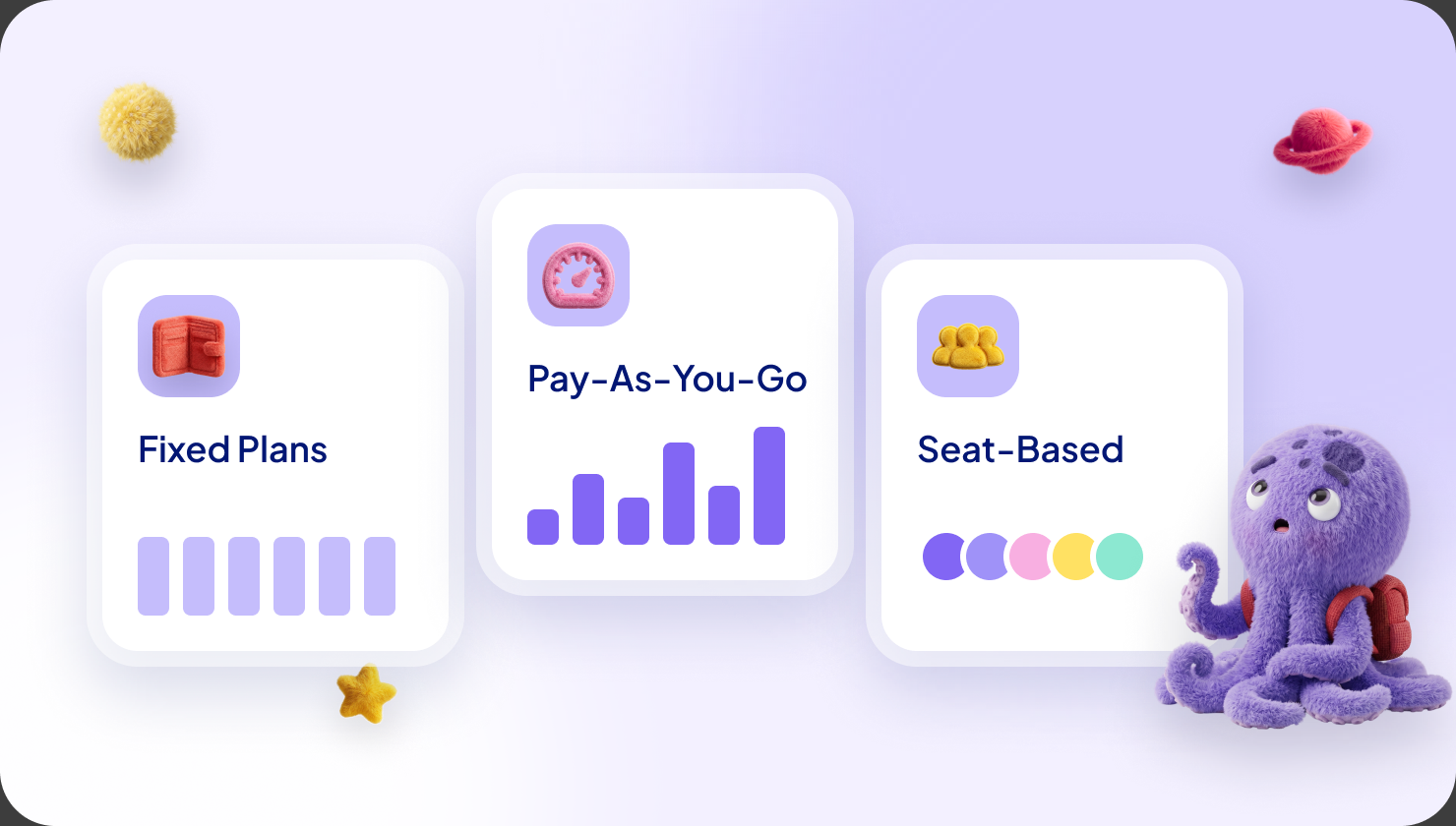
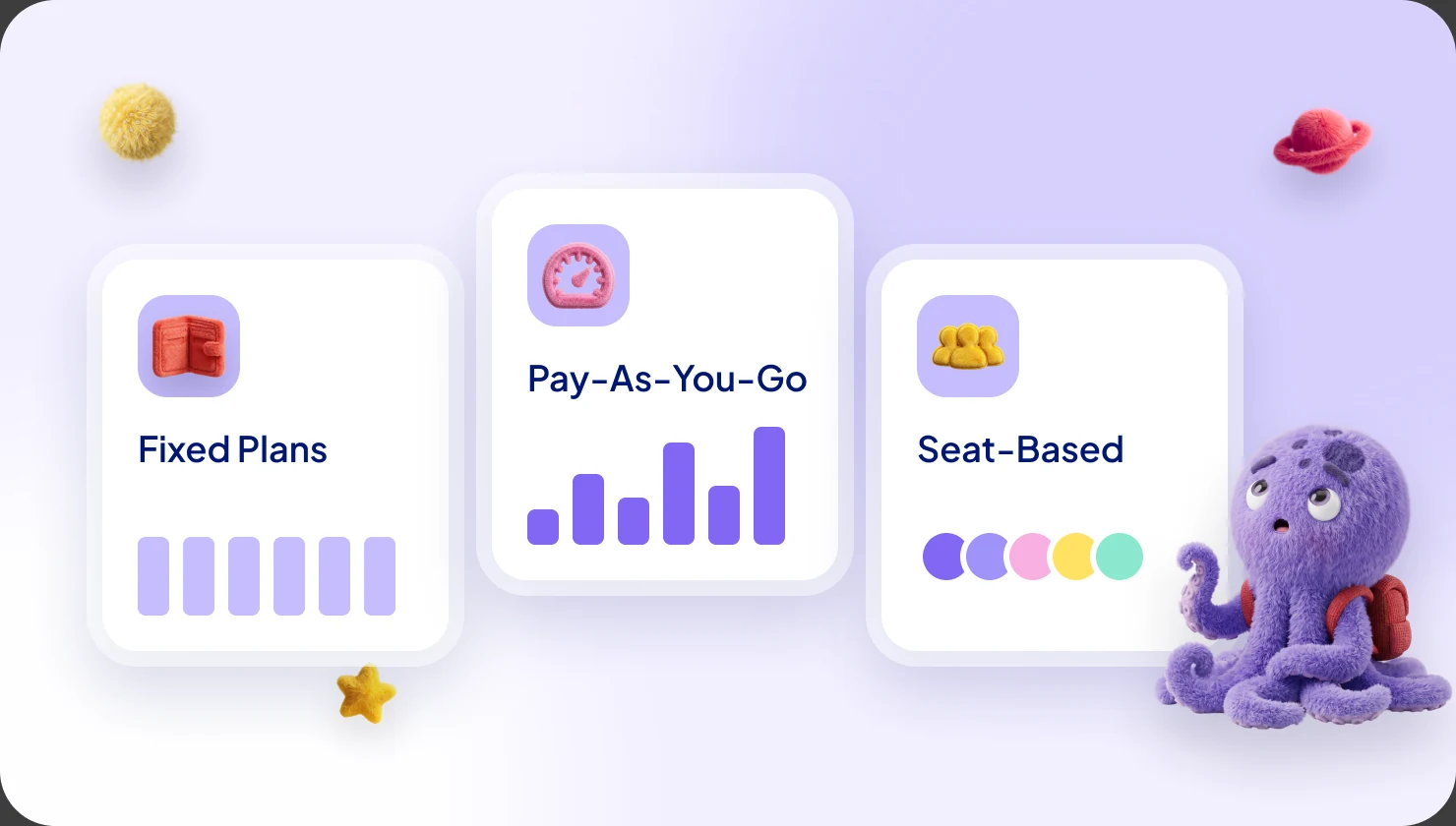
Each plan is either flat rate or per user, and all plans in an offer must use the same model. Microsoft says you cannot change it after you publish. You can add usage charges, such as emails sent, through Microsoft's metering service. Terms run from one month to five years. See Azure Marketplace pricing models explained.
For SaaS, you pay your own hosting. Microsoft Learn says to build those costs into your price, because the customer sees one flat fee. Microsoft pays you 97% of it.
Three ways to sell:
- Public plan. Anyone can see it and buy it at the listed price.
- Private plan. A plan shown only to named customers, found by their tenant ID. Microsoft says it can take up to 48 hours to appear.
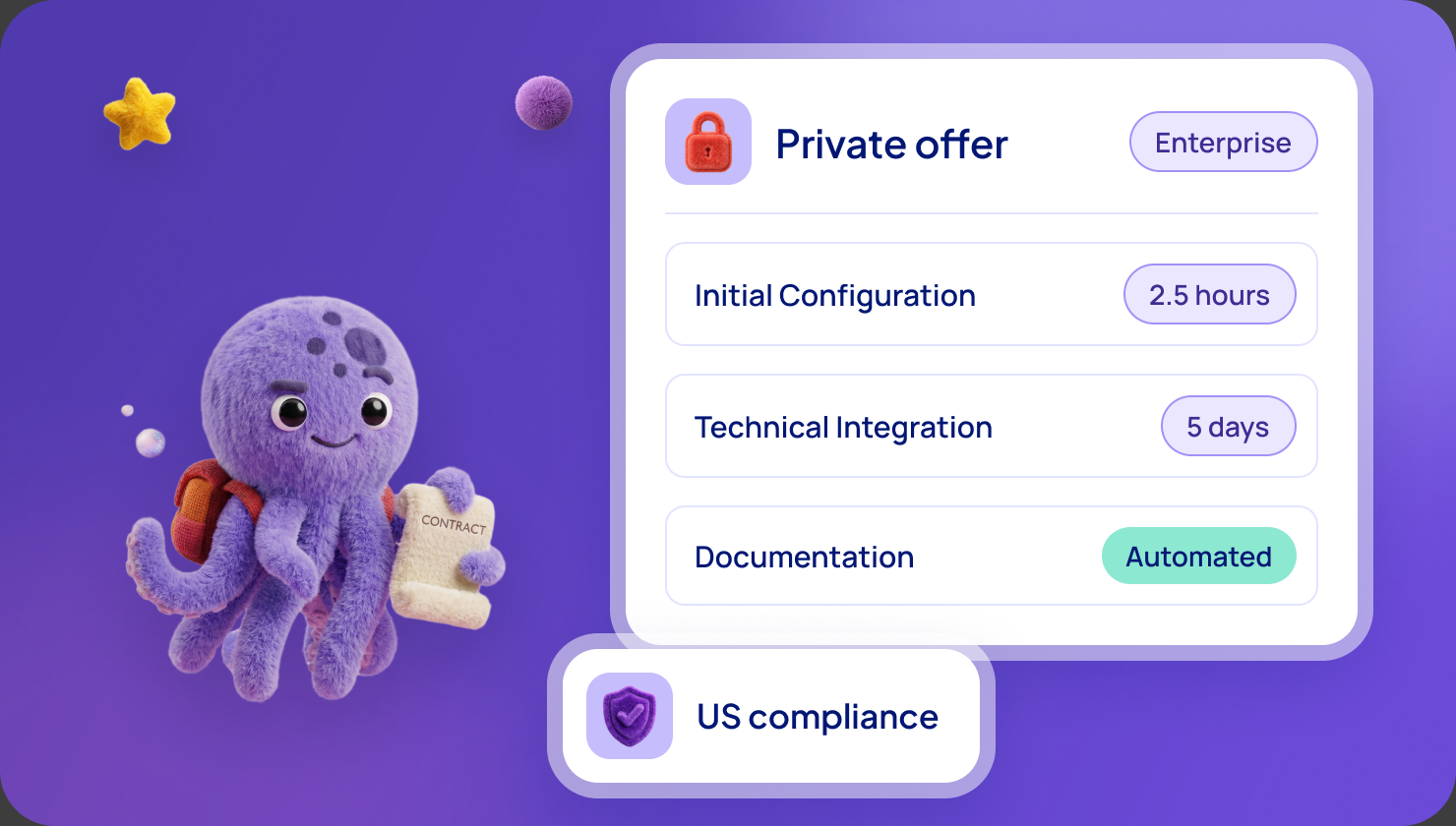
- Private offer. A negotiated deal for one customer's billing account, with your own terms, up to 10 products and terms from 1 to 120 months. Microsoft says it is generally available within 15 minutes.
What we recommend: publish a public plan at a price you will honour, and negotiate everything else with private offers. Some companies publish a low placeholder price and sell only through private offers, which works only if nobody buys the public plan. Our guide to private offers has examples.
Step 4: build and publish the listing
Gather the content first. Microsoft Learn asks for:
- A name (up to 200 characters), a one-sentence summary (100 characters) and a description (up to 5,000).
- A logo and one to five screenshots at 1280 x 720 pixels, each with a caption.
- A privacy policy link, support and engineering contacts, and getting-started instructions for buyers.
- Terms: Microsoft's standard contract or your own. Microsoft says that after you publish with the standard contract you cannot switch to your own terms.
Then you press publish and Microsoft reviews it in stages:
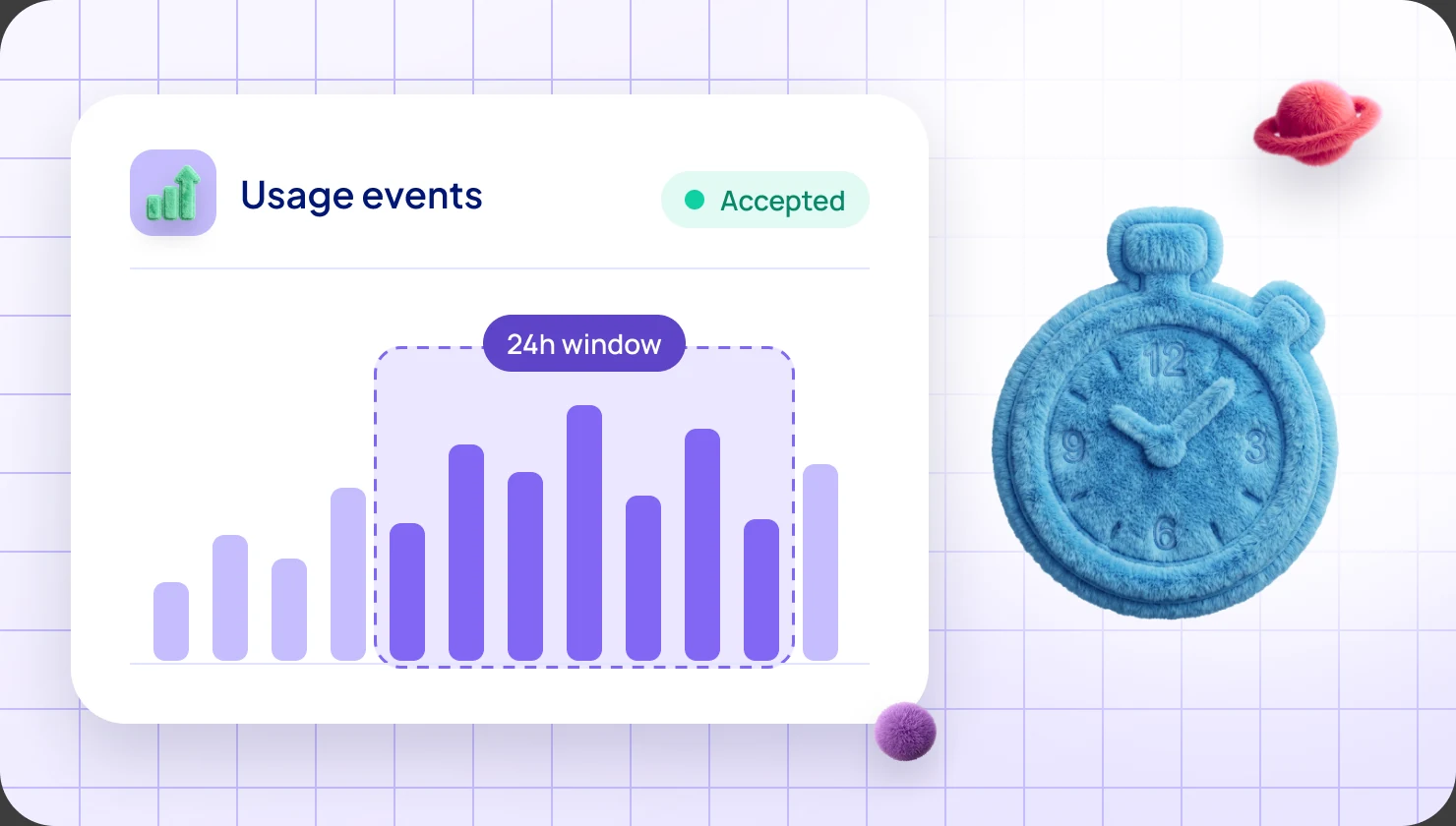
- Automated checks. Purchase flow, lead setup and offer validation. Microsoft lists them at under 10, 15 and 30 minutes.
- Certification. Microsoft checks that your business is eligible, that your content is accurate and that the offer works.
- Preview. Only the audience you named can see and test the offer.
- Your sign-off. You press Go live, and final checks run for more than 30 minutes.
If certification fails, you get a report and can resubmit as often as you like. Read every warning in the validation report before you press Go live, as Microsoft says ignoring them can delay you.
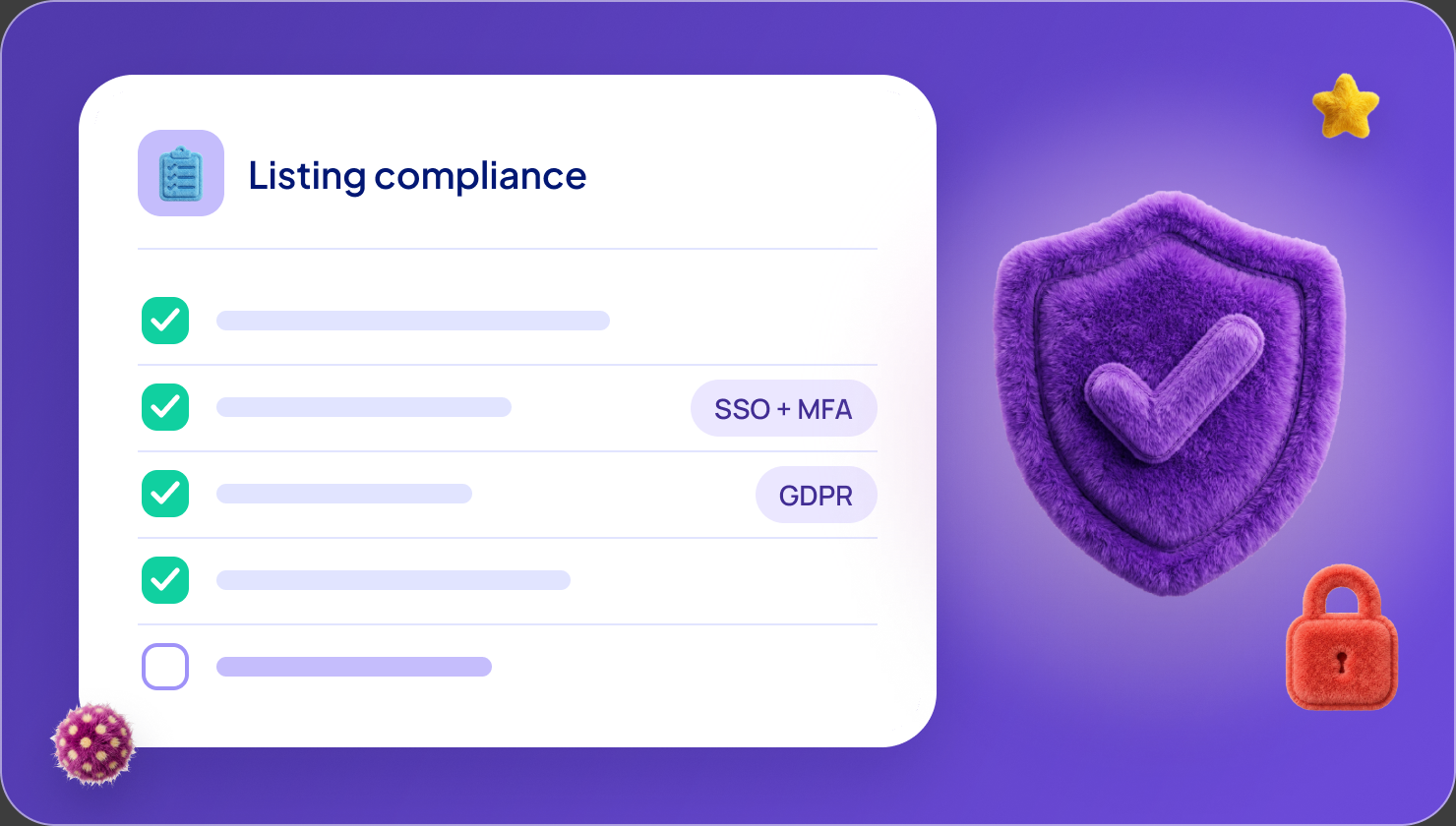
In our experience Microsoft flags words such as "Microsoft Partner", "Confidential", "Test" and "MACC" in descriptions. See our listing compliance checklist.
Step 5: technical setup for SaaS
Microsoft Learn asks for three pieces:
- A landing page. After a customer buys, Microsoft sends them to this page with a token. You swap the token for the purchase details, let the buyer sign in with Microsoft Entra single sign-on, then confirm the subscription.
- A connection webhook. A web address Microsoft calls when something changes, such as a cancellation.
- The SaaS fulfillment APIs. These are the messages between you and Microsoft. You also register an app in Microsoft Entra to authenticate.
Microsoft says the landing page and webhook must run 24/7, because that is how you learn about purchases. For teams building it themselves, Microsoft points to the SaaS Accelerator, a community-led reference implementation.
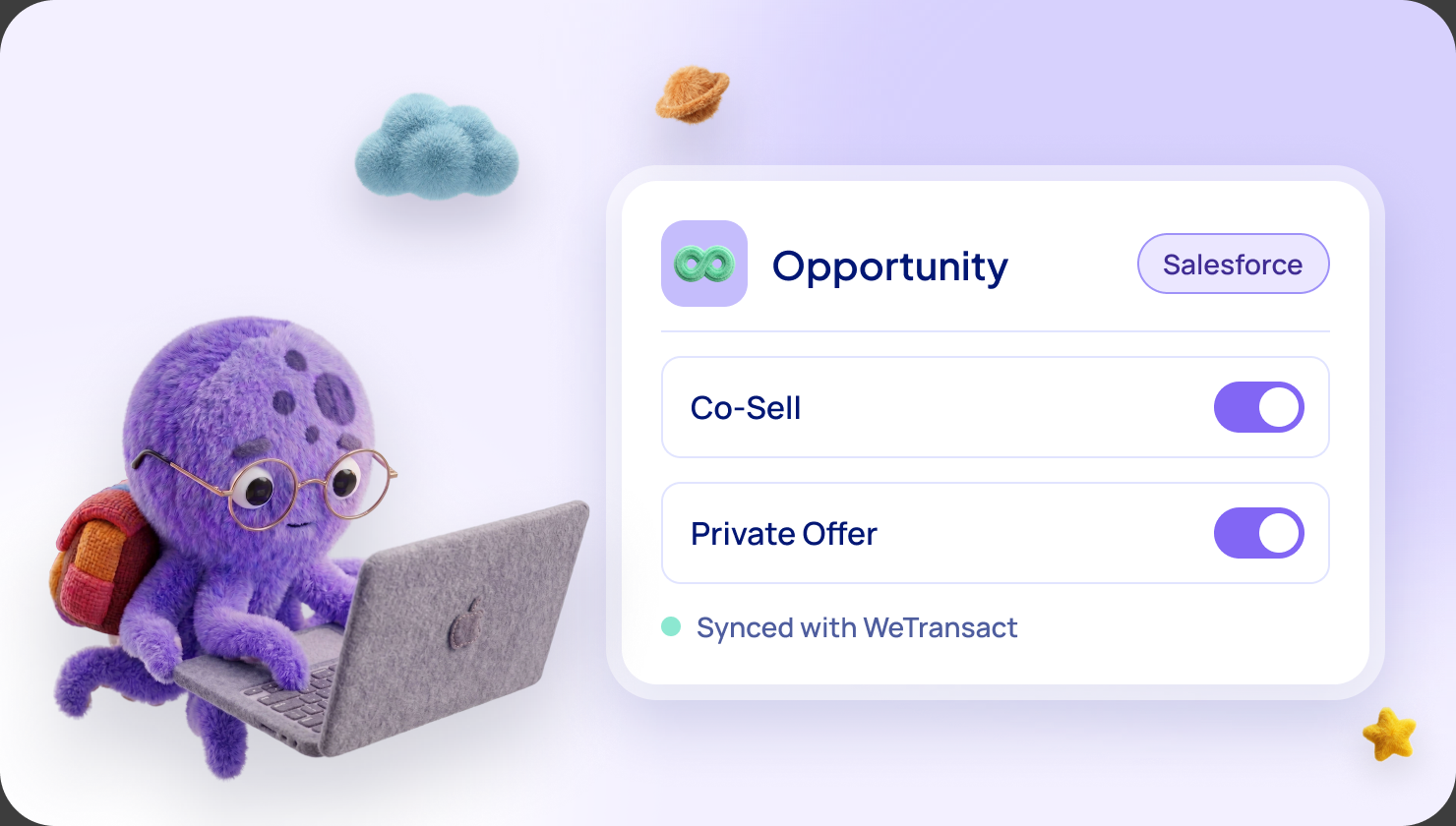
What a platform handles. On our platform your developers do not build or maintain the fulfillment link, the subscription webhook or the order management behind them. New orders appear in an Orders tab, where you approve them or turn on auto-approval. Your product must still let buyers sign in with Microsoft Entra, because Microsoft requires it.
Step 6: go live and get your first sale
Test first. Microsoft Learn advises a separate development offer for testing, and never pressing Go live on it. Test purchases are real invoices, so Microsoft suggests a private plan at $1.
Then pick an easy first sale. In our experience the easiest is a customer you already invoice, at renewal. Send a direct private offer. The customer opens the link in the Azure portal, reviews the price and terms and completes one purchase. Microsoft says eligible offers use this one-click flow for Enterprise Agreement and Microsoft Customer Agreement customers. The buyer needs the Owner or Contributor role on the Azure subscription.
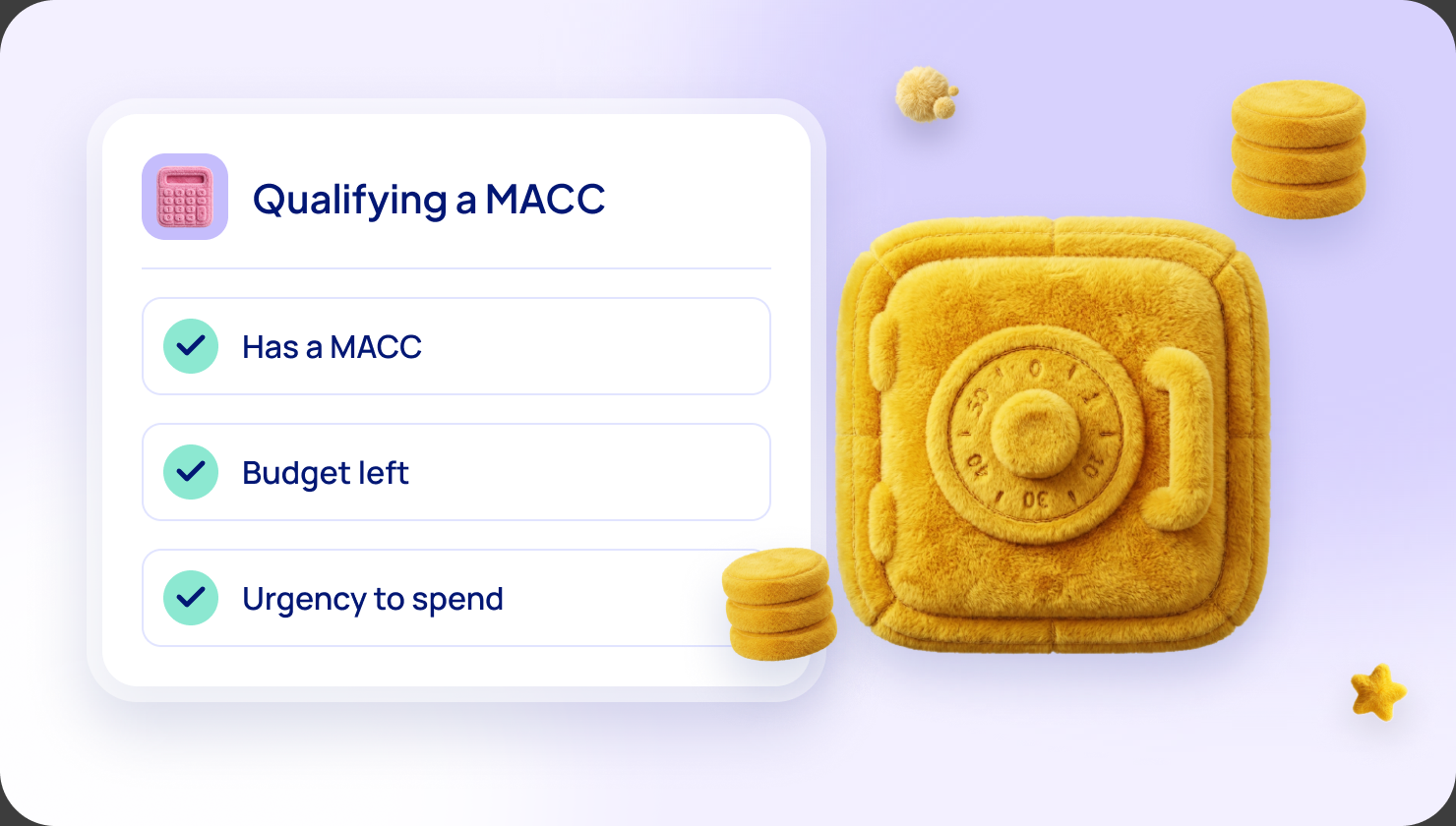
MACC. Large customers often have a MACC, a promise to spend a set amount with Microsoft. A purchase counts toward it only if your offer is Azure benefit eligible and the customer buys through the Azure portal, not by direct credit card checkout.
How you are paid. Microsoft invoices the customer, collects and pays you monthly. It keeps 3%. For a renewal private offer, Microsoft gives a 50% discount on that fee, about 1.5%, but only if you tick the renewal box when you create the offer. It cannot be added later. For Enterprise Agreement customers the payout comes in the next cycle, and credit card purchases add a 30-day hold. The minimum payout is $50.
Step 7: grow it
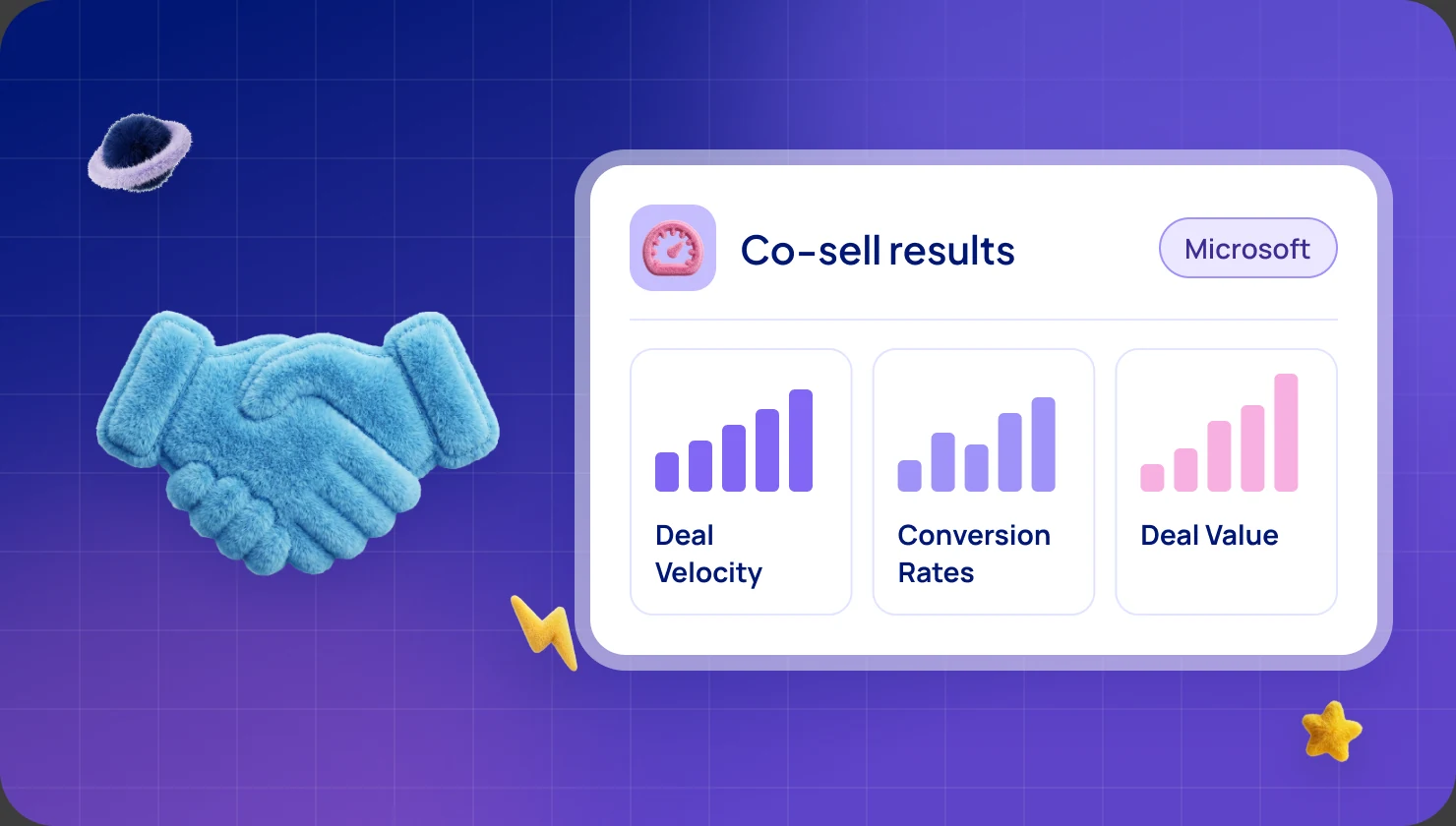
Co-sell. Microsoft's own sellers can introduce you to customers once your offer is Azure IP co-sell eligible. Microsoft Learn's rule includes $100,000 of cumulative Marketplace billed sales or $100,000 of Azure consumed revenue over 12 months. Microsoft's FY27 guide describes wider criteria as a pilot. Read how to co-sell with Microsoft's sales team and how to reach $100,000.
Resellers. Microsoft describes three routes: CSP private offers, multiparty private offers and resale enabled offers. A CSP (Cloud Solution Provider) is a Microsoft reseller, and CSP private offers do not count toward the customer's MACC. You can create all three in our platform and filter 8,000+ distributors, managed service providers and system integrators to your ideal customer. See channel partners on Marketplace.
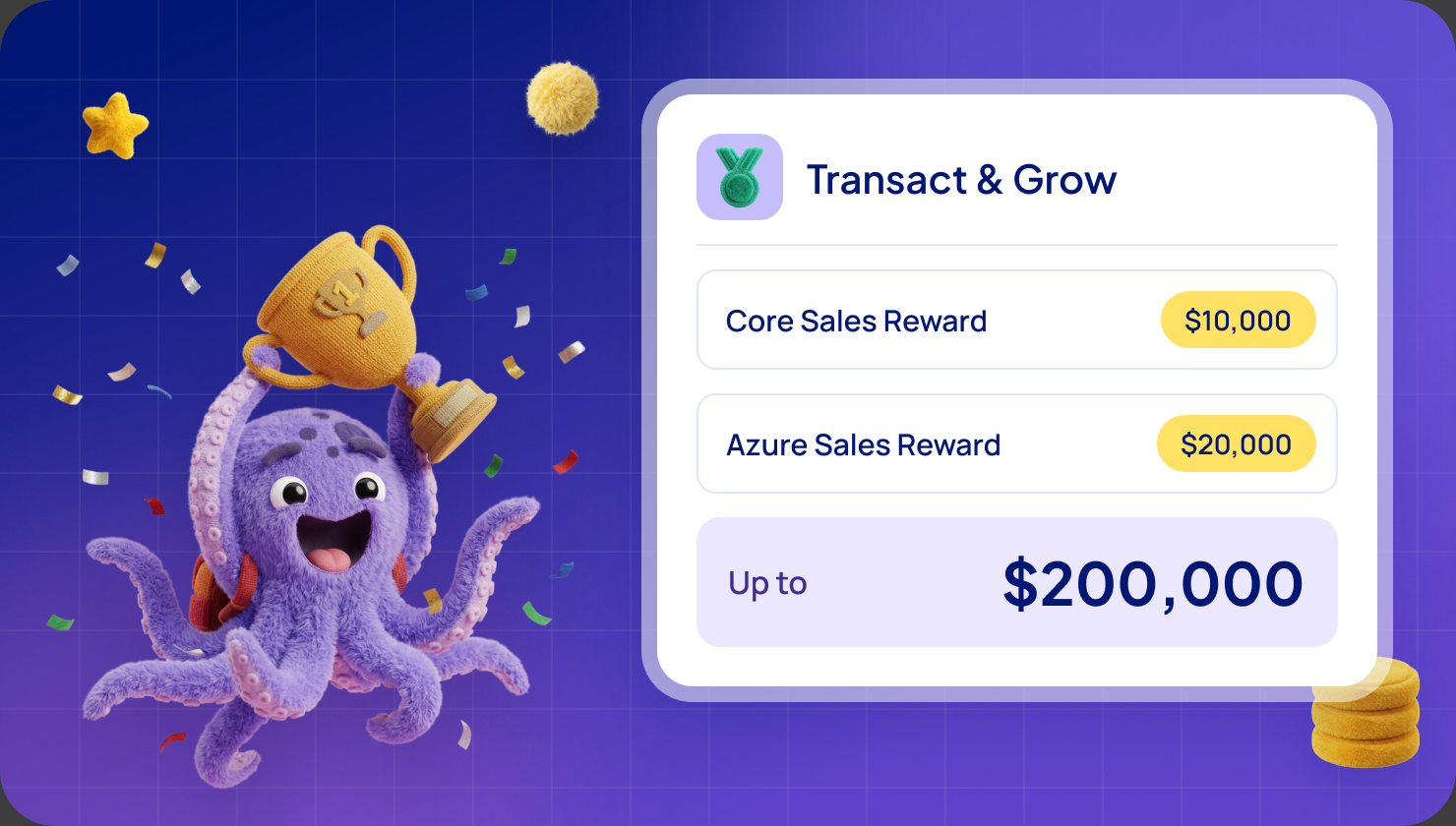
FY27 incentives. Microsoft's FY27 term runs from 1 October 2026 to 30 June 2027, and membership of Frontier Accelerate for Marketplace is free. Your Azure sponsorship allowance (credit to use in your deals) is $2,000 from $500 of billed sales and $35,000 at $100,000. AI Build & Publish pays up to $80,000 and needs more than $100,000 of billed sales or a $1 million Azure commitment. Read the FY27 incentives guide, Azure sponsorship and AI Build & Publish.
How long it takes
Microsoft gives no total time for a first listing. Here are the numbers it does give, plus ours.
- Verification: three to five business days. Microsoft's pages do not say whether it can overlap with the other steps, so we plan them in order.
- Tax and payout profiles: about 48 hours each.
- Automated checks: under 30 minutes. Manual certification has no published length, and a rejection adds days.
- Private offer: about 15 minutes to become purchasable. A private plan can take 48 hours.
- First payout: the next monthly cycle for Enterprise Agreement customers, a month later for credit card purchases.
- With our platform: 5 days in 3 sprints, with about 2 hours of hands-on time from your team.
QS Solutions reports $120K+ transacted in weeks through Azure Marketplace.
Mistakes that lose time
- Starting verification last. Publishing waits for it.
- Names and addresses that do not match your registration records, or a personal email for the primary contact.
- Publishing as "Contact me" and expecting billed sales. Nothing is billed.
- Picking flat rate or per user casually. You cannot change it after publishing.
- A landing page or webhook that goes down. You miss purchases.
- Testing on the live offer. Use a development offer.
- Forgetting the renewal box on a private offer, which keeps the fee at 3%.
- Counting orders instead of invoices when you track the $100,000 line. Invoices go out the month after the order.
Which way to set it up
You can do all of this yourself with Microsoft's documents, using operations, finance and developer time. Or use a platform. We focus only on Microsoft Marketplace, and 1 in 10 SaaS offers on Microsoft Marketplace already run on WeTransact.
- WeLaunch is self-serve, at €149 per user per month.
- TransactCertified is guided, at €12,000 per year. A customer success manager sets up Partner Center with you.
- TransactStellar is fully managed, at €50,000 per year. We manage your incentives and run co-sell campaigns end to end.
All plans include unlimited transactions and offers, with no per-deal fees. Read more about Partner Center and what a platform adds.
1 in 10
SaaS offers on Microsoft Marketplace already run on WeTransact
€2B+
Marketplace billed sales through our customers
5 days
to go live
3 sprints · 2h
of hands-on time from your team
- 5 Steps to List Your SaaS App on Azure Marketplace
- Common Azure Marketplace Publishing Challenges Solved
- Drop the 'Contact Me' to Transactable: Marketplace Bites #2
- Fix Azure Marketplace Validation Errors
- Fix Common Azure Marketplace Issues
- How long does it take to list on Microsoft Marketplace? A realistic timeline and checklist
- Microsoft Publisher Agreement 8.0 Explained
- Pre-Launch Checklist for Azure Marketplace Publishers
- Setting Terms & Conditions for your listing : Cloud Contracts 365
- Simplify Your Azure Marketplace Listing with WeTransact
- Write a good product description on the Microsoft Marketplace
Frequently asked questions
What should my first sale be?
We recommend a private offer to a customer you already know, such as a renewal you already invoice. Microsoft says a private offer is generally available within 15 minutes.
Which offer type should I choose?
Start from where your software runs. If you run it and the customer pays you one price, it is usually SaaS. Microsoft says you cannot change the offer type later.
How long does approval take?
Verification takes three to five business days in most cases, and each financial profile up to about 48 hours. Automated checks take under 30 minutes. Microsoft gives no length for manual certification.
Who in my company should do the setup?
A Global admin starts enrollment, and an Owner or Finance Contributor sets up the tax and payout profiles. Most of the rest is one-time work by your product and operations team.
Can customers without a MACC buy my software?
Yes. Microsoft says customers can pay by credit card, or on invoice when the offer is billed to an Azure subscription. MACC only matters to customers who have one.
What happens after a first call with WeTransact?
Onboarding is two 45-minute sessions to set up Partner Center and our platform. You keep full control of your Partner Center account and your deals. Most customers complete their first listing within the first week. If your offer is co-sell eligible, co-sell and MACC outreach typically bring first qualified conversations within 30 to 60 days. If it is not eligible yet, we map the fastest route during onboarding. WeLaunch starts with a 30-day free trial, and moving an existing listing to WeTransact is free. See our plans.
Can I start with "Contact me" and sell later?
Yes. Microsoft Learn describes converting a simple listing into a transactable SaaS offer, which needs the technical link in step 5.
Sources: Microsoft Learn, "Transacting on Microsoft Marketplace", "Plan a SaaS offer for Microsoft Marketplace", "Microsoft Marketplace transact capabilities", "Microsoft Marketplace FAQ", "How to review and publish an offer", "Understand the verification process in Partner Center", "ISV-to-customer private offers" (ISV is Microsoft's word for software company), "Agency fee discount for renewals", "Payout schedules and processes", "Co-sell requirements", "Microsoft Marketplace step-by-step submission guide" and the April 2026 Partner Center announcements (all read in November 2026); The Official Microsoft Blog, "Introducing Microsoft Marketplace" (25 September 2025); Microsoft's FY27 Partner Investments material (version of 20 October 2026). Microsoft may change its programs at any time, and every payout needs Microsoft's approval.
Want the full picture?
Everything here is also in our complete guide to Microsoft FY27 Marketplace incentives, with plain-words notes for newcomers. Get the complete FY27 guide
Not sure which incentive fits your company?
Ask for your free Microsoft Incentives Assessment: a personalized report of every incentive your company can claim, what each is worth, and the order to claim them. Free, no obligation. No Partner Center login needed to start. Ask for your free Assessment
The other FY27 incentives
- Azure sponsorship
- AI Build & Publish for Marketplace
- AI Build & Publish for the Agent Store
- Customer Assessment & POV
- Customer Migrate & Modernize
- Co-selling with Microsoft
Based on Microsoft's FY27 Partner Investments material and the Frontier Accelerate for Marketplace pages on Microsoft Learn. Microsoft may change its programs at any time, and every payout needs Microsoft's approval. Amounts are in USD.