


Co-Selling with Microsoft
Co-selling with Microsoft is a collaboration between Microsoft’s sales teams and Independent Software Vendors (ISVs) to sell solutions via the Azure Marketplace. This partnership helps ISVs expand their reach, accelerate sales, and gain credibility while driving Microsoft Azure usage.
Why Co-Sell with Microsoft?
- Access Enterprise Customers: Engage businesses with existing cloud budgets.
- Boost Sales: Work directly with Microsoft sellers to close deals faster.
- Build Trust: Earn the "Microsoft preferred solutions" badge by meeting eligibility criteria.
Key Steps to Succeed:
- Meet Requirements: Ensure your solution is Azure IP co-sell eligible and listed on the Azure Marketplace.
- Create Sales Materials: Develop one-pagers, pitch decks, and architecture diagrams.
- Leverage Azure Marketplace: Optimize your listing with clear descriptions, logos, and pricing tiers.
- Collaborate with Microsoft Teams: Align with Microsoft sales reps and engage in joint customer meetings.
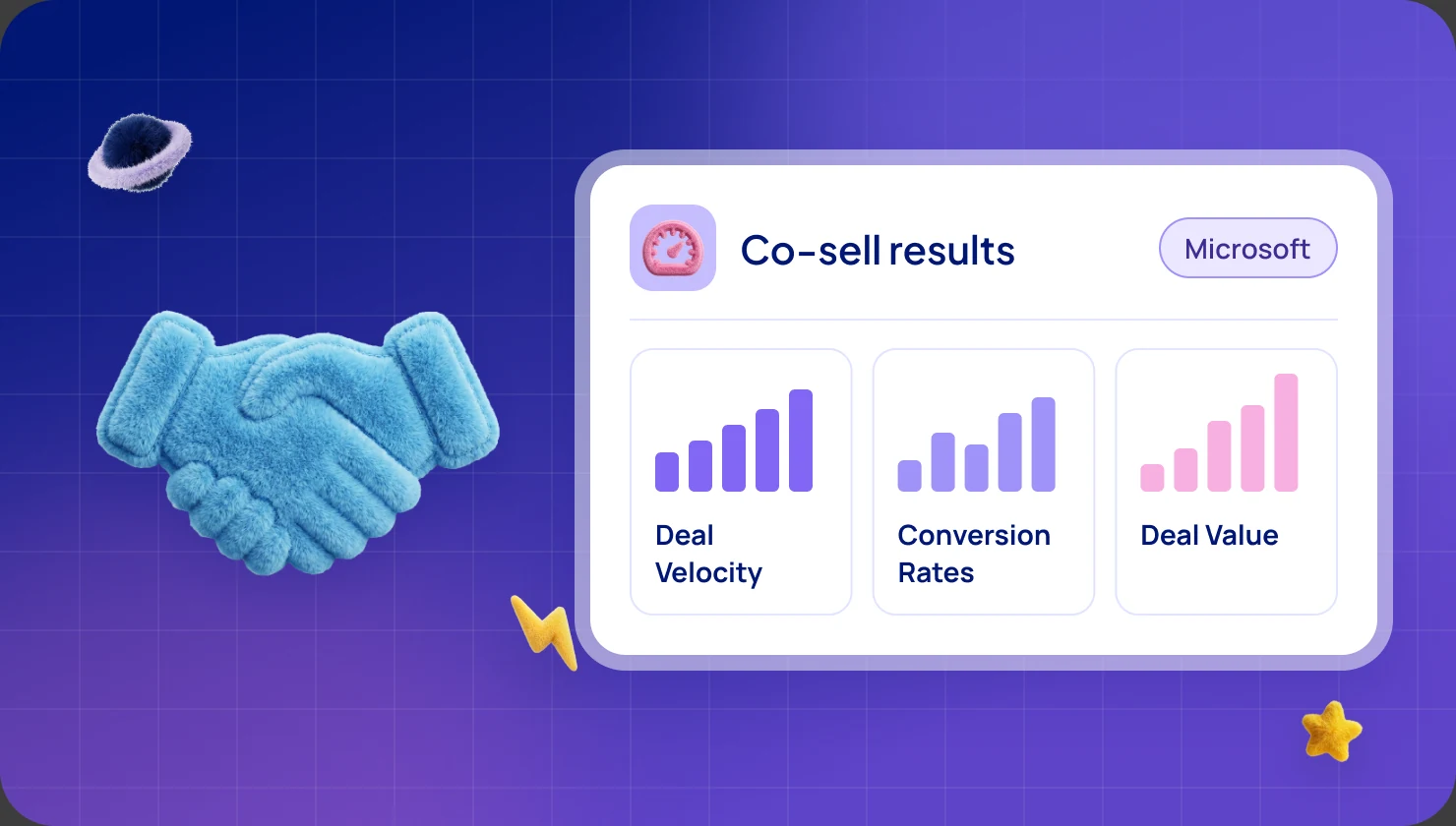
- Track Performance: Use Partner Center to monitor metrics like deal velocity and revenue impact.
Quick Benefits:
- 4 million monthly Azure Marketplace users.
- $15 billion in annual partner contract value.
- Opportunity to contribute to Microsoft Azure Consumption Commitments (MACC).
Co-selling is a win-win for ISVs, Microsoft, and customers, driving growth and cloud adoption. Ready to partner with Microsoft? Start by preparing your solution and building strong relationships with their sales teams.
Getting Ready for Co-Sell
Meeting Microsoft's Requirements
To join Microsoft's co-sell program, your solution needs to meet both technical and business standards. The program offers three levels of co-sell status for Azure solutions:
- In-market: Basic marketplace listing.
- Co-sell ready: Greater visibility to Microsoft's sales teams.
- Azure IP co-sell eligible: Allows referral submissions and contributes to Microsoft Azure Consumption Commitments (MACC).
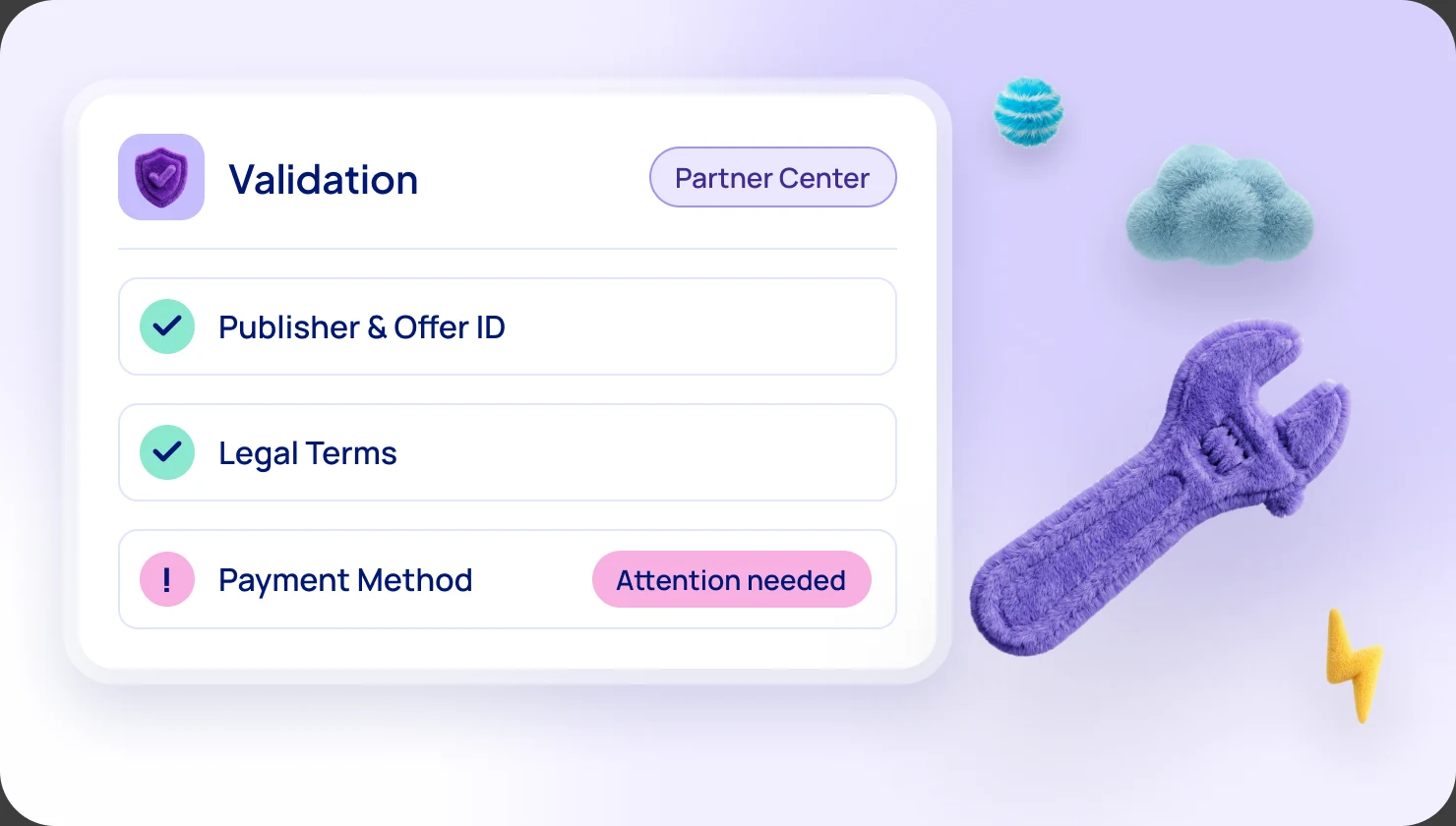
For co-sell readiness, you'll need to configure your solution in the Partner Center by:
- Creating a detailed marketplace listing.
- Uploading the required documentation.
- Providing your product landing page URL.
- Adding regional contact details for marketing, sales, technical support, and customer success roles [4].
These steps not only meet Microsoft's requirements but also strengthen your solution's credibility, building on the benefits of the Azure Marketplace.
Creating Your Value Story
Develop a "better together" narrative that shows how your solution complements Microsoft's services.
A strong value story should:
- Clearly link your solution to Azure consumption.
- Offer a distinct way to address customer challenges.
- Highlight advantages for Microsoft's sales teams.
- Demonstrate your understanding of Microsoft's ecosystem.
Building Sales Materials
To support your co-sell efforts, prepare these key materials:
- Solution One-Pager
Summarize your solution's core features, target customer profile, unique strengths, and its integration with Microsoft services. - Solution Pitch Deck
Provide a comprehensive overview, including technical architecture, customer success stories, and a joint value proposition with Microsoft. - Reference Architecture Diagram
Illustrate how your solution integrates with Azure, showcasing data flow, security, scalability, and key technical dependencies.
Enhance these materials with customer case studies that highlight successful implementations and measurable outcomes. Make sure everything aligns with Microsoft's current priorities [4].
You might also consider a quarterly newsletter featuring success stories and partnership opportunities. Regular communication like this helps strengthen relationships and shows your commitment to working within Microsoft's ecosystem.
This preparation sets the stage for effective collaboration with Microsoft's sales teams in the next phase.
Setting Up Your Azure Marketplace Listing
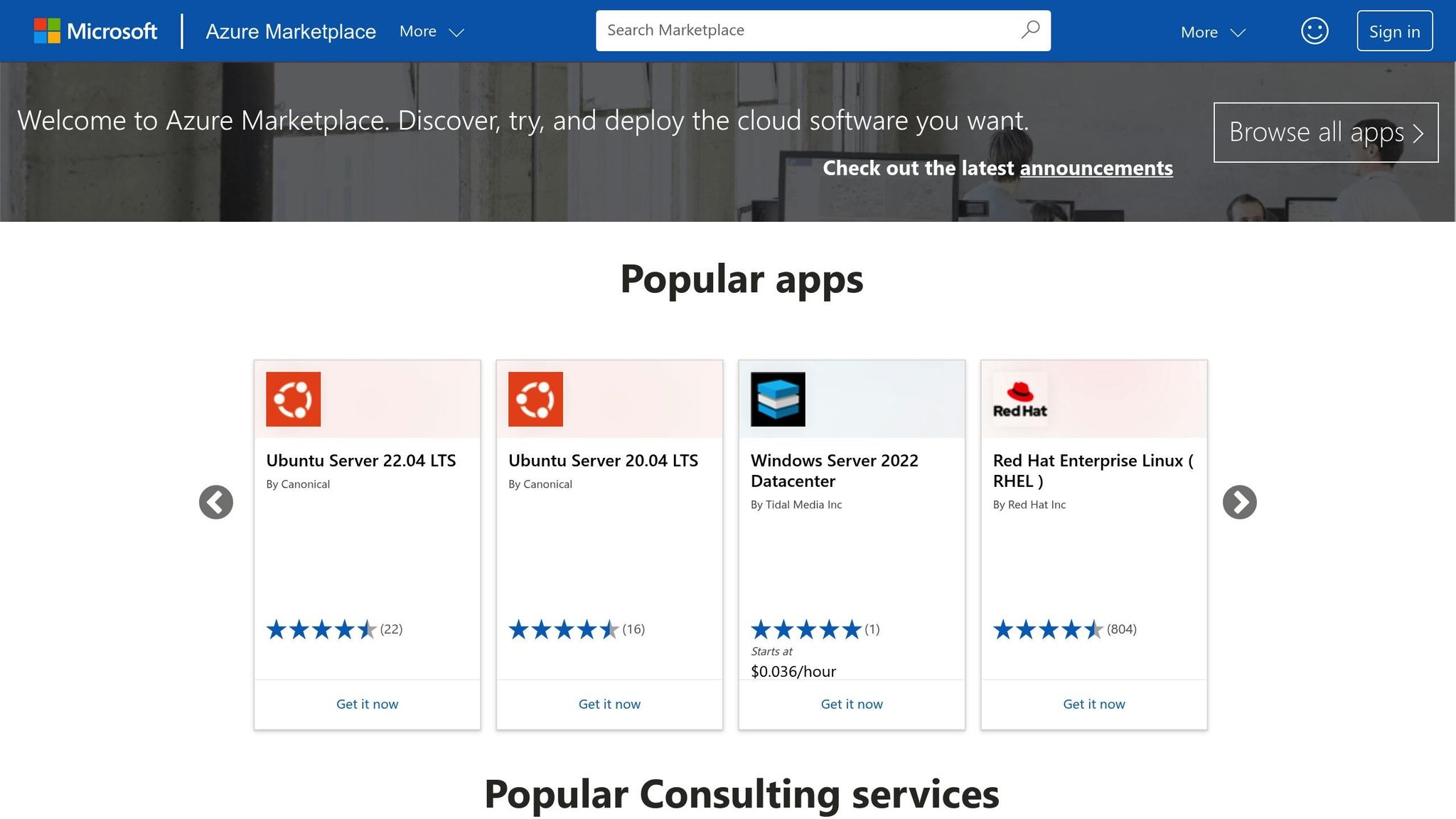
Creating a Sales-Ready Listing
To create a listing that drives sales, focus on key elements that enhance visibility and appeal. Start with a clear, search-friendly offer title that adheres to Microsoft's naming rules. For SaaS applications, stick to lowercase letters, numbers, dashes, or underscores [6]. Your offer description should quickly explain what your product does, who it’s for, and the specific problems it solves [7].
Add a PNG logo and high-resolution screenshots (1280×720) that showcase your product’s standout features [6]. If you include a product video, keep it short - 60 to 90 seconds is ideal - and use it to highlight how your solution integrates with Azure services and benefits users [7].
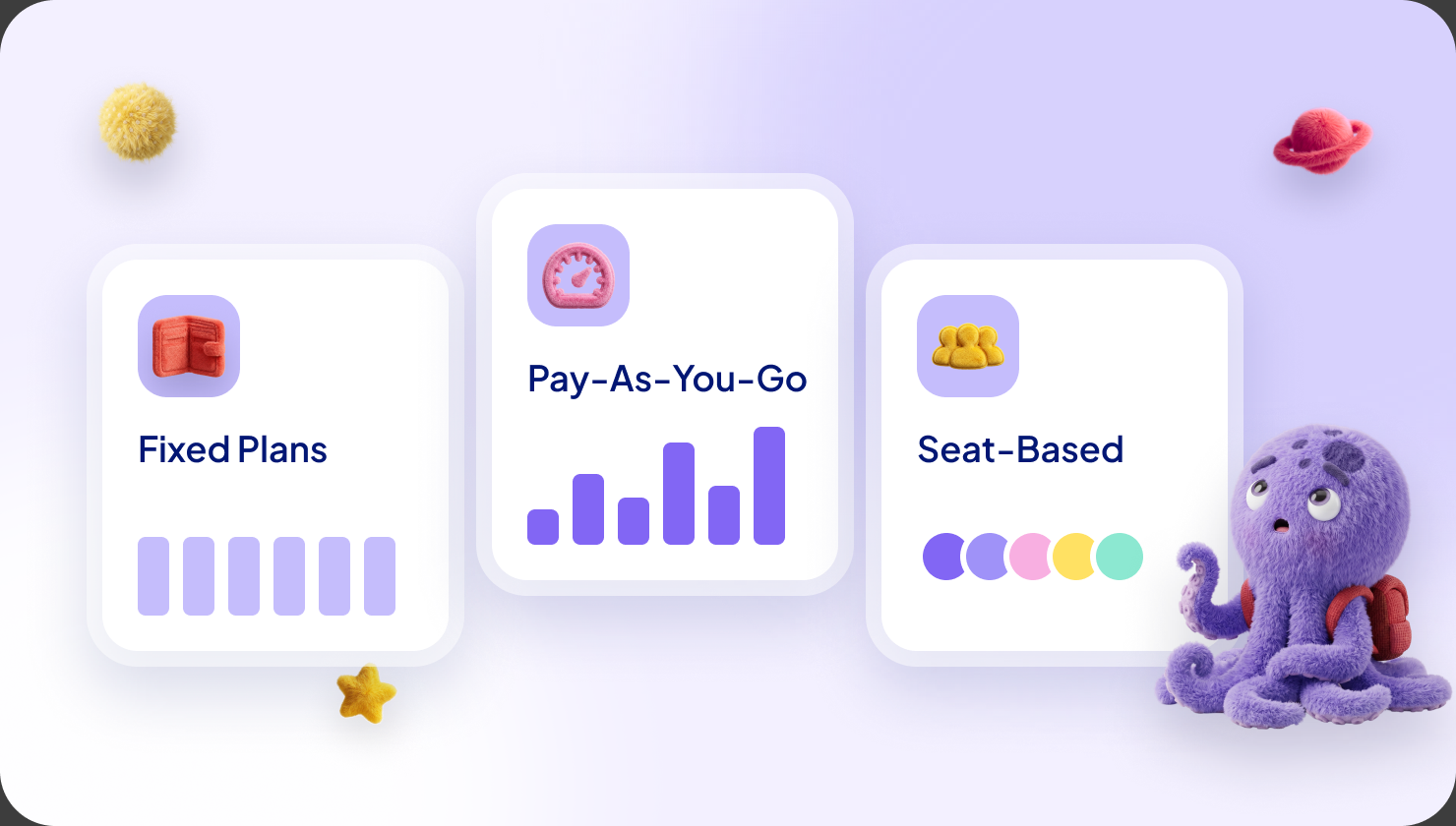
Providing multiple pricing tiers helps you cater to a variety of customer needs:
- Trial
Description: Free limited-time access
Best For: New customers evaluating the solution - Standard
Description: Core features with basic support
Best For: Small to medium businesses - Enterprise
Description: Full feature set with premium support
Best For: Large organizations - Custom
Description: Negotiable terms through private offers
Best For: Strategic accounts
Once your listing is ready, use targeted strategies to expand its visibility.
Improving Marketplace Visibility
"For Microsoft Partners, making the most of Azure Marketplace means ensuring your products are not only listed but optimized for discovery" [8].
To increase the chances of your listing being discovered:
- Choose precise categories and subcategories that align with your solution's features [6].
- Provide detailed resources like white papers, case studies, and implementation guides in PDF format [7].
- Offer multiple support channels and clearly outline response times [6].
Using Custom Deal Options
In addition to tiered pricing, you can create private offers tailored to specific customers. These deals can include pricing terms for up to three years and allow you to bundle up to 10 products [9]. An added advantage is that "100% of Azure benefit-eligible purchases count toward an organization's Azure cloud consumption commitment when using private offers" [9].
WeTransact’s platform makes managing private offers easier with features like automated deal workflows, custom pricing configurations, integration with Microsoft's partner tools, and ROI tracking for marketplace transactions. When crafting private offers, ensure they align with your co-sell strategy and Microsoft's sales processes. This can speed up deal closures and strengthen your collaboration with Microsoft’s sales teams [1].
Working with Microsoft Sales Teams
Connecting with Sales Reps
To get started, register for a Partner Center account to obtain your PartnerID and complete your business profile [3]. Your main point of contact with Microsoft's sales teams will be Azure Partner Development Managers (PDMs). Make sure to provide them with concise sales materials that clearly explain your value proposition.
Here’s what your sales toolkit should include:
- A one-page overview of your solution
- Battlecards that compare your solution to competitors
- Integration guides
- Customer success stories
- ROI calculators
Aligning Target Accounts
To align your target accounts with Microsoft's priorities, focus on these key elements:
- Ideal customer profiles
- Deal progress updates
- Specific support needed from Microsoft
- Expected outcomes from the collaboration
A great example of telling the "better with Microsoft" story is Datometry. They’ve made Microsoft's commercial marketplace their go-to procurement channel for every deal. By actively participating in Microsoft's co-sell ecosystem, they’ve boosted cloud consumption while delivering value to Microsoft customers. This focused approach strengthens your position within Microsoft's co-sell framework.
Running Joint Sales Meetings
Once you’ve built strong relationships and aligned your targets, it’s time to prepare for joint customer meetings. These meetings require close coordination between your team and Microsoft’s.
- Pre-Meeting
Key Actions: Research the customer’s market position and goals
Expected Outcomes: Shared understanding of customer needs - Initial Contact
Key Actions: Listen actively to uncover challenges
Expected Outcomes: Clear problem statement and initial strategy - Solution Presentation
Key Actions: Highlight how your solution works with Azure
Expected Outcomes: Customer commitment to next steps - Follow-Up
Key Actions: Document action items and next steps
Expected Outcomes: Defined path to close the deal
Microsoft's Customer Engagement Methodology (MCEM) focuses on collaboration between partners and Microsoft teams to improve customer outcomes [11]. This includes developing proof of concepts that showcase how integrating with Azure can benefit the customer.
Take Weka, for example. Their co-sell efforts helped them build a strong pipeline and close deals with several Fortune 1000 companies through marketplace transactions. This targeted strategy led to a massive 20x increase in their cloud pipeline.
Tracking Co-Sell Results
Key Performance Metrics
To make the most of the $300 billion co-sell market opportunity [12], it's crucial to keep an eye on the right metrics. Here's what you should focus on:
- Pipeline Health
Key Indicators: Deal Velocity
What to Track: Average time from lead to close - Pipeline Health
Key Indicators: Conversion Rates
What to Track: Percentage of opportunities won - Revenue Impact
Key Indicators: Deal Value
What to Track: Total revenue from co-sell deals - Revenue Impact
Key Indicators: Regional Performance
What to Track: Revenue breakdown by market - Partner Activity
Key Indicators: Referral Flow
What to Track: Inbound vs. outbound referrals - Partner Activity
Key Indicators: Engagement Level
What to Track: Joint customer meetings and planning sessions
"Activity-based measurement gives you a holistic view of activities going into your co-selling efforts. Your joint marketing activities, planning sessions, field sales engagement, and customer meetings are part of the activity-based measurement." - Nitika Rawat, Content Marketing Manager at Workspan [12]
Use data from Partner Center to turn these metrics into actionable insights that drive your co-sell strategy.
Using Partner Center + WeTransact data

Once you've defined your metrics, Partner Center and WeTransact can provide the analytics you need. Its co-sell opportunities insights dashboard offers a clear view of your program's performance [13].
Some of the dashboard's standout features include:
- Conversion Funnel Analysis: Monitor deals as they move through different stages.
- Geographic Performance: See how deals are distributed across regions.
- Solution Impact: Identify which solutions generate the most referrals.
- Deal Registration: Track Azure IP co-sell eligible solutions.
- Lost Deal Analysis: Pinpoint why certain opportunities didn't close.
You can also download monthly analytics reports to dig deeper into declined or lost deals, uncovering areas for improvement [13].
Improving Your Results
With your metrics and analytics in hand, focus on these steps to enhance your co-sell outcomes:
1. Optimize Your Partner Profile
Develop detailed solution maps that clearly show how your offerings align with Microsoft's services. This helps sales teams quickly grasp your value and improves the quality of referrals.
2. Strengthen Executive Support
Gain leadership backing to ensure resources are allocated effectively for co-selling initiatives [14].
3. Refine Your Approach
Compare your performance metrics to your initial KPIs and adjust your strategy where needed. Pay close attention to:
- Trends in pipeline velocity
- Metrics tracking deal progression
- Lead conversion rates
- The effectiveness of co-marketing efforts
"In the modern business environment, the difference between market leaders and followers will be defined by their ability to forge robust partnerships. The era of competing solely on individual merit is giving way to a new paradigm where success is a collaborative endeavor." - Curtis Brinkerhoff, CRO, Impartner [14]
Next Steps for Microsoft Co-Sell
Now that you've prepared and listed your solution, it's time to put your co-sell plan into action. Here's how to proceed.
Pick the Right Co-Sell Channel
Determine which co-sell channel aligns best with your solution's needs:
- Direct Co-sell
Best For: Strategic partnerships
Key Advantage: Close collaboration with Microsoft sales teams - AppSource
Best For: Industry-specific tools
Key Advantage: Targeted market exposure - Azure Marketplace
Best For: Cloud-based solutions
Key Advantage: Direct access to enterprise customers
Once you've chosen your channel, focus on creating a smooth co-sell experience.
Lay the Groundwork for Co-Selling
Make sure your Partner Center profile is complete and aim to achieve Co-sell Ready status. This opens doors to essential benefits like visibility with Microsoft's sales teams and participation in co-marketing efforts [15].
Strengthen Your Marketplace Presence
Build an Azure Marketplace listing that attracts and engages customers. Here's how to get started:
- Optimize Your Solution
Ensure your product contributes to Microsoft Azure Consumption Commitments (MACC). This makes it more appealing to enterprise clients [1]. - Prepare Sales Materials
Develop joint sales pitches that highlight how your solution complements Microsoft's offerings. - Work Closely with Microsoft
Establish direct communication with Microsoft's sales teams. Aligning with their goals ensures your solution fits into their sales strategies, creating better opportunities for co-selling.
"Co-selling with Microsoft refers to any collaborative engagement between Microsoft and its partners to achieve shared business objectives." - TheWinningCSP.com [3]
Tap Into Useful Tools
Platforms like WeTransact can help you manage your listings, pricing plans, and connections with Microsoft resellers and enterprise customers more efficiently.