


How to co-sell with the Microsoft sales team on Marketplace: a step-by-step playbook
Updated 6 Nov 2026 · FY27 (1 October 2026 to 30 June 2027) · Reviewed by an ex-Microsoft team member
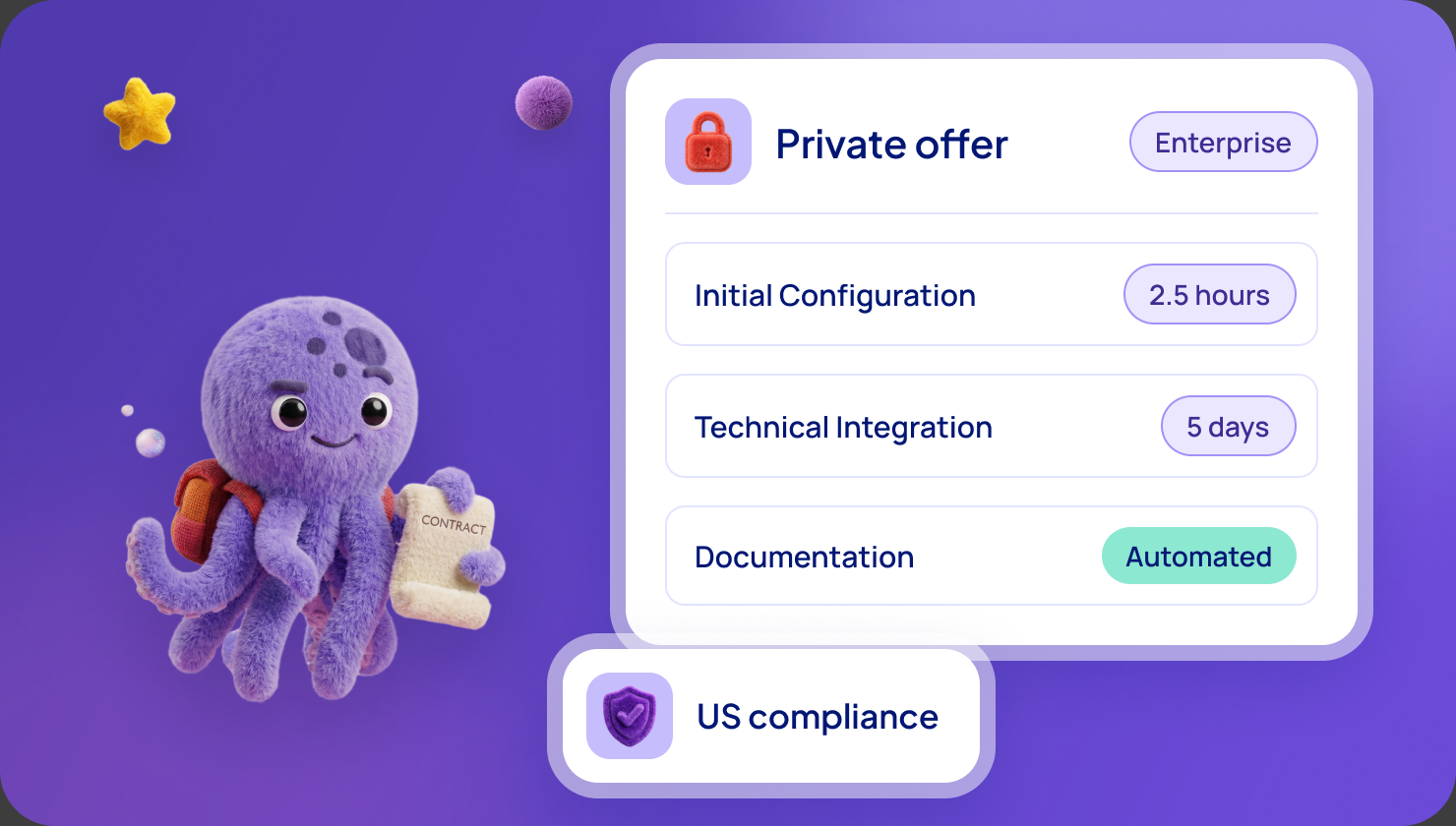
The short answer. To co-sell with Microsoft's sales team, get your offer co-sell ready, reach Azure IP co-sell eligibility, then share a few deals with Microsoft sellers through Partner Center.
Sellers take part because a Marketplace deal with an eligible partner helps them retire their sales quota. You still choose the accounts and bring the deal.
In plain words. Co-selling is a joint sale. A Microsoft seller already knows the customer. You know the product. If the customer buys through Marketplace, the seller gets credit toward their target, and you get an introduction you could not buy.
It does not happen on its own. You prepare, you pick the accounts and you ask.
Get the complete guide to Microsoft FY27 Marketplace Incentives
Every Microsoft incentive for software companies: what it pays, who qualifies and how to claim it.
Download the e-book →
Why Microsoft sellers want to co-sell with you
Microsoft's sellers are rewarded for deals that go through Marketplace. When an eligible partner's software sells there, it can count toward the seller's quota, and it can also use up the customer's Microsoft commitment.
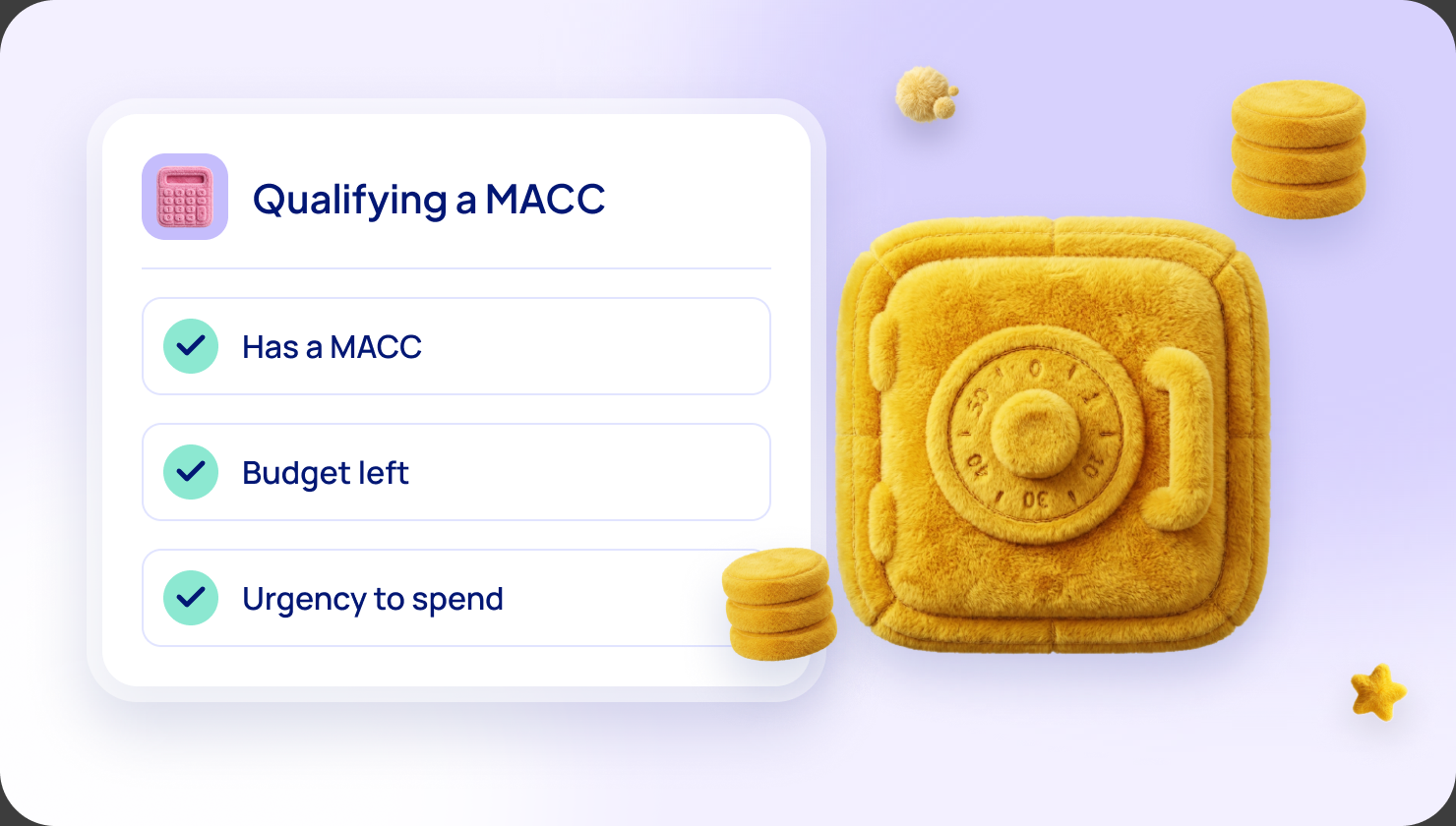
That commitment is the MACC, short for Microsoft Azure Consumption Commitment. Large customers promise to spend a set amount with Microsoft, and buying your software can count toward it.
So the seller has a reason to help. But the seller has many partners asking. The steps below make you easy to say yes to.
Does this apply to you?
Probably yes, if you sell to large companies that already spend with Microsoft, and you can make one offer transactable.
Not yet, if your offer is not transactable or not live on Marketplace. That is the first gate.
Be careful, if your product is an app or add-in for Teams, Outlook or Excel. Microsoft says those are not eligible for co-sell-ready status.
Step 1: get co-sell ready
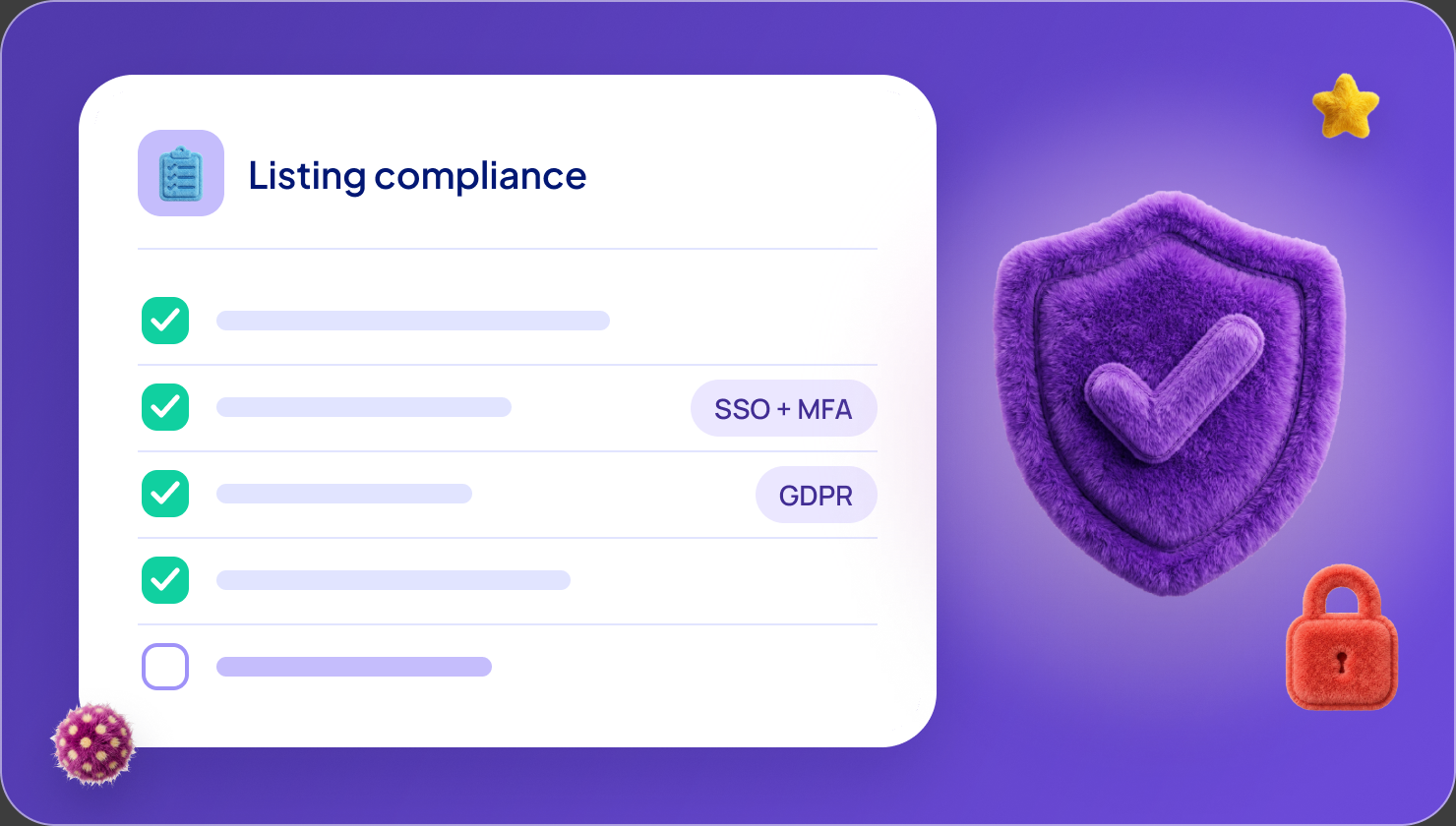
Co-sell ready is the entry level. Microsoft's co-sell requirements list what you need:
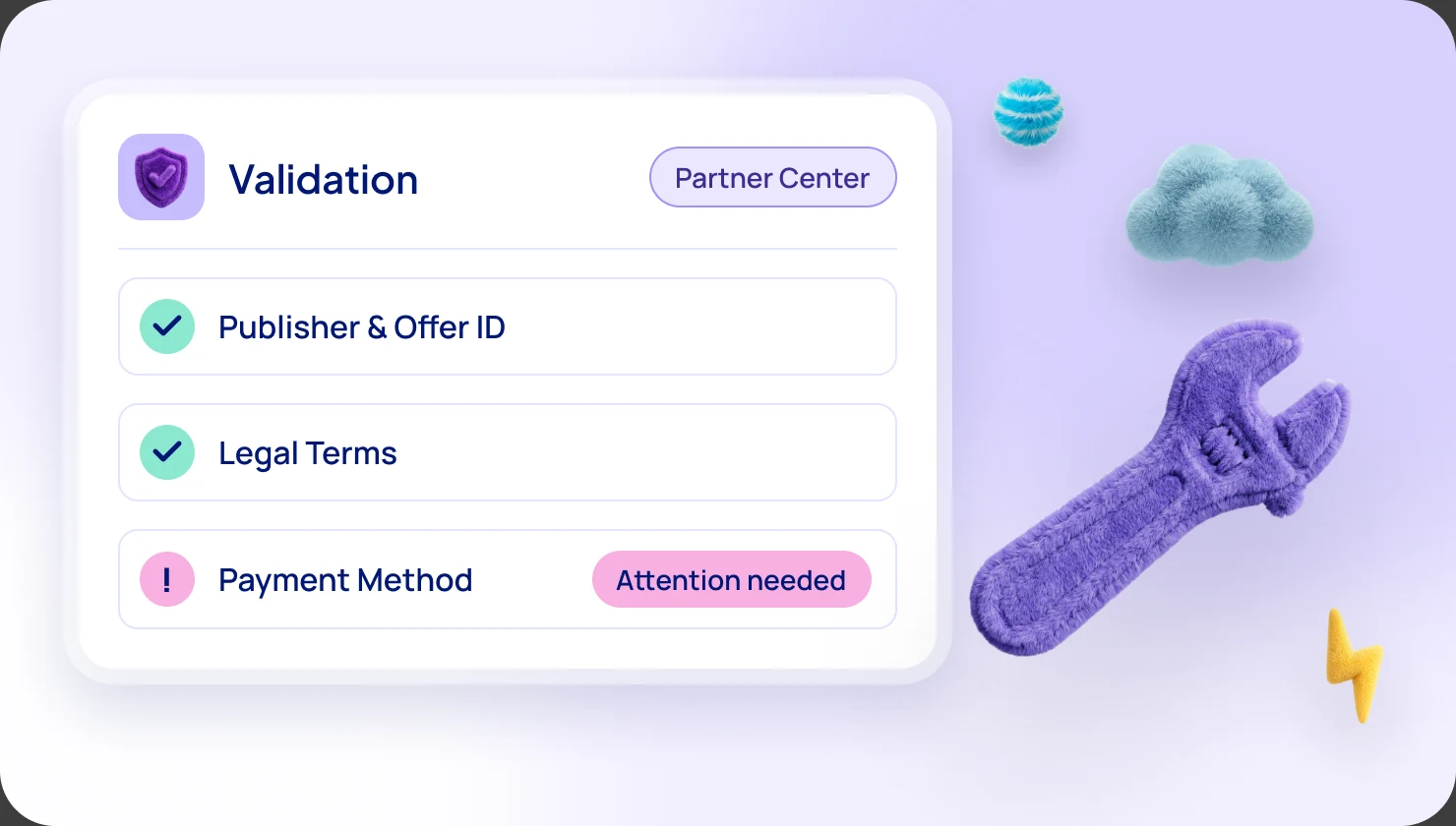
- A Partner ID and an active Marketplace account in Partner Center.
- A complete business profile.
- Your offer published live on Marketplace.
- A sales contact for each geography where you want to co-sell.
- The Co-sell > Solutions page completed in Partner Center, with a one-page summary and a pitch deck.
Software companies must also enrol in Frontier Accelerate for Marketplace, which is free.
Step 2: reach Azure IP co-sell eligibility
This is the level where Microsoft sellers can be rewarded for selling your offer. On top of co-sell ready, you need four more things:
- $100,000 of Azure consumed revenue over 12 months, or $100,000 of cumulative Marketplace billed sales. They are alternatives.
- Technical validation by Microsoft.
- A reference architecture diagram. Offers that are Azure apps, containers or virtual machines do not need one.
- A transactable offer listed as "Sell through Microsoft".
Azure credits do not count toward the $100,000. Microsoft still calls these criteria a pilot in FY27.
Not there yet? Read how to make your first $100,000.
Step 3: pick three to five accounts
Microsoft's own advice is to start small. Choose three to five deals with a strong joint story and a clear ask.
Good accounts have three things:
- A large organization with a Microsoft contract and committed budget.
- A problem your product clearly solves.
- A history of buying through Marketplace, or a wish to simplify procurement.
You choose the accounts. Microsoft does not do it for you.
Step 4: prepare something a seller can use
Sellers do not have time to learn your product. Give them a short pack, which Microsoft calls a bill of materials. It should say:
- What your product does, in one or two sentences.
- Why it is better together with Microsoft's products.
- What you need: an introduction, help in the deal, or simply visibility.
Also have clear messaging for the customer on why buying through Marketplace helps them.
Step 5: share the deal in Partner Center
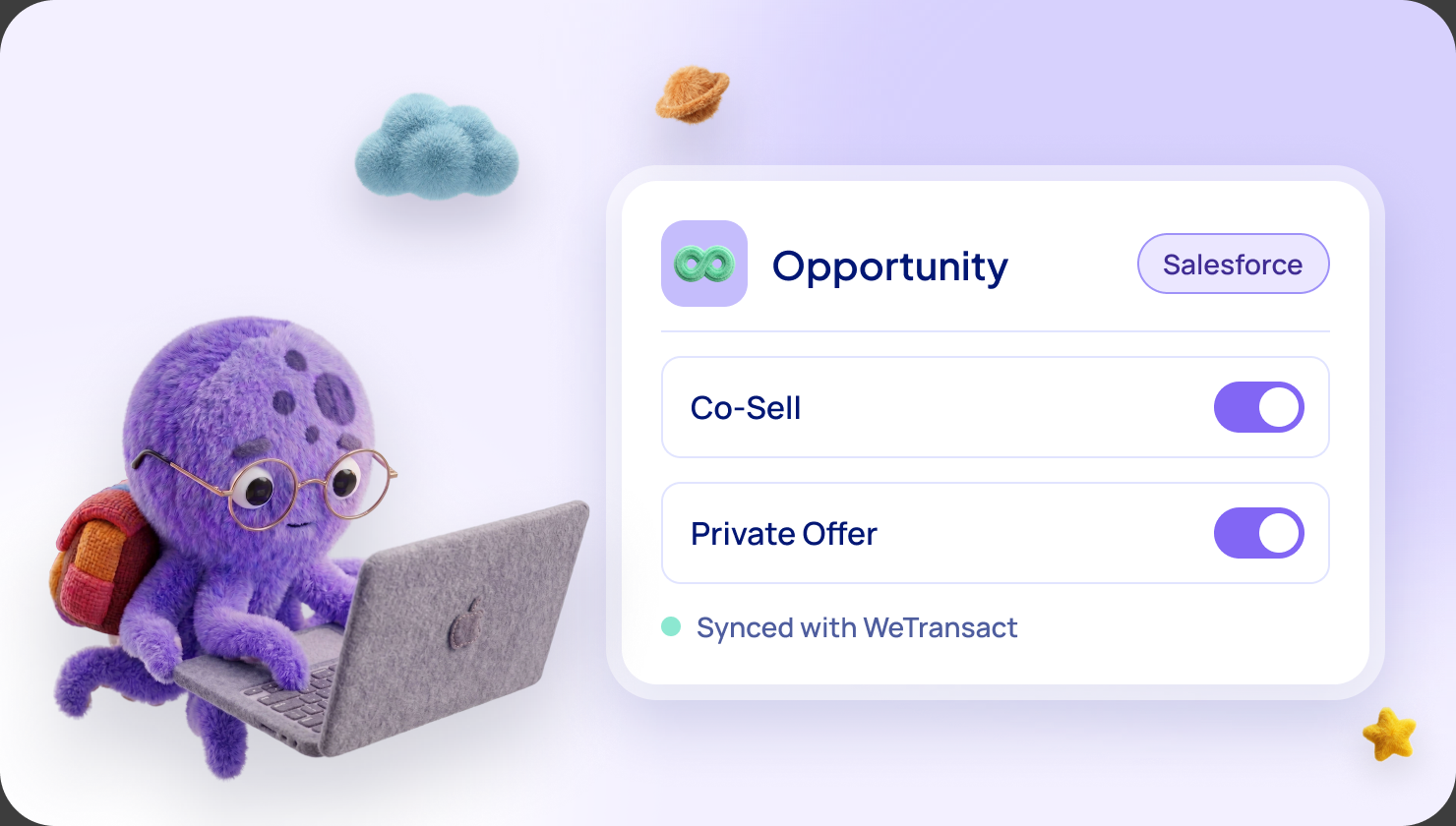
Partner Center is where you share a deal with a Microsoft seller. Two routes exist.
Share a deal in progress. If you ask for help from Microsoft, the deal becomes a co-sell opportunity. The Microsoft seller then has 14 days to decide whether to take part. They are not obliged to say yes.
Register a won deal. This gives the seller credit. Microsoft Learn lists these conditions: a won deal, a solution that is Azure IP co-sell eligible, a deal value of at least $25,000, and a customer account managed by Microsoft.
When a seller accepts, send them a short note with three things:
- What is in it for them, including how much quota credit they get.
- Why this deal is compelling for the customer.
- What you need to close it.
Step 6: close through Marketplace
For the deal to count, it must be billed through Marketplace. That is what gives you billed sales and gives the seller their credit.
For the customer's commitment to count, your offer must be Azure benefit eligible and the customer must buy through the Azure portal on their agreement. A direct credit-card checkout does not count.
Azure sponsorship can help here. Once you pass $100,000 of billed sales, your allowance reaches $35,000. Use it to sweeten the deal for the customer, up to 10% of the yearly value on deals of three years or more, or up to 3% of the total on deals of one to two years. Credit never counts toward the customer's commitment. Read Azure sponsorship in FY27.
What to expect
- A seller can say no. Co-sell is an invitation, not a guarantee.
- It is a pilot in FY27. Microsoft may change the criteria.
- Tools help, they do not decide. A cloud GTM platform can keep your accounts, deals and registrations in one place, but it cannot make a seller say yes.
- Cash is separate. Co-sell is not a payment. It shows up as introductions and deals.
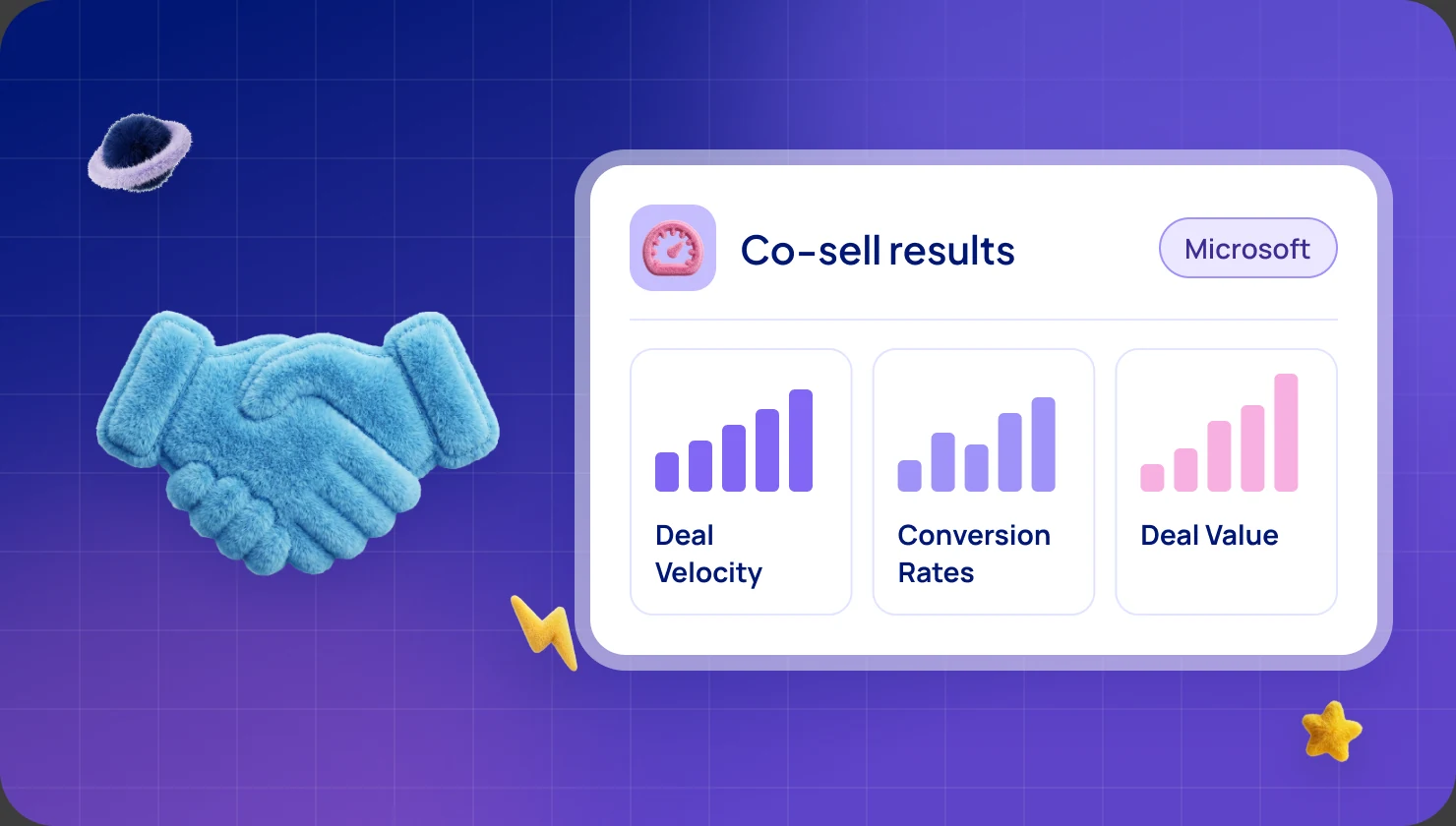
- Results vary. Contentsquare reports that its co-sell deals through Marketplace are 81% larger and close 11% faster than direct new business. That is one company's result.
Common mistakes
- Waiting for sellers to find you. Share deals yourself.
- Sharing too many deals at once. Start with three to five.
- Skipping the seller note, so they do not know what is in it for them.
- Closing the deal outside Marketplace, so nothing counts.
- Counting orders, not invoices, when you check your $100,000.
Frequently asked questions
Do Microsoft sellers get quota credit for my sales?
Microsoft says sales of your solution through Marketplace can help its sellers retire quota, once you are eligible. How much credit depends on Microsoft's current plan, so tell the seller you will confirm it with them.
Do I have to be Azure IP co-sell eligible first?
Yes, for sellers to be rewarded and for deals to count toward customers' commitments. Co-sell ready is the first step, and eligibility is the second.
Does co-sell cost anything?
Co-sell itself is free. Marketplace sales carry Microsoft's 3% fee.
How many deals should I share?
Three to five at the start, with a strong joint story and a clear ask.
Where do I do this?
In Partner Center, on the referrals and co-sell pages.
Sources: Microsoft Learn, Co-sell requirements (updated October 2026) and Manage co-sell opportunities (updated October 2026); Microsoft Partner Blog, "Capturing the marketplace opportunity, part four" (13 May 2025); Microsoft's FY27 Partner Investments material as summarised in the WeTransact FY27 guide (20 October 2026). Microsoft may change its programs at any time, and every payout needs Microsoft's approval.
Want the full picture?
Everything here is also in our complete guide to Microsoft FY27 Marketplace incentives, with plain-words notes for newcomers. Get the complete FY27 guide
Not sure which incentive fits your company?
Ask for your free Microsoft Incentives Assessment: a personalized report of every incentive your company can claim, what each is worth, and the order to claim them. Free, no obligation. No Partner Center login needed to start. Ask for your free Assessment
The other FY27 incentives
- Azure sponsorship
- AI Build & Publish for Marketplace
- AI Build & Publish for the Agent Store
- Customer Assessment & POV
- Customer Migrate & Modernize
- Co-selling with Microsoft
Based on Microsoft's FY27 Partner Investments material and the Frontier Accelerate for Marketplace pages on Microsoft Learn. Microsoft may change its programs at any time, and every payout needs Microsoft's approval. Amounts are in USD.