


How long does it take to list on Microsoft Marketplace? A realistic timeline and checklist
Updated 10 Nov 2026
The short answer. Microsoft publishes no single total time for listing a SaaS product on Microsoft Marketplace. It does state the pieces: company verification takes three to five business days in most cases, the tax and payout profile checks take about 48 hours each, and the automated offer checks take under 10, 15 and 30 minutes.
Added up in order, Microsoft's stated waits come to roughly a week to a week and a half (our arithmetic). Manual certification has no stated length, and your own technical and content work comes on top.
In plain words. Listing is a chain of steps, not one task. Some steps are waits on Microsoft, such as checking that your company exists. Others are your own work, such as building the sign-in link and writing the listing.
Partner Center is Microsoft's admin website where you do all of it. A transactable offer is one that Microsoft bills for, and it is the kind this post covers.
Get the complete guide to Microsoft FY27 Marketplace Incentives
Every Microsoft incentive for software companies: what it pays, who qualifies and how to claim it.
Download the e-book →
Does this apply to you?
Probably yes, if you sell SaaS (software that customers use online by subscription) and want Microsoft to bill your customers. New to the store? Start with our guide to what Microsoft Marketplace is and how it works. For the full order of steps, read how to sell on Microsoft Marketplace.
Not yet, if your company is not legally registered, because Microsoft verifies that.
Be careful, if your product is an app or add-in for Teams, Outlook or Excel. Microsoft's "step-by-step submission guide" is for those apps. It says an approval typically takes four to six weeks and often needs several submissions. That is a different process from the one below.
How long does onboarding take on Microsoft Marketplace?
Here is every time Microsoft Learn gives, in the order the work happens.
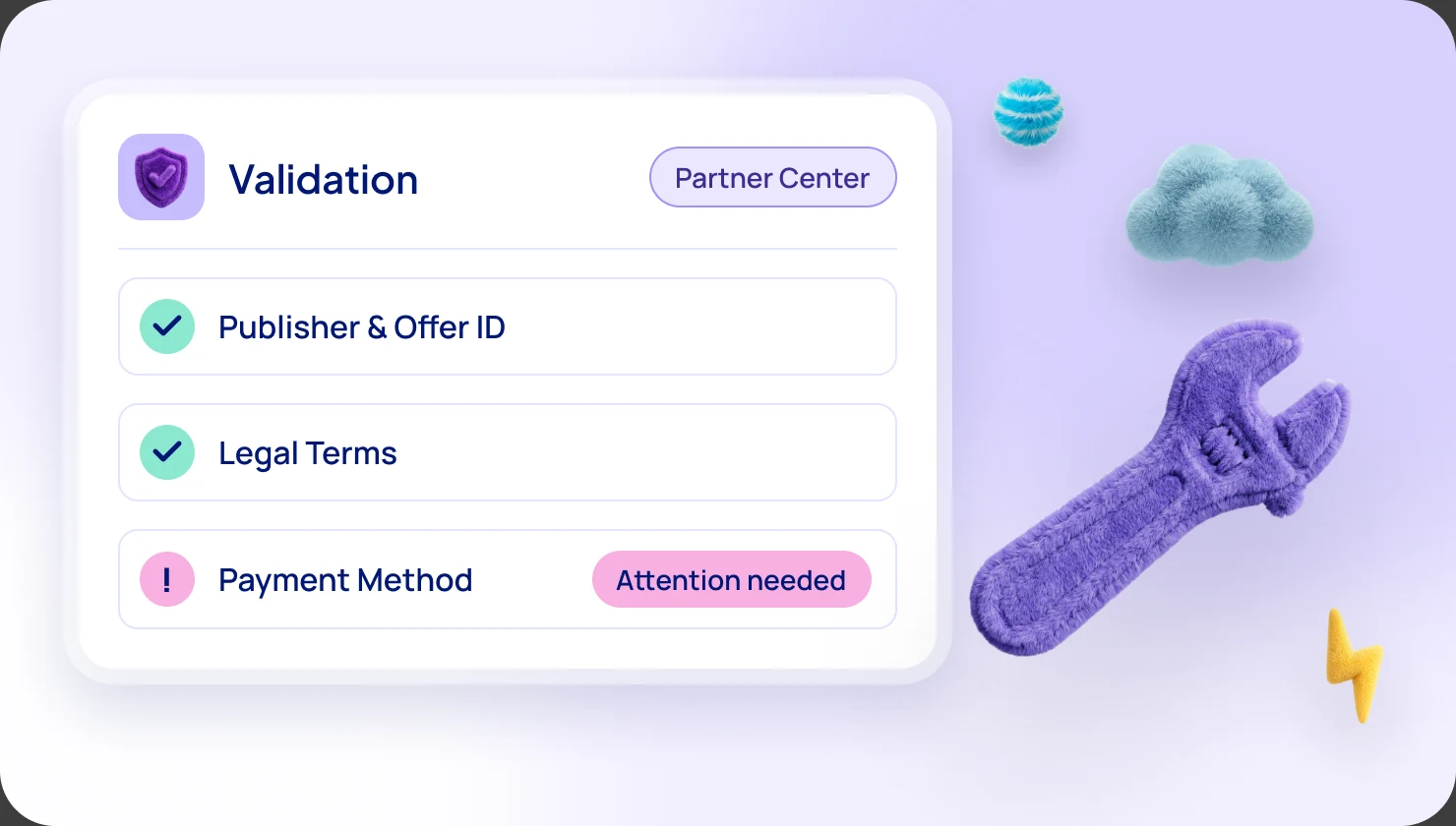
- Company verification: three to five business days in most cases. Microsoft says some checks can take longer, and it may ask for more information by email.
- Tax profile: up to 48 hours. You must submit it before the payout profile.
- Payout profile: about 48 hours. This is the bank or PayPal account where your money arrives.
- Building the offer: no time stated. This is your work.
- Automated checks: under 10 minutes for the purchase flow, under 15 for lead setup and under 30 for offer validation. Microsoft lists each one separately.
- Manual certification: no time stated. If it fails, Microsoft sends a report and you can resubmit as often as needed.
- Preview and your sign-off: your own time. You test, then press Go live.
- Final publish: more than 30 minutes. Microsoft gives a minimum, not a maximum.
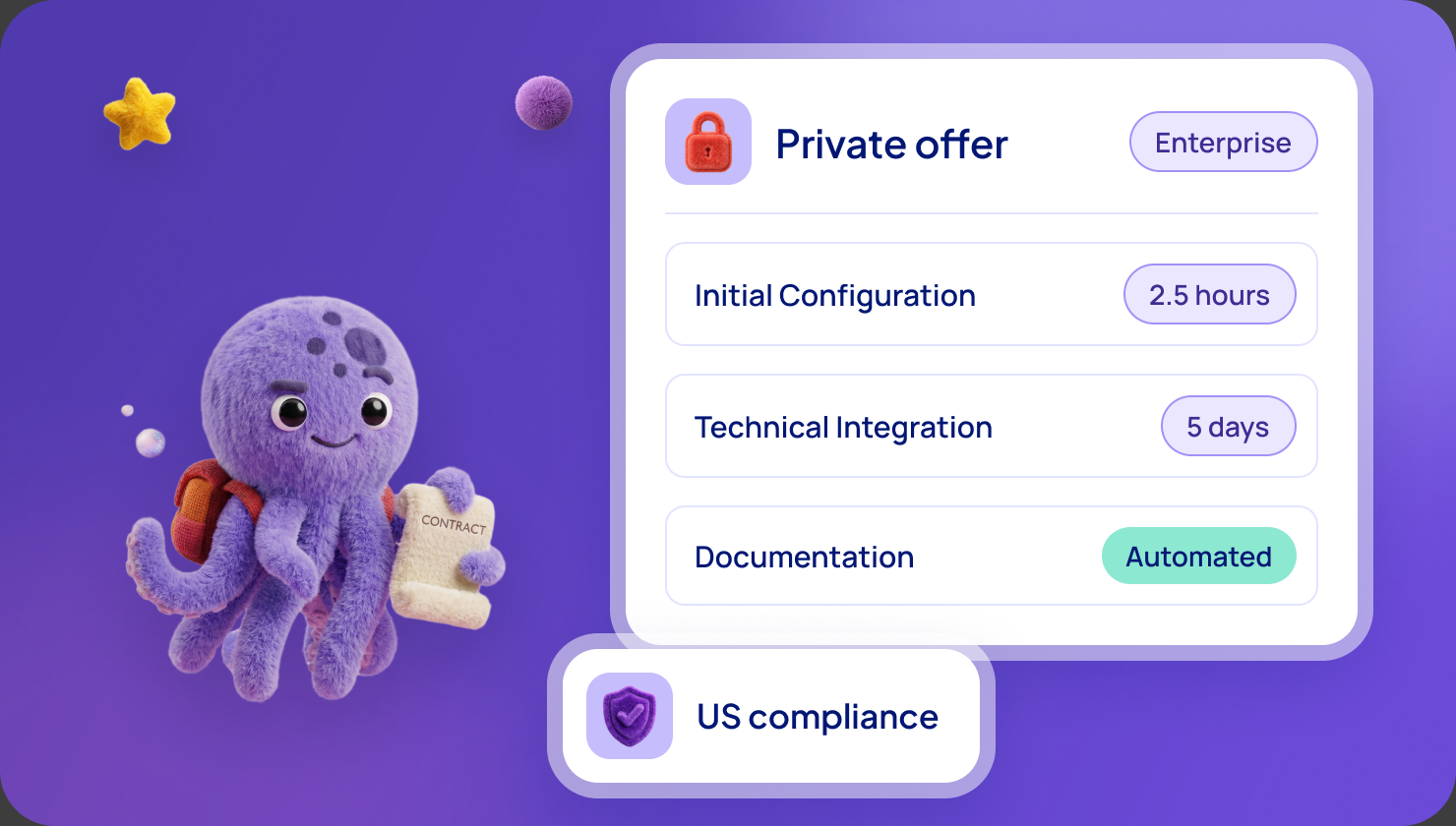
- First private offer: generally available within 15 minutes. A private plan can take up to 48 hours. A private offer is a deal made for one named customer.
How long does it take to get live on Microsoft Marketplace?
Microsoft states no total, so we built a range using only its numbers.
If the waits run one after another (the safe way to plan): three to five business days for verification, then up to about two days for the tax profile, then about two days for the payout profile. Add under an hour of automated checks and at least 30 minutes of final publishing. That is roughly a week to a week and a half on the calendar. This is our arithmetic.
If you can overlap them, the total moves toward the longest single wait, three to five business days. Microsoft's pages do not promise this, so we do not plan on it.
Two things stay open. Microsoft gives no length for manual certification, so the range above is a floor. And it says verification can take longer when it needs more information.
What you control and what nobody can promise
You control:
- Technical work. The sign-in, landing page and connection to Microsoft (see the checklist below). Microsoft states no time for it.
- Content. The description, screenshots and links. Getting every item right the first time avoids a resubmission.
- Approvals inside your company. Who owns the Microsoft account, who signs off the terms and prices, and who completes the tax form.
- Answering Microsoft quickly. It emails the primary contact when it needs more information, and says prompt answers avoid delays.
Nobody can promise:
- How long manual certification takes.
- Whether you pass first time.
- Whether verification asks for more documents.
What do I need to get started? A checklist by team
Business: account and verification
- A work account. Microsoft says to sign in with one or create one.
- Your legal name and address, matching official registration records exactly. Microsoft says no abbreviations or spelling errors.
- Formation documents, such as a certificate of incorporation or business license.
- Domain documents showing business name, address, domains and purchase and expiry dates, from an authorized registrar.
- A business email for the primary contact, not a personal one. Add microsoft.com as a safe sender. Only the primary contact gets Microsoft's status emails.
- One user whose account name matches a government-issued ID, for identity verification.
- A Global admin (the top administrator role in Microsoft's directory) to start enrollment. Global admins, compliance admins and account admins can then complete verification.
- Two decisions you cannot undo after publishing: the "Sell through Microsoft" option, and, if you choose Microsoft's standard contract, your own terms.
Finance: tax and payout
- A tax profile, by someone with the Owner or Finance Contributor role. Microsoft Learn says transactable sellers fill in US tax forms: a W-9 for some US publishers, a W-8 for others.
- A payout profile: bank details and beneficiary details, or PayPal where supported. The account holder name must match the bank's records exactly, and your bank must accept the payout currency you choose.
- Microsoft's best practice: at least two Owners on the publisher account.
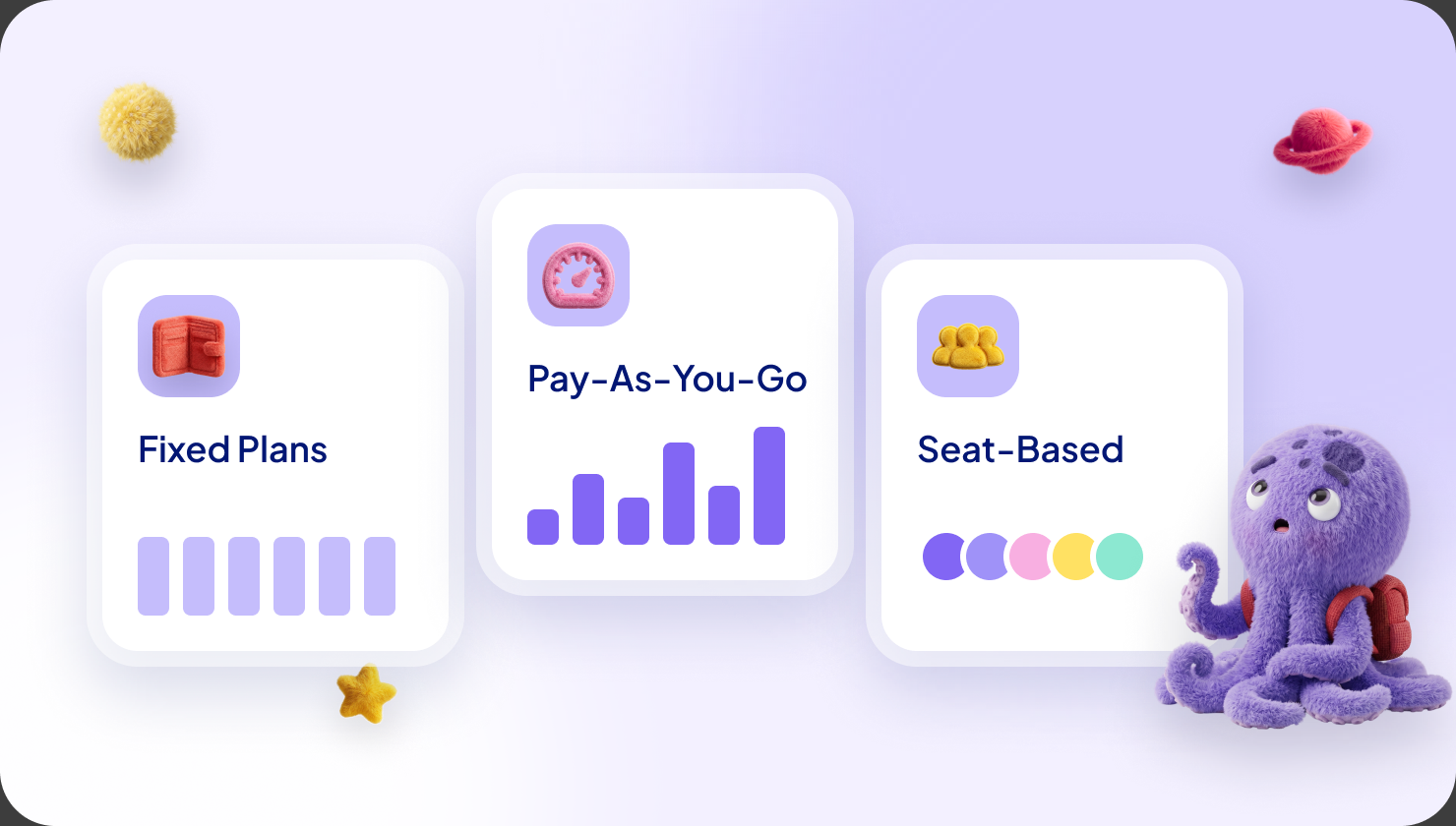
- A pricing model. SaaS plans are flat rate or per user, and you cannot change it after publishing. See our guide to pricing models.
Marketing: listing content and assets
These are the requirements Microsoft Learn lists for SaaS offers.
- Name: up to 200 characters, no emoji.
- Search summary: one sentence, up to 100 characters.
- Description: up to 5,000 characters, including formatting.
- Getting started instructions: required for transactable offers, up to 3,000 characters.
- Search keywords: optional, up to three.
- Logo: a PNG between 216 x 216 and 350 x 350 pixels, with equal sides. Partner Center creates the 90 x 90 and 48 x 48 versions.
- Screenshots: one to five PNG files of 1280 x 720 pixels, each with a caption.
- Videos: optional, up to four, on YouTube or Vimeo, each with a 1280 x 720 PNG thumbnail.
- Privacy policy link, starting with https.
- Support contact (name, email, phone and a public support web address) and engineering contact (name, email, phone).
- Documents: up to three PDFs. Microsoft's two pages disagree on whether one is required, so prepare one.
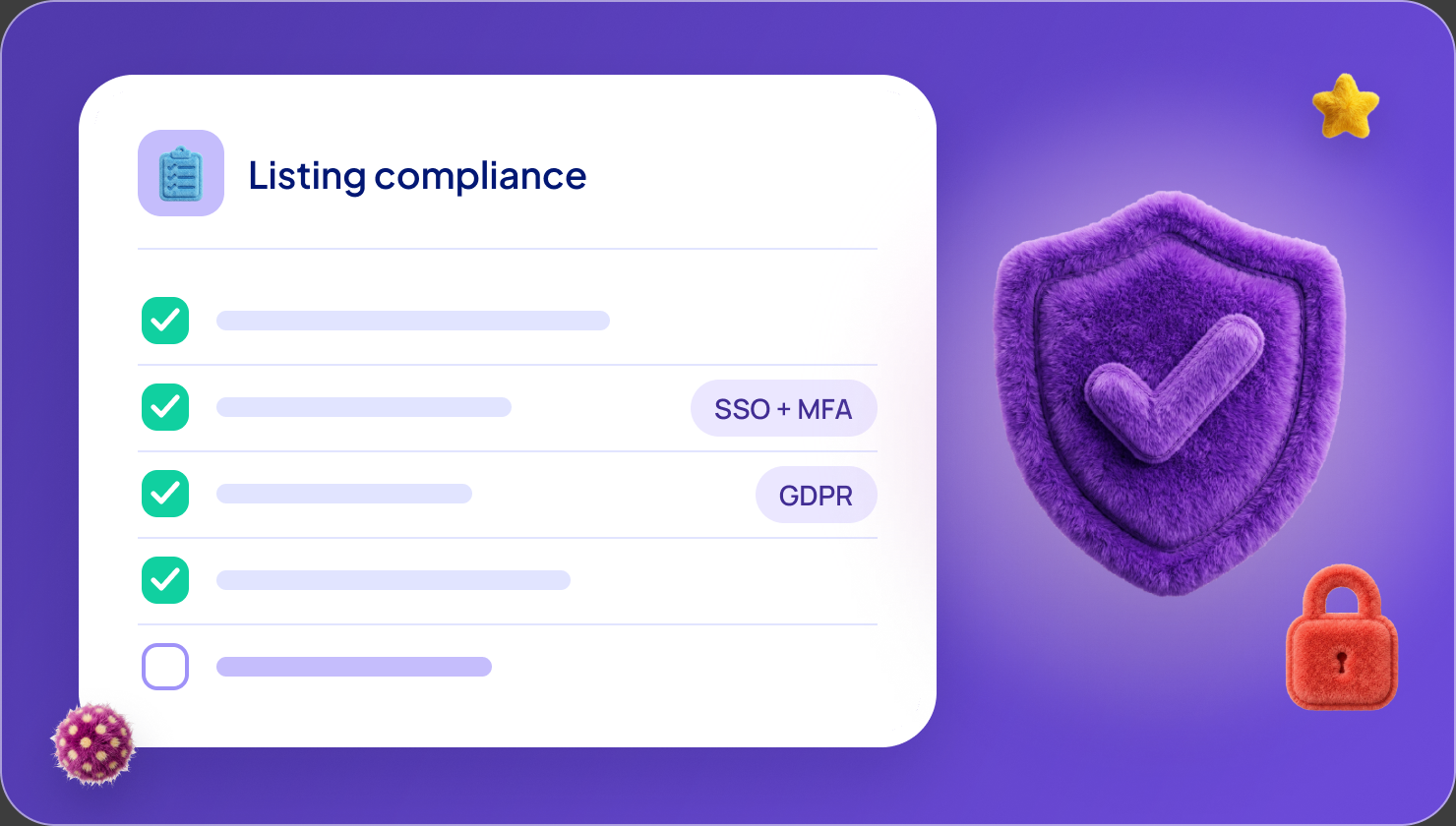
Our listing compliance checklist and guide to writing the description help you pass certification the first time.
Technical: SaaS
- Multitenant product. Microsoft Learn says a transactable SaaS app must be multitenant, meaning one product shared by many customers.
- Sign-in. Buyers with a Microsoft Entra account (Entra is Microsoft's sign-in system) must be able to sign in with single sign-on. Microsoft accounts must work too.
- Landing page. Customers land here after buying, carrying a token you swap for their purchase details. Microsoft says it must run 24/7.
- Connection webhook. A web address Microsoft calls when something changes, such as a cancellation. It must also run 24/7.
- Fulfillment APIs. The messages between your product and Microsoft. Microsoft says critical API changes must be supported within 24 hours.
- Entra app registration. You need its tenant ID and application ID for the technical settings.
- A separate test offer. Microsoft advises one, and never pressing Go live on it. Test purchases are real invoices, so Microsoft suggests a $1 private plan.
If you use a platform partner
With our team, a listing goes live in 5 days, across 3 sprints, and needs about 2 hours of hands-on time from your team.
That figure is ours, not Microsoft's. Microsoft still runs its own checks on every offer.
Frequently asked questions
How long does onboarding take on Microsoft Marketplace?
Microsoft gives no single total. Its stated pieces are three to five business days for verification and about 48 hours for each of the tax and payout profiles. Added in order, they come to roughly a week to a week and a half.
How long does it take to get live on Microsoft Marketplace?
Add your own build time and Microsoft's manual certification, which has no stated length. Microsoft's stated waits are the floor, not the total.
What do I need to get started?
Verified company details, a tax profile and payout profile, listing content and, for SaaS, a sign-in, landing page, webhook and fulfillment link. The checklist above groups them by team.
What content and assets does a Microsoft Marketplace listing need?
A name, summary, description, getting started instructions, a logo, one to five screenshots, a privacy policy link and support and engineering contacts. Videos and keywords are optional.
Can I speed up verification?
Not directly. Microsoft recommends exact name and address matches and a business email for the primary contact, and says prompt answers to its requests help avoid delays.
How quickly can I send my first private offer?
Microsoft says private offers are generally available within 15 minutes. A private plan can take up to 48 hours.
What happens if certification fails?
Microsoft sends a report by email and in Partner Center. You fix the problems and resubmit, as many times as needed. It gives no time for each round.
Is "four to six weeks" the time for a SaaS listing?
No. Microsoft says that for apps submitted through its Microsoft 365 and Copilot store guide. The SaaS pages we read give no such figure.
Sources: Microsoft Learn, "Understand the verification process in Partner Center", "Transacting on Microsoft Marketplace", "Set up Microsoft Marketplace payout and tax profiles", "Plan a SaaS offer for Microsoft Marketplace", "Configure SaaS offer listing details", "Microsoft Marketplace transact capabilities", "How to review and publish an offer", "ISV-to-customer private offers" (ISV, independent software vendor, means a software company), "Microsoft Marketplace FAQ" and "Microsoft Marketplace step-by-step submission guide" (all read on 8 November 2026). Microsoft may change its processes and times at any time.
Want the full picture?
Everything here is also in our complete guide to Microsoft FY27 Marketplace incentives, with plain-words notes for newcomers. Get the complete FY27 guide
Not sure which incentive fits your company?
Ask for your free Microsoft Incentives Assessment: a personalized report of every incentive your company can claim, what each is worth, and the order to claim them. Free, no obligation. No Partner Center login needed to start. Ask for your free Assessment