


Microsoft Partner Center: what it does, where it gets hard, and what a platform on top of it adds
Updated 8 Nov 2026
The short answer. Microsoft Partner Center is Microsoft's admin website for partners. A software company uses it to publish offers on Microsoft Marketplace, create private offers, check orders and payouts, register co-sell deals and claim incentives. Our platform, WeTransact, works on top of your Partner Center account and does not replace it. A few one-time setup steps happen in Partner Center, and our team helps you through them.
In plain words. Partner Center is the back office Microsoft built for selling through its store. It has many sections and several separate user roles, and that is where the stumbling blocks below come from.
We built our platform so the daily work happens in one place, and we help with the setup.
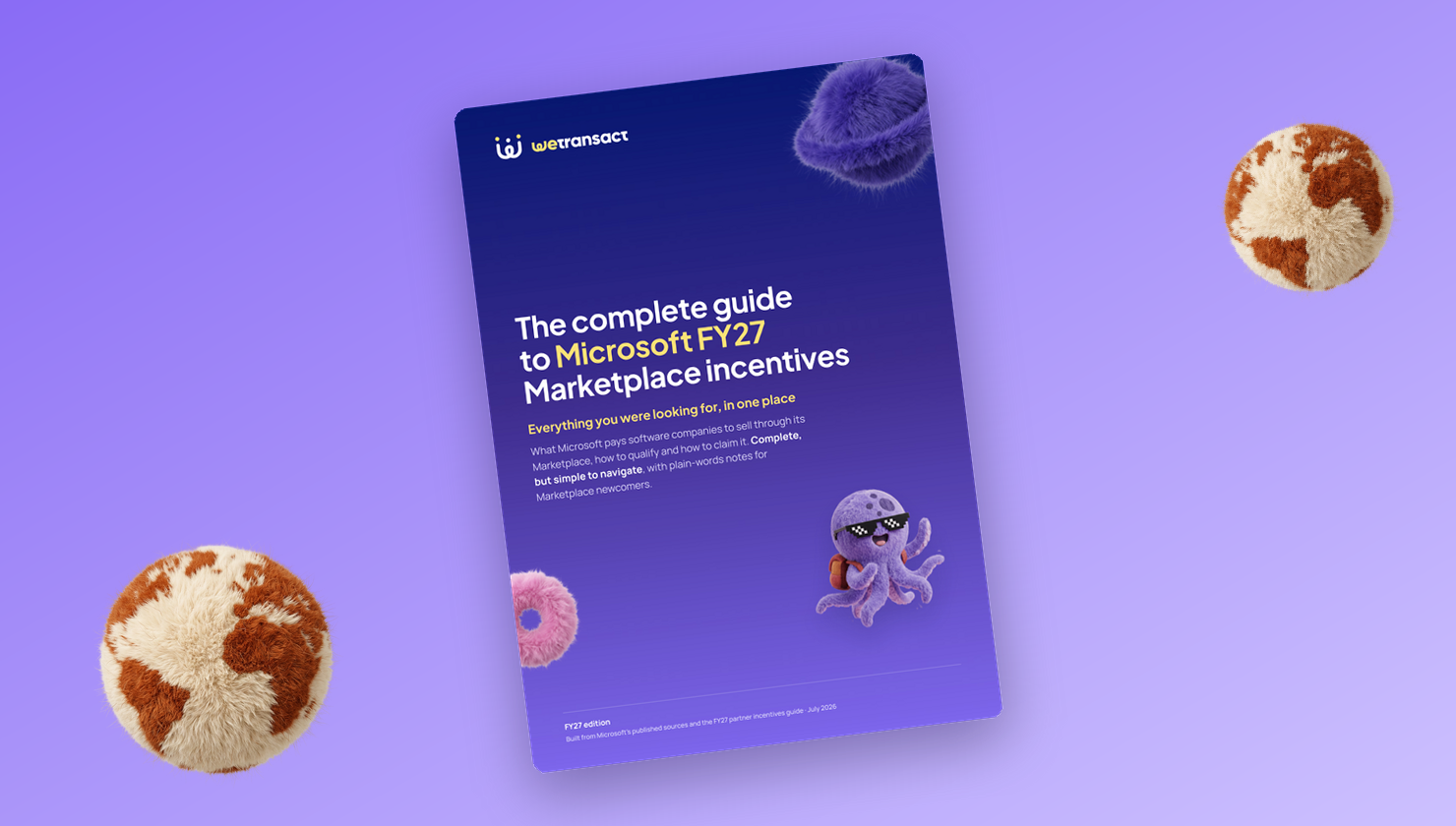
Get the complete guide to Microsoft FY27 Marketplace Incentives
Every Microsoft incentive for software companies: what it pays, who qualifies and how to claim it.
Download the e-book →
Does this apply to you?
Probably yes, if you sell business software, want customers to buy through Microsoft Marketplace, and your team is asking who needs which access in Partner Center.
Not yet, if you only want a free "Contact me" listing. That is a form that sends the visitor to you, so nothing is billed through Microsoft.
Be careful, if nobody on your team holds the top roles in your Partner Center account.
What Partner Center is
Partner Center is the website where Microsoft partners manage their business with Microsoft. Microsoft's page "What is Partner Center?" says you use it to manage your account and users, enroll in incentive programs, get paid, contact support and publish offers on Microsoft Marketplace.
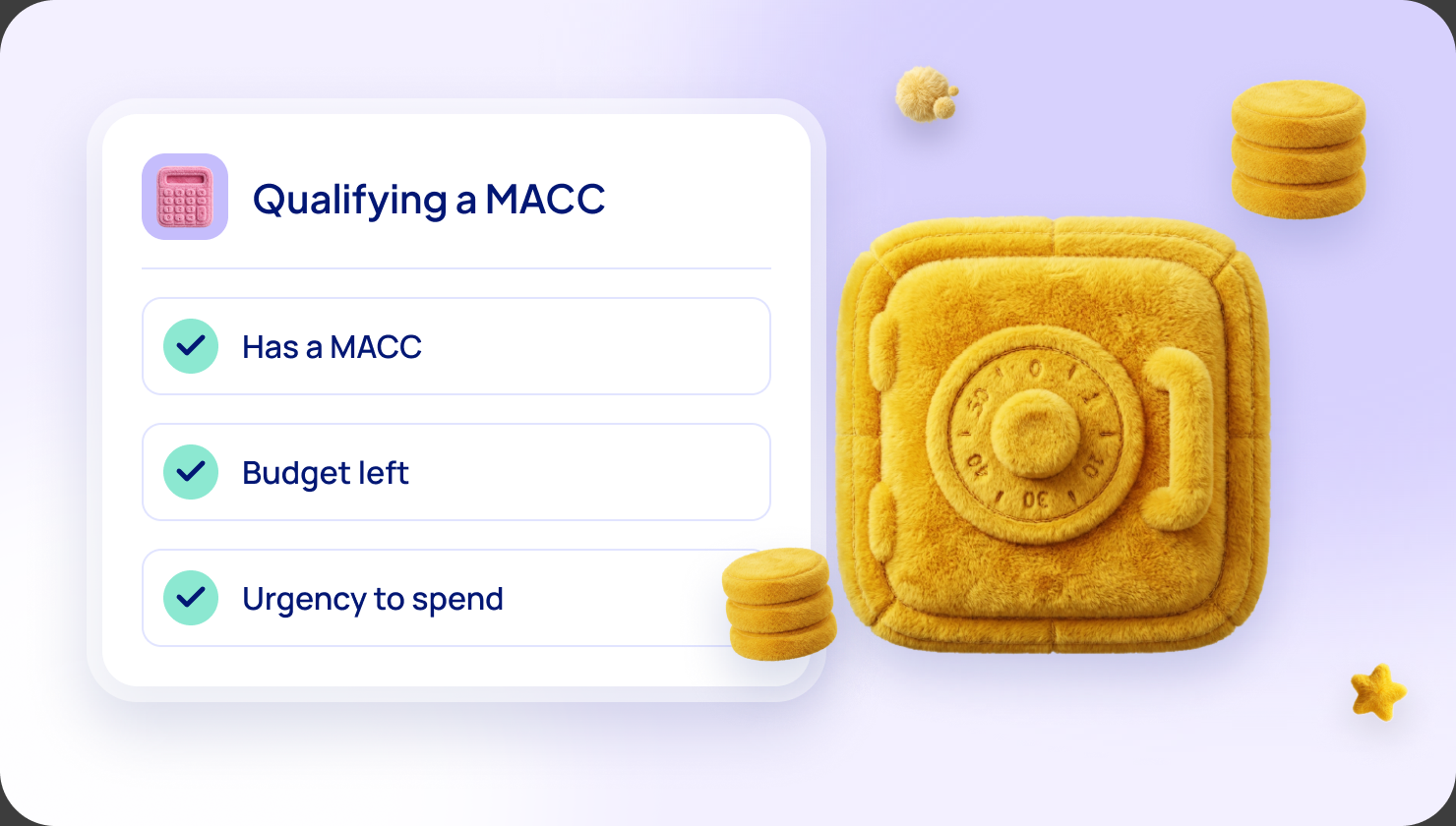
Microsoft Marketplace is Microsoft's online store for business software. Customers can buy through the Microsoft agreement they already have. When your offer qualifies, the purchase can also count toward their MACC (Microsoft Azure Consumption Commitment), the amount a large customer has promised to spend with Microsoft. Here is how that works.
A transactable offer is one where Microsoft bills the customer, collects the money and pays you, keeping a 3% store service fee.
What a software company does in Partner Center
Software companies do five jobs there.
- Publish an offer. In the Marketplace offers section you write the listing, set plans and prices and submit it. Microsoft reviews it before it goes live. A SaaS offer (software customers subscribe to) must also connect to Microsoft's fulfillment APIs, the technical link that tells Microsoft a customer's account is ready.
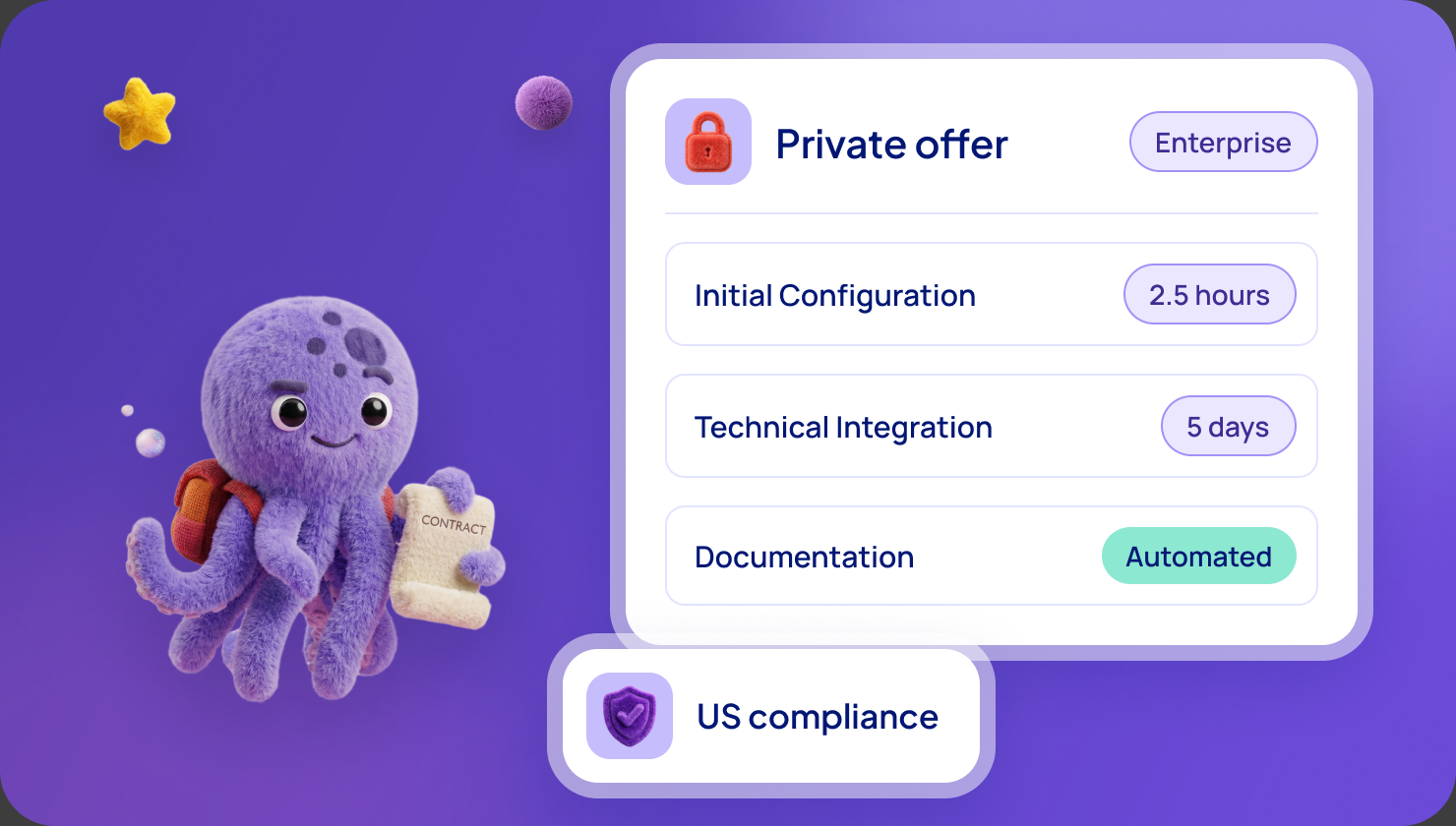
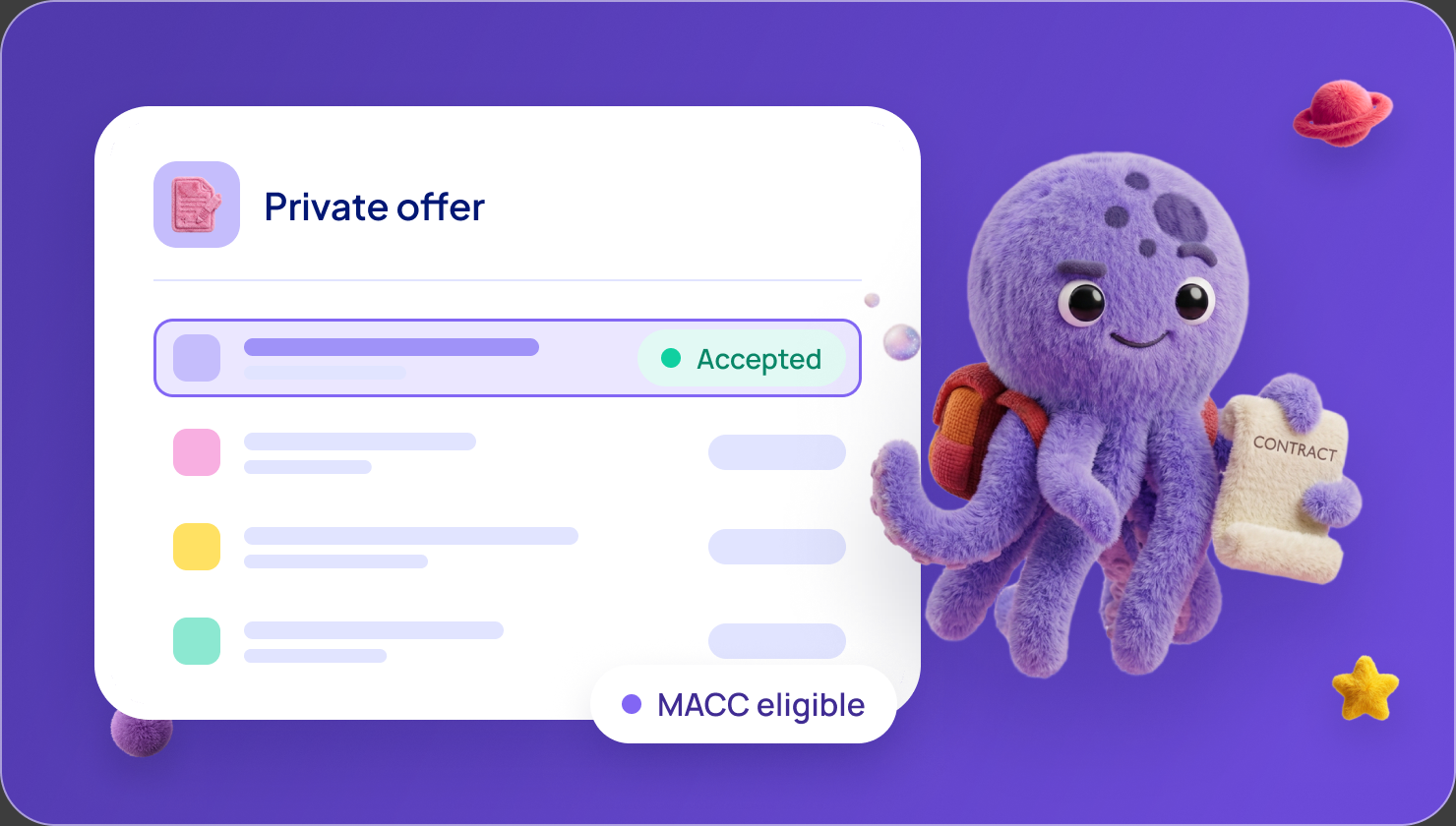
- Create private offers. A private offer is a deal with a price and terms made for one customer. The Private offers dashboard has tabs for customers, CSP partners (Microsoft's cloud resellers) and deals with a channel partner in the middle. See our guide to private offers.
- Follow orders and payouts. Reports sit in Insights, payments in Earnings. Payouts are monthly, and the date depends on the customer's Microsoft agreement type.
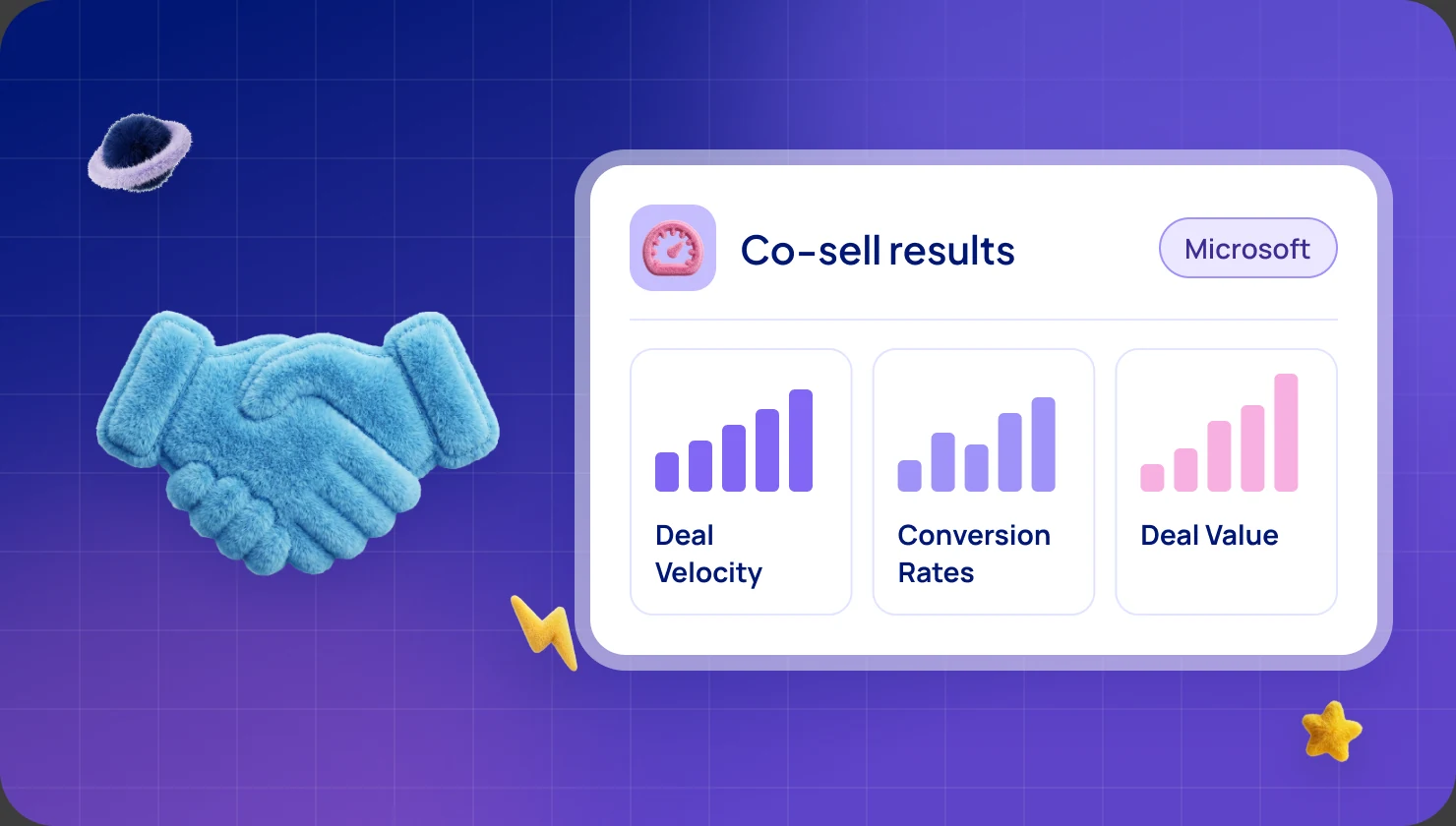
- Register co-sell deals. Co-sell means selling together with Microsoft's own sellers. To register a deal you need a won deal, an Azure IP co-sell eligible solution, a deal value of at least $25,000 and a customer account that Microsoft manages. See the co-sell steps.
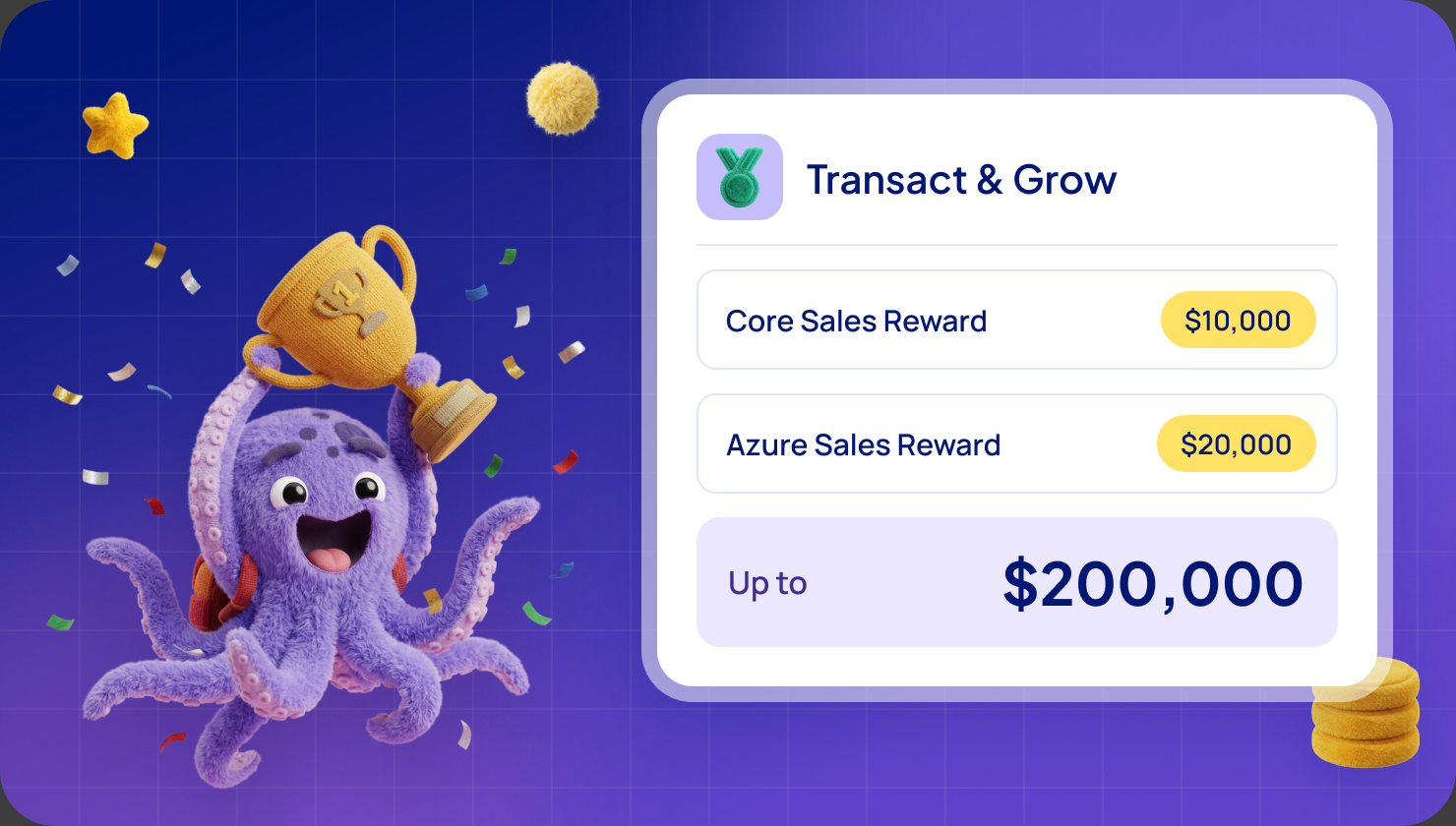
- Claim incentives. Cash incentives are claimed inside Partner Center, by a user with the Incentives admin role, once your tax and payout profile is complete. See the FY27 incentives guide.
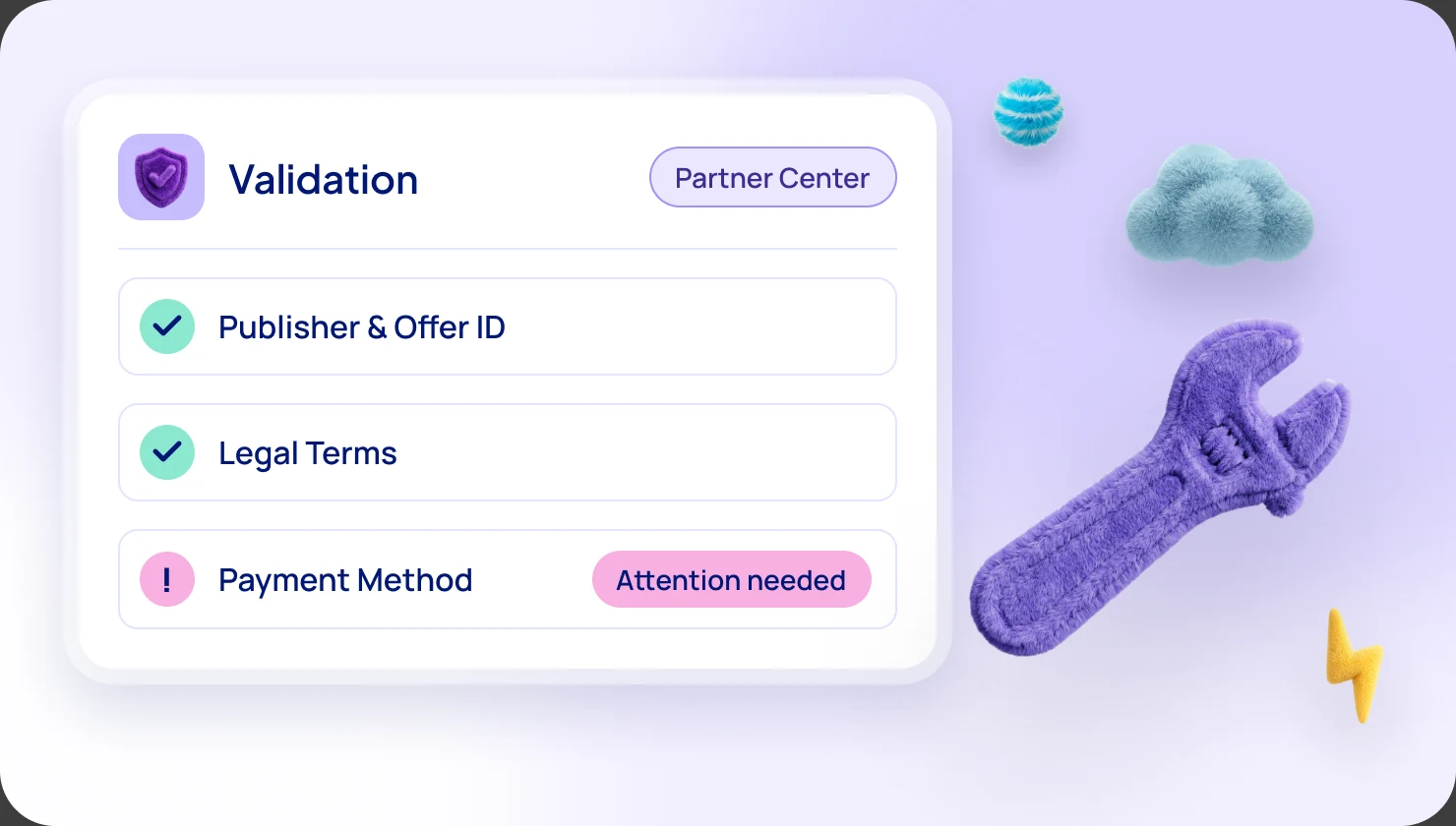
Before any of that, Microsoft verifies your company, and to transact you add a payout account and a tax profile.
The five places it gets hard
Our help center has an article on each of these, and our team helps customers through them.
1. Rights and roles
Access is split across many roles. Microsoft Learn ("Roles, permissions, and workspace access for users") says only a Global admin can enroll the company in the partner program, and Owners and Managers assign Marketplace roles. It lists a role for each job: Referrals admin for co-sell deals, Incentives admin for claims, Finance Contributor for bank and tax details.
What we recommend: find out today who holds Global admin and Owner, and name a backup for each, as Microsoft Learn advises. If your only admin has left the company, ask Microsoft support to change the owner. Microsoft decides.
2. Proving the company is real
Microsoft checks the business, a user's identity, the primary contact's email and employment. It says this takes three to five business days in most cases, and until it ends you may be unable to publish.
What we recommend: make names and addresses match your official documents exactly, and send the right document the first time, because you get three attempts. Use a business email for the primary contact and add Microsoft as a safe sender, so the verification email arrives.
3. Tax, payout and publisher IDs
Without a payout account and a tax profile you cannot transact. US companies send bank details and a W-9 form. Other companies send international bank details and a W-8 form (W-8BEN or W-8BEN-E).
One symptom confuses people: the profile says "not set up" while an offer is live. That means another tenant ID is active in your organization.
A publisher ID is the account your offers appear under. Companies with several legal entities or regions may need more than one, each with its own seller ID and credentials.
What we recommend: let the person with the Finance Contributor role complete the tax and payout profile in one sitting. We are happy to do it with you on a screen share.
4. Co-sell and incentive set-up
To register deals through our platform, a Global admin gives you the Referral Admin role and you give a one-time consent. If you see "Please contact Support", a loop back to the same page, or "System error", the cause is usually missing rights, or Microsoft's Partner Center identity missing from your Microsoft Entra directory (its sign-in system). We have a fix for each.
Enrolling in Frontier Accelerate for Marketplace can stall with the Buy Now button greyed out, usually because your billing profile is not linked to Partner Center. Link it, then buy the no-cost offer. An empty list on the claim screen means the account is not yet switched on in Microsoft's systems. You do not need a support ticket.
What we recommend: set up the roles first, then the consent. Microsoft decides eligibility and approves claims.
5. The buyer's side
Your customer can get stuck too:
- A buy button greyed out with "not approved in the Private Marketplace". The customer's company limits which offers staff can buy, so an administrator must approve yours.
- Accepting a private offer needs an owner or contributor role on a billing profile.
- A customer whose subscription is managed by a reseller cannot accept private plans or direct private offers.
- A customer who forgets to click "Configure Account Now" leaves the order incomplete. For SaaS, Microsoft Learn says you have 30 days to activate a purchase before it is voided.
What we recommend: send your customer our walkthrough before they buy. For a reseller-managed customer, send a CSP private offer or ask for a separate billing account.
What our platform adds on top of Partner Center
Our platform, a cloud GTM platform built only for Microsoft, sits on top of your Partner Center account. You keep the account and your deals, and we act on your account with your company's own credentials. We focus only on Microsoft Marketplace, and 1 in 10 SaaS offers on Microsoft Marketplace already run on WeTransact.
Orders, payouts and day-to-day work run in our platform, with our team helping.
Publish
- Listing builder. Our AI assistant reads your website and drafts the listing, as SaaS or as a managed application.
- Sync. Listings already in Partner Center sync into our platform once you save your credentials.
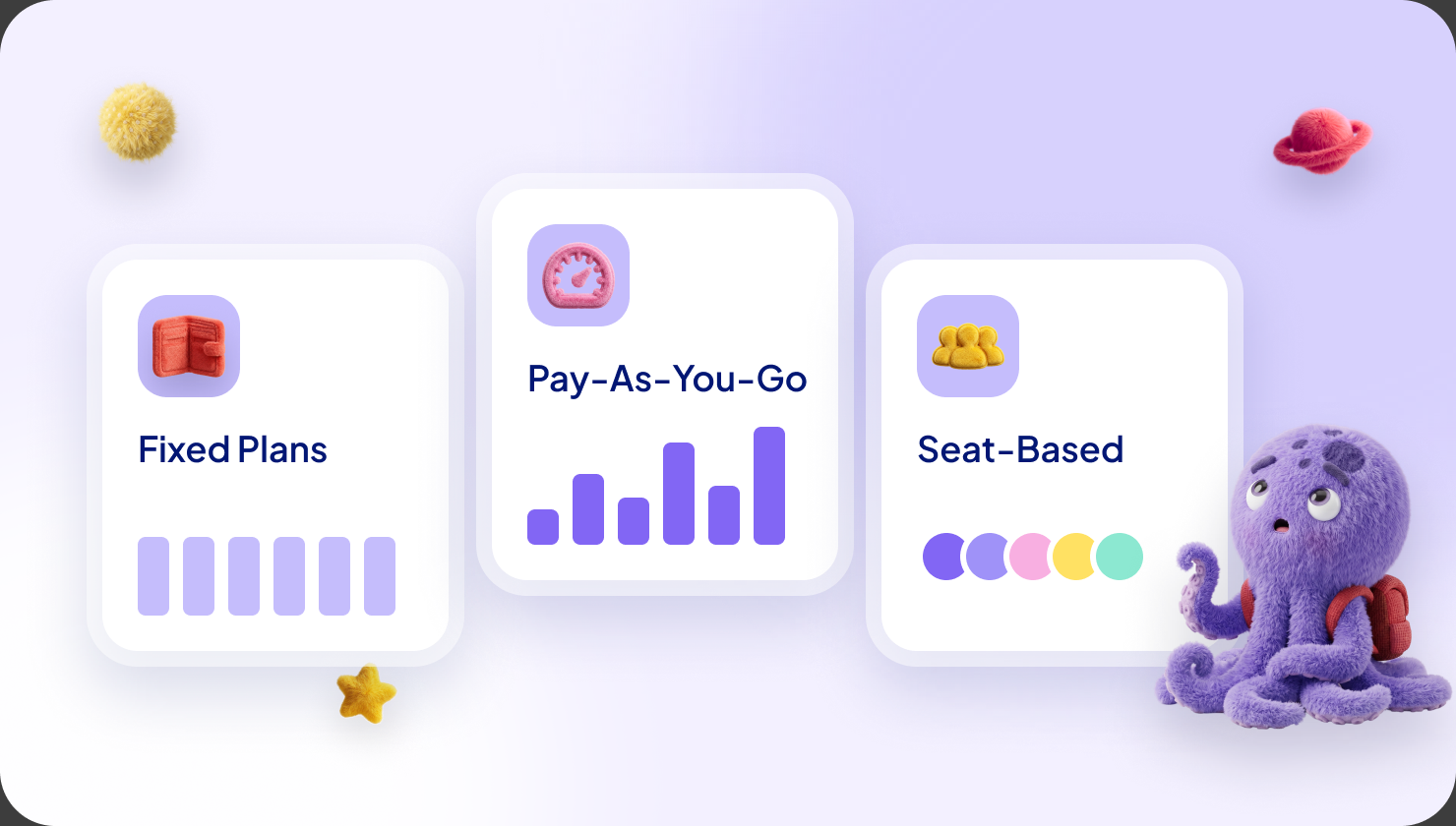
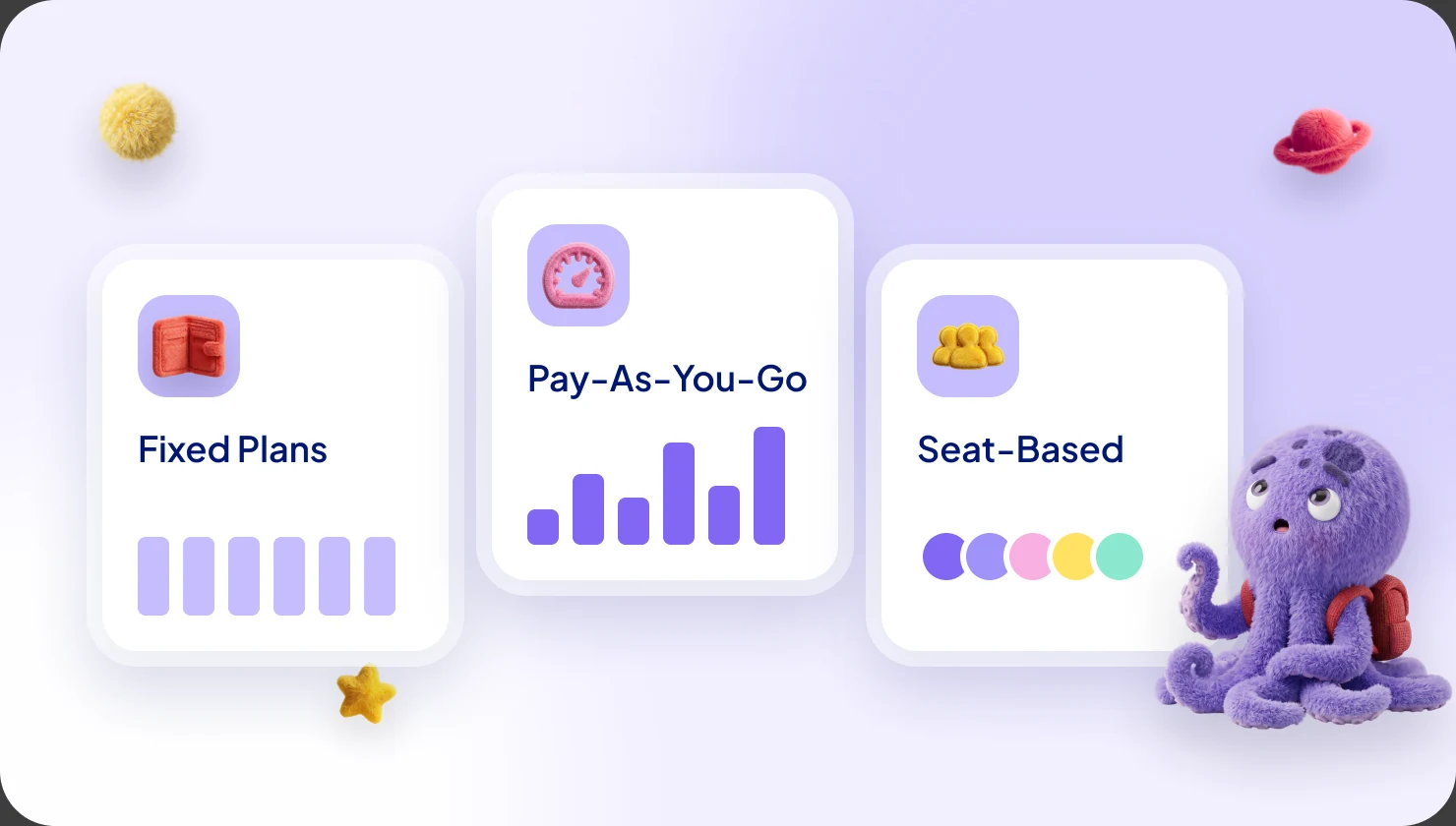
- Pricing and terms. Flat rate or per user plans, several subscription lengths, usage-based dimensions, and Microsoft's standard contract or your own terms.
- Hosting declaration. We send the form about how your product is hosted on Azure to Partner Center for you. Microsoft now requires it before listing updates.
- Onboarding. Three sprints. You go live in 5 days, with about 2 hours of hands-on time from your team.
Sell
- Direct private offers. One form: the customer's billing ID, start and end dates, up to 5 notification emails and your own terms file. Contracts run up to 120 months.
- Private plans. Hidden plans for named customers, up to 45 per offer. You add or remove customers without republishing.
- Reseller offers. Create CSP private offers, multiparty private offers and resale enabled offers (a standing permission for a partner to create private offers for your product) in our platform. See channel partners on Marketplace.
- Partner reach. Filter 8,000+ distributors, managed service providers and system integrators to your ideal customer profile. 90,000+ CSP partners can be authorized to resell you. Our Crossbeam integration shows the accounts you share with partners.
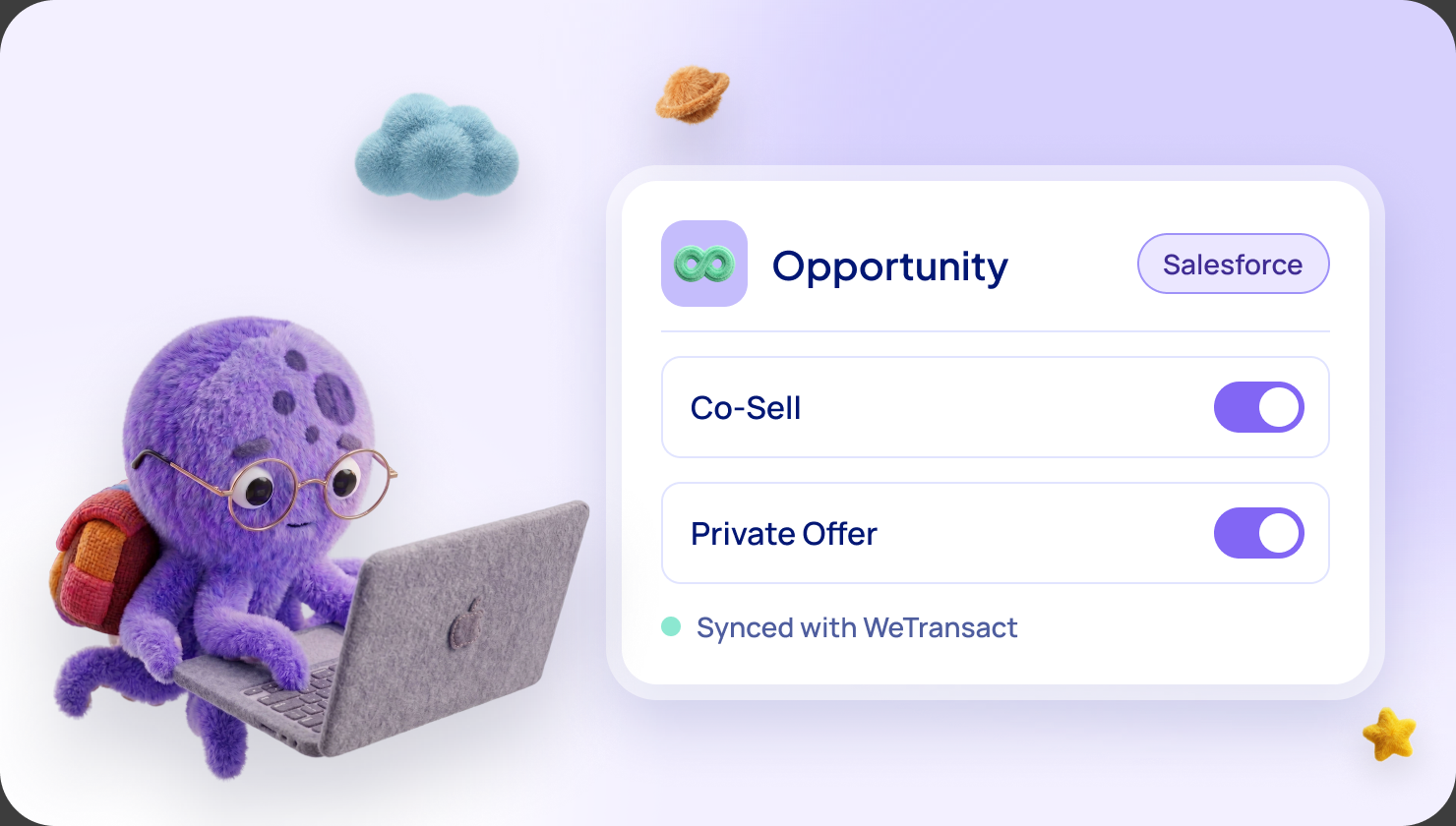
- CRM. In HubSpot or Salesforce, start a private offer or co-sell deal from the deal record, with fields prefilled. Our HubSpot app reads deal data and writes nothing back into HubSpot.
Manage
- Orders. Approve orders in the Orders tab, or switch on auto-approve for all plans or one.
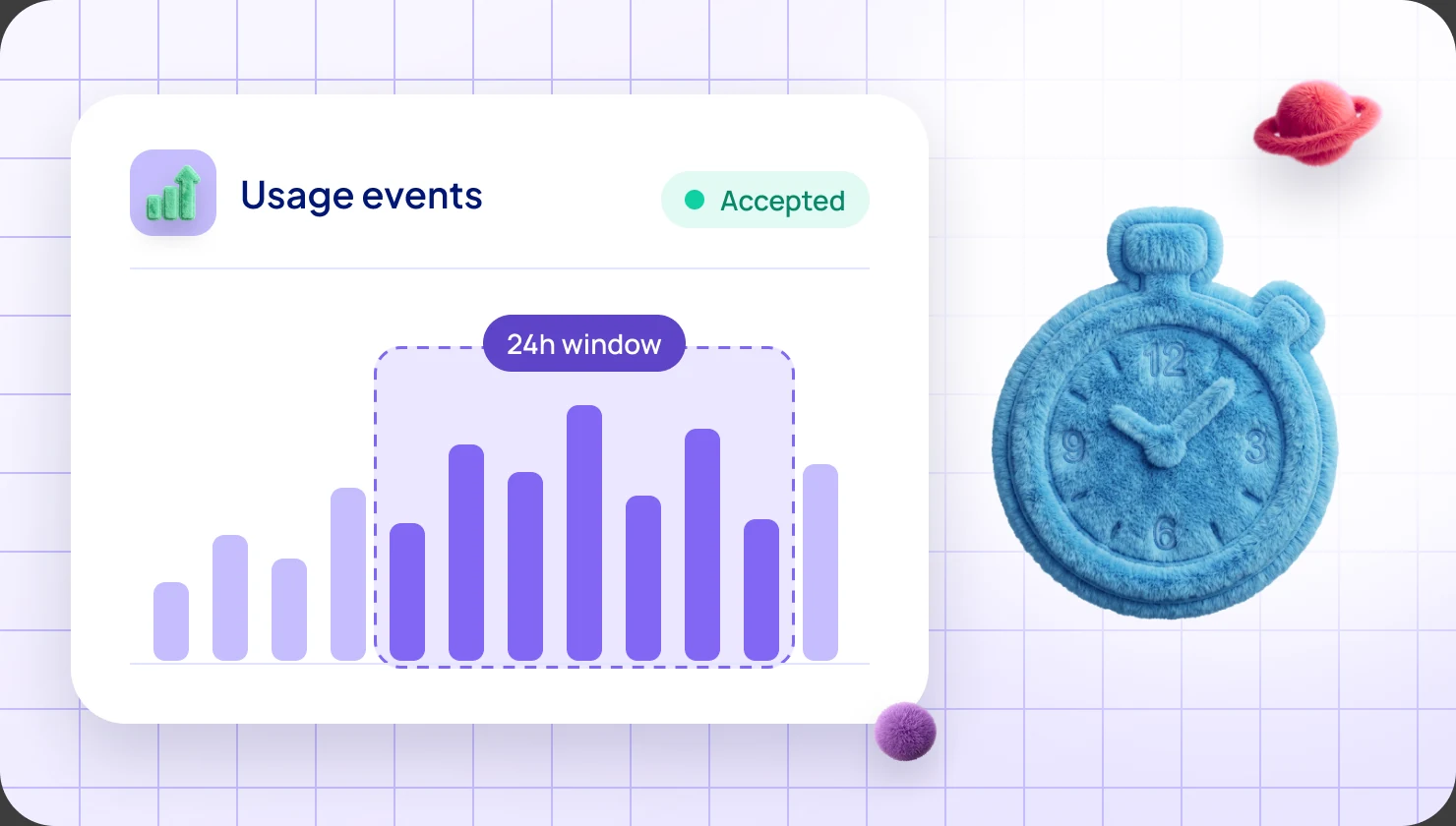
- API and events. Order events (new, cancelled, suspended, renewed, changed) go to your own system, and you can activate orders and report usage by API. Your developers do not build or maintain the fulfillment link, webhooks or order management. We do.
- Finance tab and pipeline. The Finance tab pulls data from Microsoft in real time and shows every order and payout in one place. Our Marketplace pipeline shows leads and deals with the customer's MACC status. It does not copy Partner Center, which stays the system of record.
- Several publisher IDs. Add each region or legal entity with its own credentials, then pick one per listing.
- Team access. Roles for Seller, Finance, Marketing and Manager, with single sign-on.
Co-sell and incentives
- Deal registration tab. Find the Microsoft customer by country and company name, see its MACC and managed status, and create the co-sell deal. It lands in Partner Center, and you need the Referral Admin role.
- Diagram builder. A tool for the architecture diagram that Azure IP co-sell eligibility asks for. That status lets Microsoft's sellers be rewarded for selling your offer.
- Account lists and outreach. Every plan includes a Microsoft managed customer list. TransactCertified adds MACC budgets, Marketplace intent and the Microsoft sellers who own each account. Outreach campaigns send from your own mailbox.
- Incentives. Our guides walk you through enrollment, the tax profile and claims, which you file in Partner Center. On TransactStellar we manage your Microsoft incentives for you.
Which plan
- WeLaunch is self-serve, at €149 per user per month, with a 30-day free trial.
- TransactCertified is guided, at €12,000 per year. A customer success manager sets up Partner Center with you, validates your first private offers and supports your IP co-sell and Certified Software Designation validation (a Microsoft designation for software companies).
- TransactStellar is fully managed, at €50,000 per year. We manage your incentives and those validations, and run your co-sell campaigns end to end.
All plans include unlimited transactions and offers, with no per-deal fees.
1 in 10
SaaS offers on Microsoft Marketplace already run on WeTransact
€2B+
Marketplace billed sales through our customers
5 days
to go live
3 sprints · 2h
of hands-on time from your team
What stays in Partner Center
A few one-time setup steps happen in Partner Center, and that is fine.
- Creating the Microsoft work account and the Partner Center account.
- Enrolling in the partner program and the Commercial Marketplace program, which needs Global admin and Owner rights.
- Your legal profile, which Microsoft verifies, and your tax and payout profile.
- Inviting us into your account. A Global admin invites two WeTransact users with the Developer, Business Contributor and Finance Contributor roles.
- Your offer, which goes into your Partner Center account for Microsoft's review.
- Microsoft's decisions on co-sell eligibility and claims, and the invoice and the payout, which come from Microsoft.
After that, most of the work happens in our platform. If you prefer, our team can run the whole setup for you.
Who needs a platform, and who does not
We recommend a platform if several people send private offers, you have more than one publisher ID, your deals live in a CRM, or no developers are free for the fulfillment link.
You may not need one if you sell through Marketplace only now and then, someone knows Partner Center well, and your developers have built the fulfillment link.
Frequently asked questions
What is Microsoft Partner Center?
It is Microsoft's website for partners. Software companies use it to publish offers, see orders and payouts, register co-sell deals and claim incentives.
Does a Partner Center platform replace Partner Center?
No. Our platform works on top of your Partner Center account. You keep the account and your deals, and a few setup steps stay in Partner Center.
Do I need Partner Center to sell on Microsoft Marketplace?
Yes. Your offers live in your Partner Center account, and to be transactable you need a payout account and a tax profile there.
Who can do what in Partner Center?
It depends on the role. A Global admin enrolls the company, an Owner manages Marketplace users, a Finance Contributor handles bank and tax details, and a Referrals admin handles co-sell deals.
How long does Partner Center verification take?
Microsoft says three to five business days in most cases. We recommend matching names and addresses to your official documents exactly, so it does not repeat.
Who takes a fee?
Microsoft keeps a 3% store service fee on transactable sales. We charge no per-deal fee, only the price of your plan.
Sources: Microsoft Learn, "What is Partner Center?", "Overview of Microsoft Marketplace", "Roles, permissions, and workspace access for users", "Understand the verification process in Partner Center", "Microsoft Marketplace transact capabilities", "ISV-to-customer private offers" (ISV is Microsoft's word for software company), "Payout schedules and processes", "Managing the SaaS subscription life cycle", "Co-sell requirements" and "Manage co-sell opportunities". Microsoft may change its programs at any time.
Want the full picture?
Everything here is also in our complete guide to Microsoft FY27 Marketplace incentives, with plain-words notes for newcomers. Get the complete FY27 guide
Not sure which incentive fits your company?
Ask for your free Microsoft Incentives Assessment: a personalized report of every incentive your company can claim, what each is worth, and the order to claim them. Free, no obligation. No Partner Center login needed to start. Ask for your free Assessment