


How customers buy on Microsoft Marketplace: Azure subscription, invoices and MACC
Updated 10 Nov 2026
The short answer. Your customer buys your software the way it already buys from Microsoft, with no new supplier to set up. It finds your offer in the store or the Azure portal and pays by card or on its Microsoft invoice. With a MACC, an eligible purchase in the Azure portal counts toward it. At WeTransact, we recommend sending your buyer the checklist below.
In plain words. A MACC is a customer's promise to Microsoft to spend a set amount on Azure over a set period. An Azure subscription is the Azure account used to bill the purchase. Microsoft Entra ID is Microsoft's work sign-in.
Get the complete guide to Microsoft FY27 Marketplace Incentives
Every Microsoft incentive for software companies: what it pays, who qualifies and how to claim it.
Download the e-book →
Does this apply to you?
Probably yes, if you sell to businesses and want to know what your customer actually goes through, and why a procurement team may say yes. For the store itself, read our guide to what Microsoft Marketplace is and how it works.
Not yet, if you want the seller's steps. That is in our guide to selling on Microsoft Marketplace.
Be careful, if your customer buys through a reseller. A CSP (Cloud Solution Provider) is a Microsoft reseller. Microsoft says the reseller sets the customer's price and bills outside Marketplace. CSP private offers do not count toward the customer's MACC.
How do customers buy on Microsoft Marketplace?
Where customers find your offer
- The store, at marketplace.microsoft.com. Microsoft Learn says anyone can browse without signing in.
- Marketplace inside the Azure portal. Microsoft says IT teams use "Create a resource" to find and deploy Azure-ready solutions. The full catalog, including SaaS, business apps and AI agents, is on marketplace.microsoft.com.
- Inside Microsoft products, such as Microsoft 365, Teams, Dynamics 365 and Power BI.
What a customer needs
Microsoft's publisher FAQ says buyers need a Microsoft Entra ID account. Offers billed to an Azure subscription also need an active Azure subscription. If either is missing, the buyer is prompted to create it.
The person buying needs the Owner or Contributor role on that subscription. For card payments, Microsoft says the card needs a billing address in the same country or region as the customer's Entra directory.
Microsoft says a purchase can be blocked by Azure Policy, cost settings or purchase controls on the billing account, where a customer manages invoices and payment methods.
Three ways to pay
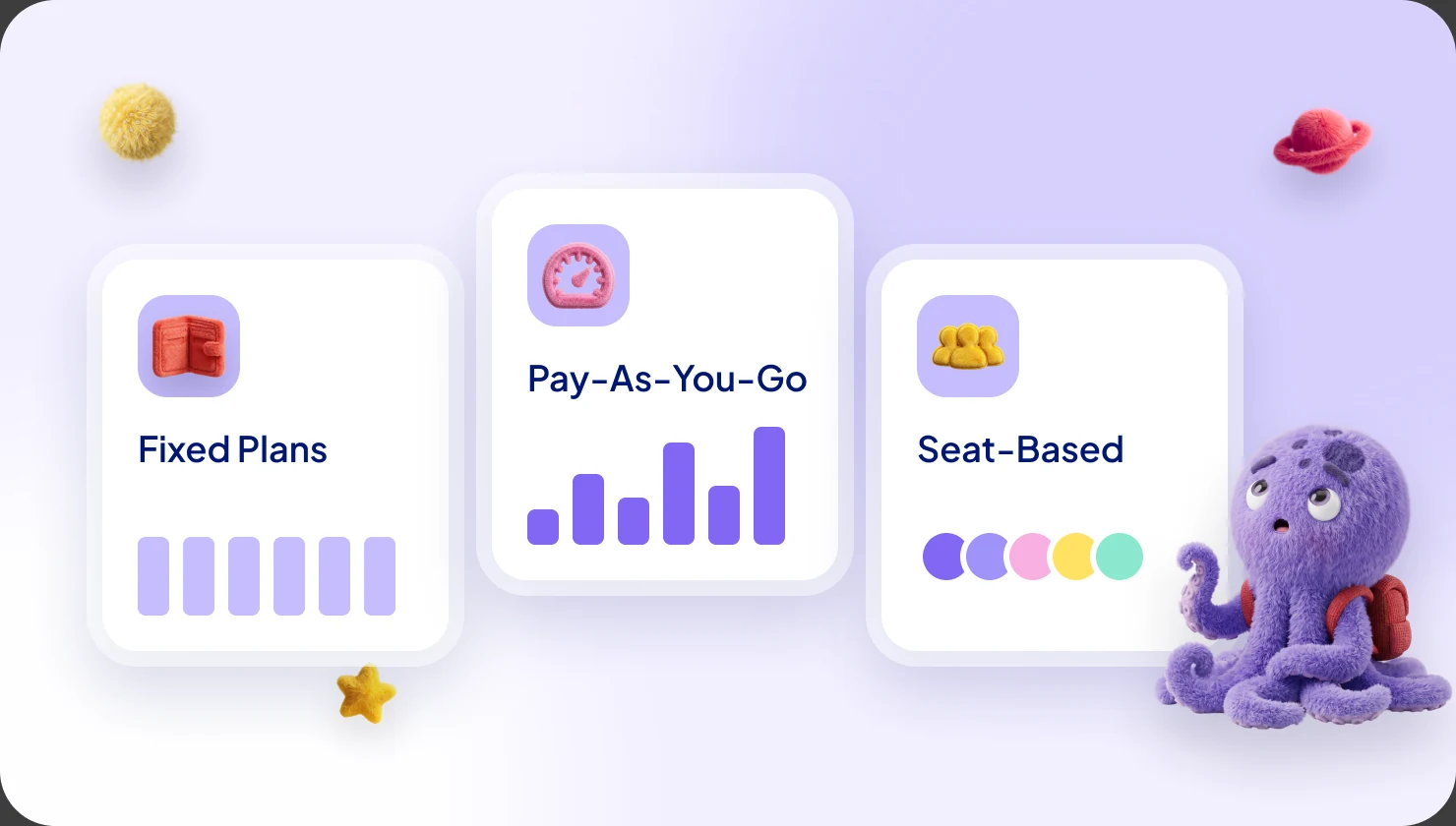
- Credit card. In the store, the buyer picks a billing country the first time, and Microsoft says it cannot be changed later.
- Invoice. For offers billed through an Azure subscription, Microsoft says the charge is added to the customer's Azure bill and paid by the payment method on that subscription.
- One-click purchase of a private offer. Microsoft says eligible private offers use it for customers on an Enterprise Agreement (EA), a Microsoft Customer Agreement (MCA) or Legacy Web Direct (pay-as-you-go).
Microsoft says prepaid or sponsored Azure spend cannot buy partner software on Marketplace.
What the customer receives
Microsoft's customer page says Marketplace purchases come on a single, consolidated monthly bill from Microsoft with Azure charges. For an EA customer, Azure usage comes first, then Marketplace charges. Card customers get one invoice billed to the card.
One caveat. A Microsoft billing page says customers without an MCA or a Microsoft Partner Agreement get two invoices, one for Azure and one for Marketplace. Tell your customer to check its billing account type before promising "one invoice".
Who invoices the end customer?
Microsoft does. Microsoft Learn says Marketplace works on an agency model. The customer signs its agreement with Microsoft, and Microsoft handles billing, collection, tax payment in applicable regions and payout. You set the price and terms and support your software. Microsoft supports the purchase, billing and subscription management.
To see what this costs you, read what Microsoft Marketplace costs.
What does a private offer look like to the buyer?
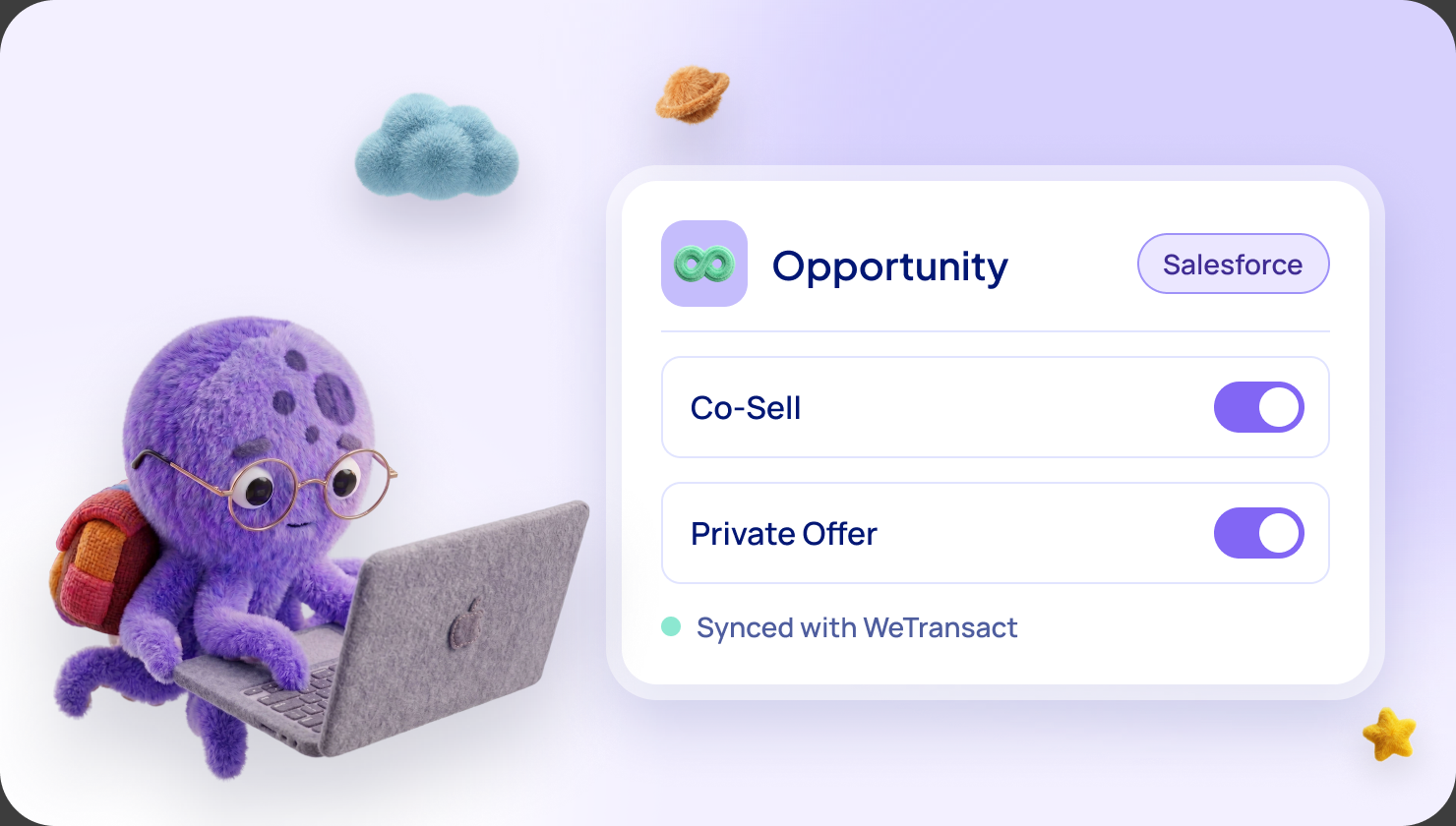
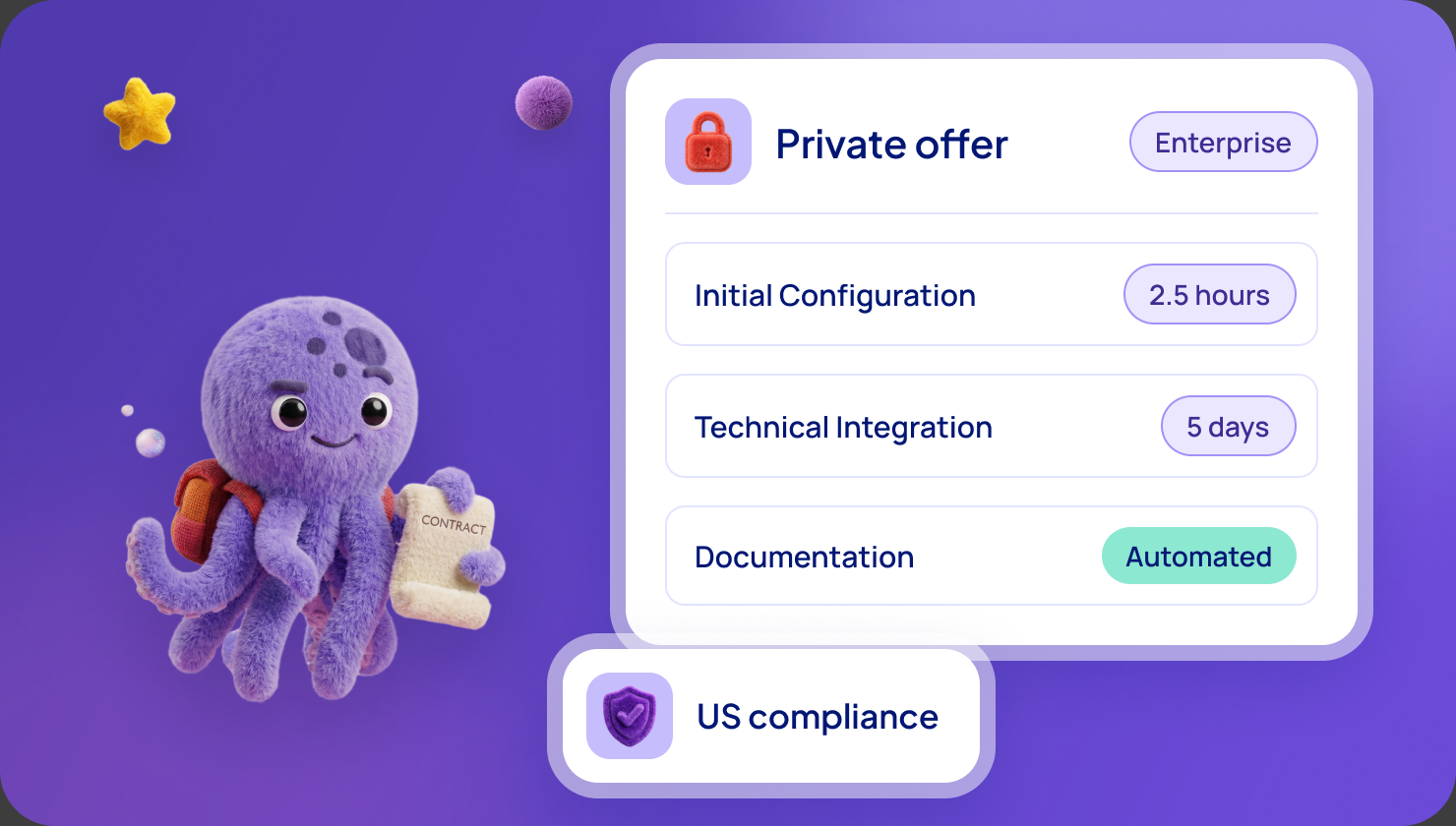
A private offer is a deal with custom price and terms for one customer. See our guide to private offers and how to manage them for enterprise customers.
Microsoft's private-offer pages set these rules:
- Who sees it. You create it for the customer's billing account ID, so it is not public. The store does not display private offers. Authorized people find it through Private Offer Management in the Azure portal or through the link you send. The customer can find its ID in Cost Management + Billing.
- Who accepts it. On an MCA, a billing account owner or contributor. On an EA, an Enterprise Administrator. The subscription owner or contributor completes the purchase.
- What they review. The legal entity name, plans, price, custom terms, the dates the price applies and the expiry date. The offer must be accepted before it expires.
- One click or two steps. With one-click purchase, the buyer reviews products, price, terms and start dates, then completes one purchase before the deadline. Up to 10 products fit in one offer. Otherwise the buyer accepts first, then purchases each product.
- Timing. A private offer is generally available within 15 minutes. After acceptance, it can take 15 to 60 minutes before the buyer can purchase.
- Expiry. The end date only limits when the offer can be bought. A one-year subscription bought on the last valid day keeps its price for the full year.
How can a purchase count toward the customer's MACC?
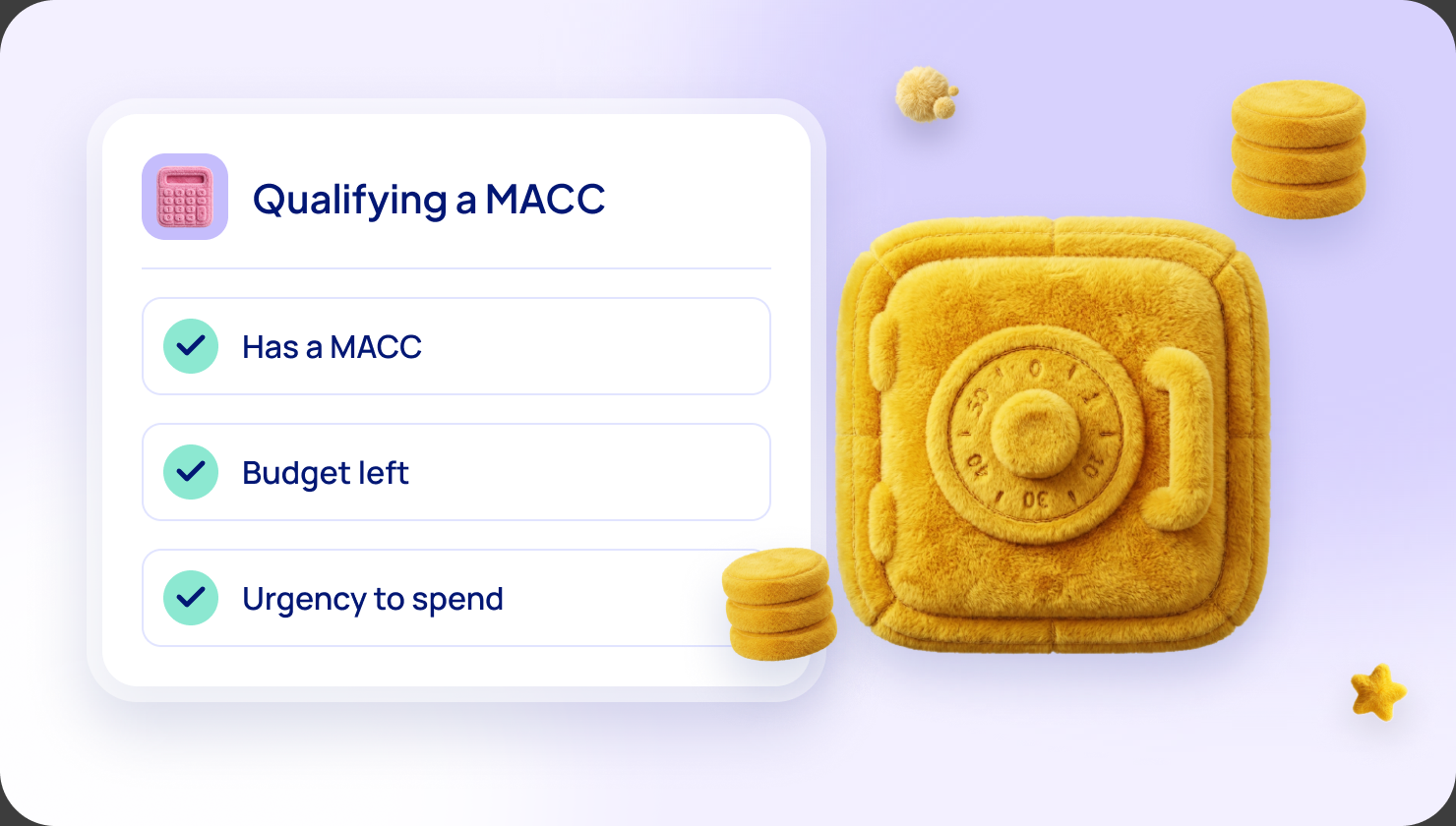
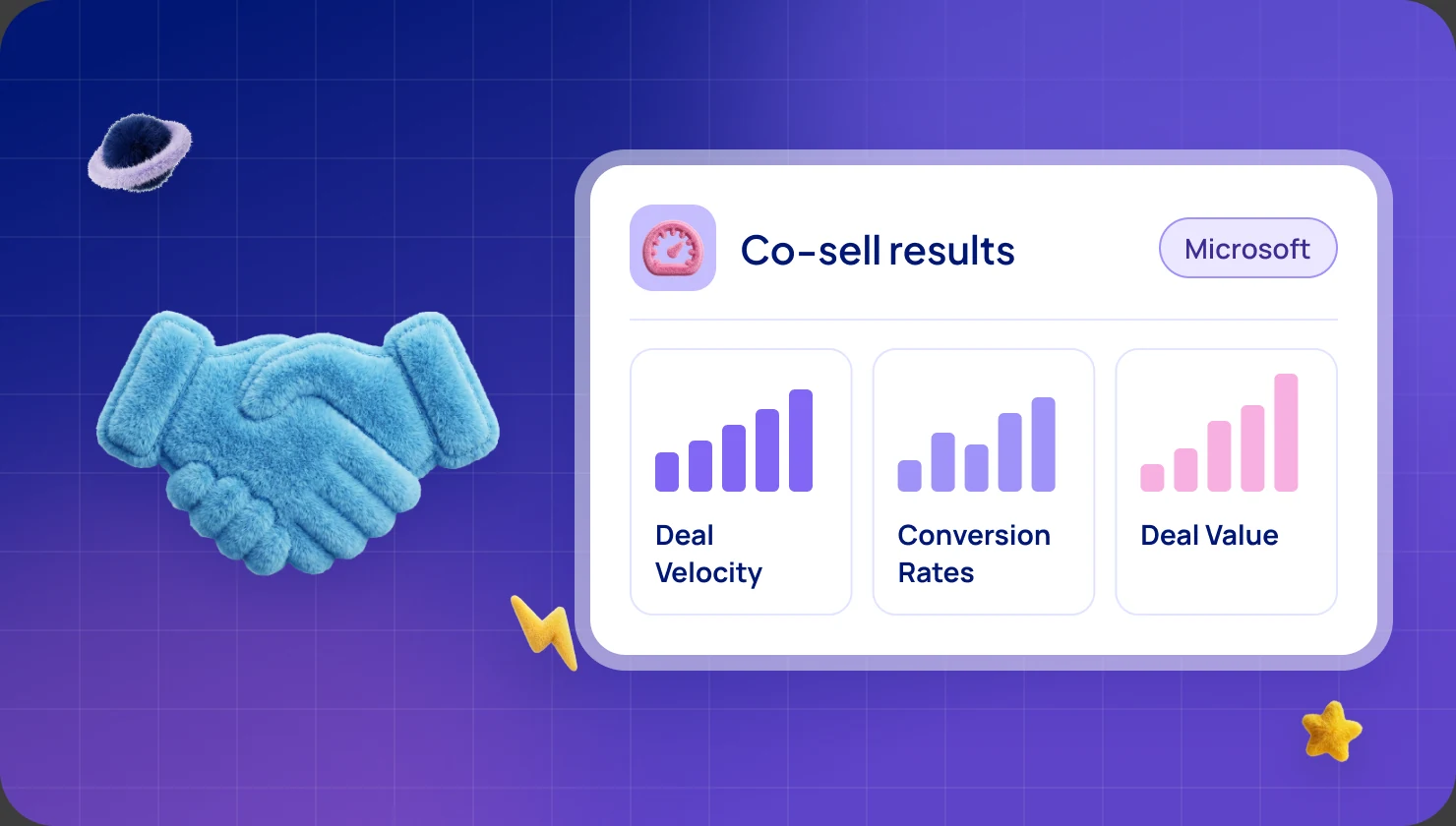
Microsoft Learn says a MACC is a contract where a customer commits to spend an amount on Azure over a set period. Eligible Marketplace purchases count toward it. Our MACC guide covers the seller side. These are the buyer-side conditions.
All of these must be true:
- The offer is Azure benefit eligible at the time of purchase. The customer looks for the badge, or uses the Azure benefit eligible filter in the Azure portal.
- The customer buys in the Azure portal, on an Azure subscription tied to its agreement. A direct credit card checkout on marketplace.microsoft.com does not count. In the store, the customer must click "Get it in Azure portal".
- The purchase falls inside an active MACC term.
Then 100% of the pre-tax amount counts toward the commitment, applied when Microsoft issues the invoice.
Also, from Microsoft's MACC FAQ:
- Not retroactive. Purchases made before the offer became eligible do not count. Later billing periods do. Spend before the MACC start date does not count either, but renewals after it do.
- The last month is tight. Only what is transacted in the last month and invoiced the next month counts. Future installments do not count. For SaaS, the subscription must be activated before the MACC ends.
- Refunds restore the amount taken off the commitment.
- Not eligible: Azure prepayment, hybrid or on-premises licenses, and CSP private offers.
- Older agreements. Microsoft says some Azure agreements signed before this benefit may have exclusions. The customer should ask its Microsoft account executive.
Two Microsoft pages use different words. One says "exclusively" used in Azure. The other says "primarily" hosted in Azure. We say "mainly in Azure" and suggest asking Microsoft if your product is hybrid.
Seller side: Microsoft says an offer needs Azure IP co-sell eligibility. See how to reach $100,000 of billed sales, one of Microsoft Learn's routes to it.
What will a customer's procurement team ask?
We found no Microsoft page that lists the questions procurement teams ask. Here is what Microsoft's customer pages tell buyers to settle before a purchase:
- Who may accept and buy. The roles above, set up so IT does not buy unapproved software by accident.
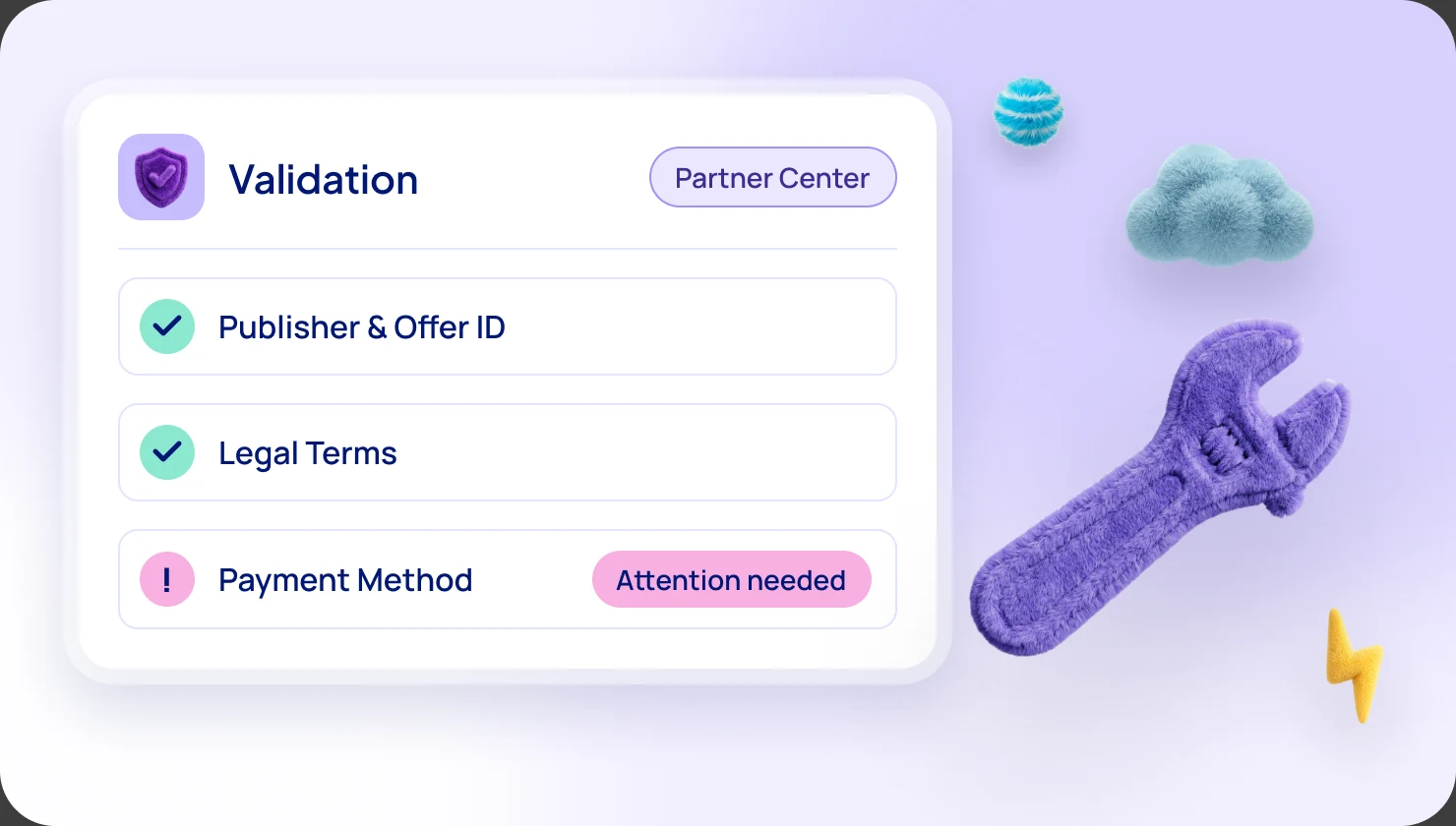
- Is the billing account ready? Marketplace purchases must be enabled on it, with a valid payment method, and no purchase control blocking them.
- Is the offer approved? If the customer runs a private Marketplace, an admin approves which partner offers users can buy. A buyer can request one.
- Legal terms. If the vendor uses Microsoft's Standard Contract, Microsoft says customers can review it once, get legal and buying approval, then focus on amendments for each offer.
- Sign-in consent. SaaS setup can need Microsoft Entra permission to sign in to the vendor's site.
- Cost tracking. Microsoft suggests choosing the subscription and tags in advance.
What to tell your customer
We recommend sharing these three checklists in plain words. Paste them into an email to your buyer. "We" and "us" below mean your company.
Before purchase
- Ask who in your company has billing account and subscription roles, and bring them in early.
- Check the billing account type: EA, MCA or pay-as-you-go.
- Ask whether you have a MACC, and when it ends.
- Look for the Azure benefit eligible badge on the offer.
- Check that Azure Policy and purchase controls do not block it.
- For a private offer, send us your billing account ID and the name of the person who accepts.
At purchase
- Open the offer in the Azure portal, or click "Get it in Azure portal" from the store.
- Pick the subscription tied to your agreement.
- Review price, term and legal terms, and accept before the expiry date.
- Do not use a direct credit card checkout in the store if you want MACC credit.
- If a purchase is still processing, wait for the result instead of buying again.
After purchase
- For SaaS, finish setup on the vendor's site. If the plan does not start automatically, Microsoft says the subscription is deleted if you do not finish within 30 days.
- Find the Marketplace lines on your Microsoft invoice. Microsoft says customers are usually billed monthly, and subscriptions are charged at the start of the term.
- Track MACC progress in the Azure portal.
- For a full refund, Microsoft says to cancel a SaaS subscription within 72 hours of purchase. After that, ask us.
Frequently asked questions
What does my offer need to count toward a customer's MACC?
Microsoft says the offer must be Azure benefit eligible, and Azure IP co-sell eligibility comes first. The customer must also buy in the Azure portal, on a subscription tied to its agreement.
How do customers buy on Microsoft Marketplace?
They find the offer at marketplace.microsoft.com or in Marketplace inside the Azure portal. Then they sign in with a Microsoft Entra ID account and buy with an Azure subscription, by card or on invoice.
How does procurement work on Microsoft Marketplace?
Marketplace uses Azure roles, so only authorized people can accept and buy. For private offers, the billing account owner, contributor or Enterprise Administrator accepts the terms, and the subscription owner or contributor buys.
Does every Microsoft Marketplace purchase count toward the MACC?
No. The offer must be Azure benefit eligible, bought in the Azure portal inside an active MACC term. A direct credit card checkout in the store does not count.
Who invoices the end customer?
Microsoft does, as the software company's agent. The customer pays Microsoft under its existing agreement, and Marketplace charges appear on its Microsoft invoice.
Sources: Microsoft Learn, "Microsoft Marketplace overview", "Purchase in Microsoft Marketplace", "Purchase apps on Microsoft Marketplace", "Purchasing overview", "Roles and permissions", "Procurement recommendations and best practices", "Private offers overview", "Prepare your account for private offers", "Accept the private offer", "Purchase a private offer with single-click purchase", "Azure Consumption Commitment benefit", "MACC frequently asked questions", "Govern and control using private Microsoft Marketplace" (customer documentation); "Microsoft Marketplace FAQ", "ISV-to-customer private offers" (ISV is Microsoft's word for software company), "Microsoft Marketplace transact capabilities", "Configure CSP private offers" and "Azure Consumption Commitment enrollment" (publisher documentation); "Understand your Azure external service charges" (Microsoft Cost Management). All read in November 2026. Microsoft may change its programs at any time.
Want the full picture?
Everything here is also in our complete guide to Microsoft FY27 Marketplace incentives, with plain-words notes for newcomers. Get the complete FY27 guide
Not sure which incentive fits your company?
Ask for your free Microsoft Incentives Assessment: a personalized report of every incentive your company can claim, what each is worth, and the order to claim them. Free, no obligation. No Partner Center login needed to start. Ask for your free Assessment